MCP server · Security
Secure by Design MCP server
by ankush1982
Your AI can run read-only security and privacy checks on your codebase and explain the findings.
This is a helper that lets your AI assistant look for security and privacy problems in your code. It checks for things like hardcoded passwords, personal data, and missing safety steps. It is handy for developers or anyone who wants a second pair of eyes on their project without learning a new tool.
What is an MCP server? The 30-second version
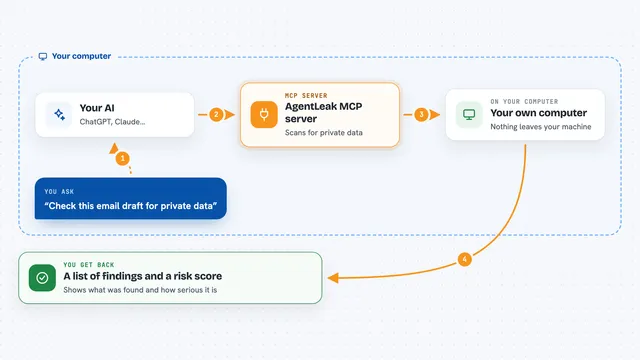
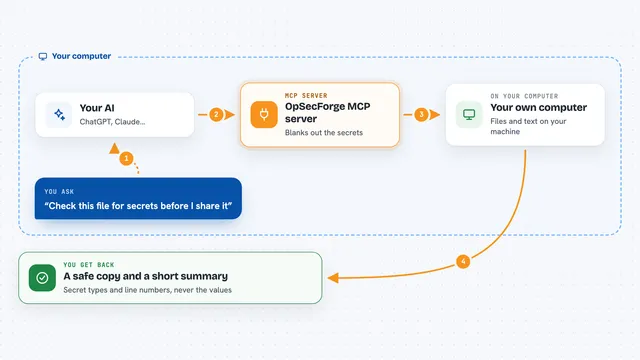
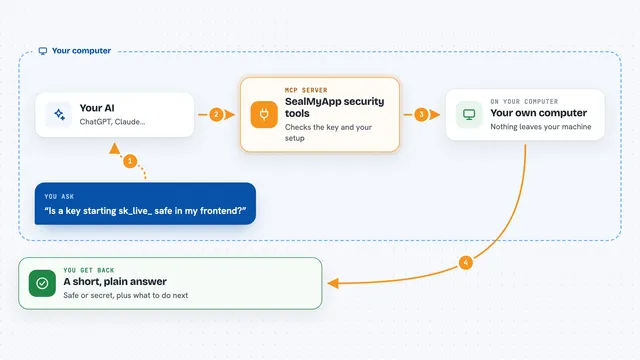
On its own, your AI can only chat. An MCP server is a small helper program that gives your AI a new skill or a connection to an app or service. Here, it connects your AI to a set of security checks that run on your own computer. So when you ask your AI to check your code, it uses this helper to run the checks and then tells you what it found.
What this MCP server does
You ask your AI to check your project for security or privacy issues. The AI uses this helper to run the checks on your files. The helper looks for things like secret keys, personal data, and missing safety steps. It then gives the AI a list of findings, each with a rule number, a severity, and where it was found. The AI explains the findings to you and can suggest fixes.
What you can do with it
- Check your code for hardcoded secrets like API keys or passwords
- Find personal data such as email addresses or ID numbers in your files
- See if your project is missing required safety steps like consent forms or audit logs
- Review a proposed change (diff) for security issues before you commit
- List the security controls from standards like NIST or ISO
- Explain what a specific control means
- Plan what safety files your project needs
Try asking your AI
- “Check my project for any hardcoded secrets or personal data”
- “Review the changes I'm about to commit for security problems”
- “What safety steps am I missing for handling personal data?”
- “Explain the control about audit logging”
What it gives back to you
You get a list of findings in the chat. Each finding has a rule number, a severity level (like critical or high), and the file and line where the problem is. The AI may also suggest how to fix it. If there are no problems, it will tell you that too.
Before you start
What you need
- Node.js 20 or newer installed on your computer
- The path to your project folder
- A privacy-security-manifest.yaml file in your project (you can create one with the tool's setup command)
Good to know
This tool only reads your code and reports findings; it does not change anything. But it reads your source files, so only connect it to projects you trust.
Install it with your AI
Add Secure by Design MCP server to your AI, no technical skills needed
You don't install anything by hand. You copy one prompt, paste it into an AI that can work on your computer, and it checks, installs and connects the server for you, asking you when it needs something.
Sign in to get the install prompt
Members get a ready-made prompt that lets the Claude desktop app check Secure by Design MCP server, install it and connect it for them, step by step. You don't need any technical skills: you copy, paste and answer a few questions. Your connected AI can also find and install any of the 4,960 MCP servers here for you.
Who it's for
Developers, security reviewers, and anyone who wants to check their code for security and privacy issues without being a security expert.