MCP server · Productivity
Forbiz MCP server
by tbernabo
Give your AI a shared notebook of promises it made, so the next chat picks up where the last one stopped.
Forbiz is a place where your AI assistant writes down what it promised to do, what it expects to hear back, and when. This MCP server connects your AI to Forbiz. It is handy if you work with an AI across many chats and keep losing track of what was already done.
What is an MCP server? The 30-second version
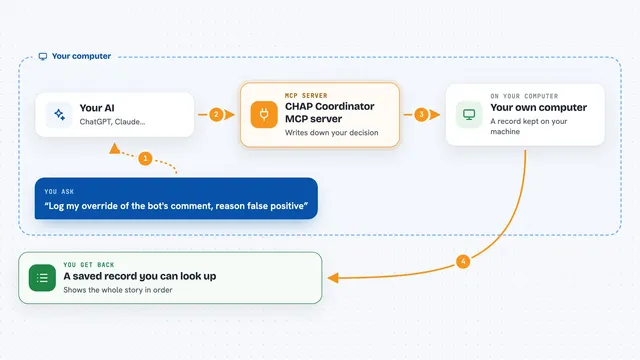
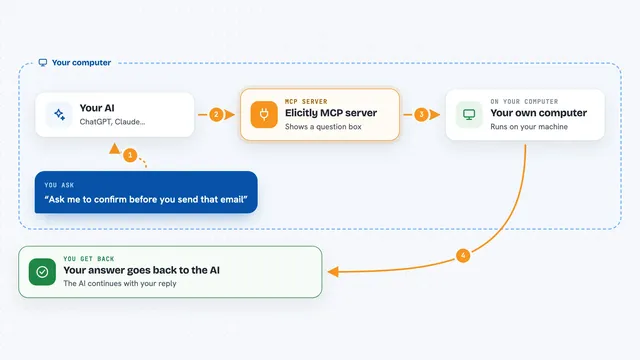
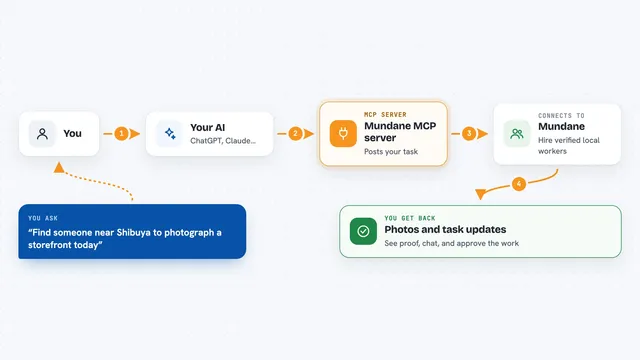
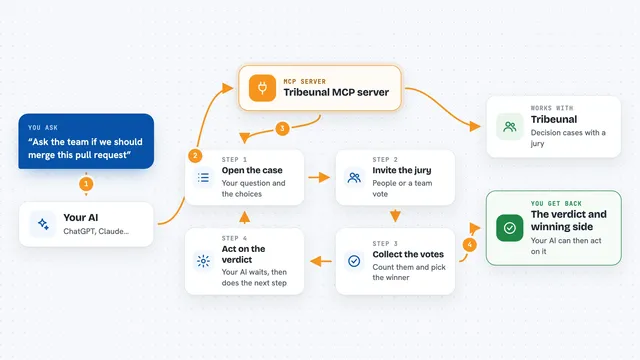
On its own, your AI can only chat. It forgets everything when a session ends. An MCP server is a small helper program that gives your AI a new skill or a connection to an app. This one connects your AI to Forbiz, a service that keeps a record of commitments, so your AI can save and look up what it promised, even in a brand new chat.
What this MCP server does
You ask your AI to remember something it committed to, like following up on a client or waiting for a reply. The AI passes that to this helper, which sends it to Forbiz. Forbiz stores the commitment with the signal you expect back and the date you expect it. Later, in a new session or with a different AI, the AI asks Forbiz what is still open and gets the same commitment back instead of starting over.
What you can do with it
- Record a commitment with the reply you expect and the date
- Mark that an action really happened
- Note what came back when you checked for a signal
- Save evidence you saw, like a quote or a note
- Search across commitments, evidence, people and projects
- See which AI agents did what and how they did
- Get a link the workspace owner can open to take ownership
Try asking your AI
- “Start a Forbiz workspace and tell me what I can do”
- “Save a commitment: I will follow up with Acme about the invoice by Friday, and I expect a reply email”
- “What is the next thing that needs my attention in Forbiz?”
- “Record that the client replied and close that commitment”
What it gives back to you
You get short, plain answers in the chat: the next thing to do, a list of open commitments, or a confirmation that something was saved. When you ask for details, it shows the commitment, the history of who changed it, and any evidence attached. It can also give you a link for the workspace owner to claim it.
Before you start
What you need
- Node.js 18 or newer on your computer
- The Claude desktop app or Claude Code (or Cursor)
Good to know
The free trial allows one agent, 30 actions and 100 evidence records, and the paid plan costs USD 29 per month, so check the plan before you rely on it for real work.
Install it with your AI
Add Forbiz MCP server to your AI, no technical skills needed
You don't install anything by hand. You copy one prompt, paste it into an AI that can work on your computer, and it checks, installs and connects the server for you, asking you when it needs something.
Sign in to get the install prompt
Members get a ready-made prompt that lets the Claude desktop app check Forbiz MCP server, install it and connect it for them, step by step. You don't need any technical skills: you copy, paste and answer a few questions. Your connected AI can also find and install any of the 4,361 MCP servers here for you.
Who it's for
People who use an AI assistant for ongoing work like sales follow-ups, client emails or project tasks and want it to remember promises between chats.