MCP server · Research
UCSC Genome Browser MCP server
by hlydecker
Lets your AI look up genomes, chromosomes, DNA sequences and gene data from the UCSC Genome Browser.

This is a small helper that connects your AI assistant to the UCSC Genome Browser, a well known public collection of genetic data. Once it is set up, you can ask your AI things about genomes and DNA in normal words, and it will fetch the answers for you. It is handy for students, teachers, and anyone curious about genes who does not want to learn a whole website.
What is an MCP server? The 30-second version
On its own, your AI can only chat with you using what it already knows. An MCP server is a small helper program that gives your AI a new skill or a connection to an outside service. This one connects your AI to the UCSC Genome Browser, so when you ask a question about a genome, the AI can go and look it up there instead of guessing. You just ask in plain words, and the helper does the fetching.
What this MCP server does
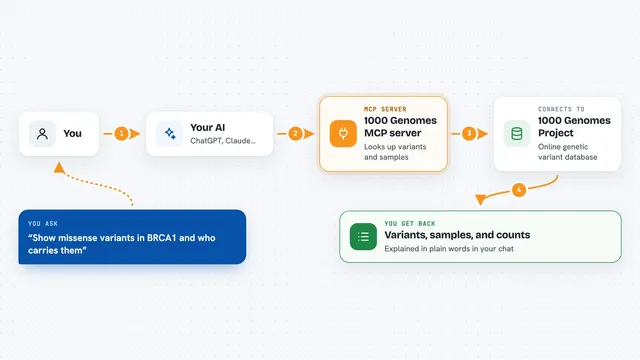
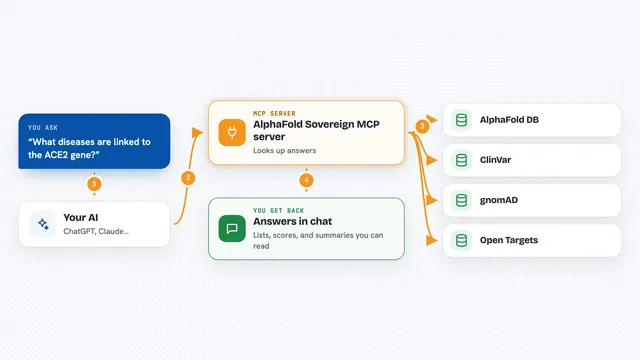
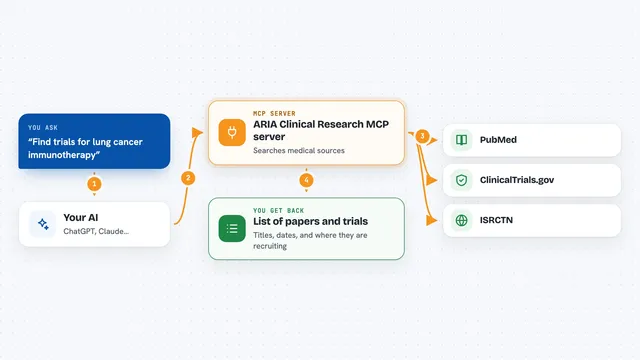
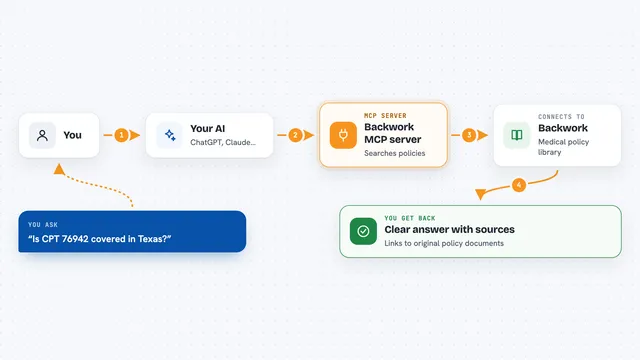
You ask your AI a question, like which chromosomes are in the human genome or what a certain stretch of DNA looks like. The AI passes your request to this helper. The helper then talks to the UCSC Genome Browser over the internet and asks for the data. When the answer comes back, the AI shows it to you in the chat as a list, a sequence, or a short summary. You never have to visit the website or type any special codes yourself.
 Click to zoom
What you can do with it
- Search for genomes by name, like dog or white rhino
- List the chromosomes in a genome
- Pull a DNA sequence for a chromosome or a specific region
- List the data tracks available for a genome
- Get gene or variant data for a region of a chromosome
- Search inside a genome for a gene name like BRCA1
- List downloadable files for a genome
Try asking your AI
- “Find genomes that match the word dog”
- “List the chromosomes in the human genome hg38”
- “Get the DNA sequence for the mitochondrial chromosome chrM in hg38”
- “Search for BRCA1 in the human genome hg38”
What it gives back to you
You get back plain answers in the chat: lists of genome names, chromosome names, track names, DNA letter sequences, or rows of gene and variant data for a region. The AI usually shows them as a short list or a small table. For long results, it may summarise the important parts. Nothing is changed on the UCSC side; it is read only.
Before you start
What you need
- Python 3.10 or newer installed on your computer
- The pip tool for installing Python packages
- The Claude desktop app (or another AI app that supports MCP servers)
Good to know
The UCSC API asks that you send no more than one request per second, so avoid asking your AI to fetch lots of data all at once or your access may be restricted.
Install it with your AI
Add UCSC Genome Browser MCP server to your AI, no technical skills needed
You don't install anything by hand. You copy one prompt, paste it into an AI that can work on your computer, and it checks, installs and connects the server for you, asking you when it needs something.
Sign in to get the install prompt
Members get a ready-made prompt that lets the Claude desktop app check UCSC Genome Browser MCP server, install it and connect it for them, step by step. You don't need any technical skills: you copy, paste and answer a few questions. Your connected AI can also find and install any of the 4,609 MCP servers here for you.
Who it's for
Students, teachers, and life science researchers who want quick answers about genomes without learning the UCSC website.