MCP server · Analytics
DataSentry MCP server
Let your AI scan your data files for quality problems, show the evidence, and repair a copy safely.
DataSentry is a free tool that looks through your data files and points out things that look wrong, like missing values, duplicate rows, or odd numbers. It also keeps a copy of your file and fixes problems there, so your original stays untouched. This page is about the part that lets your AI assistant use DataSentry for you.
What is an MCP server? The 30-second version
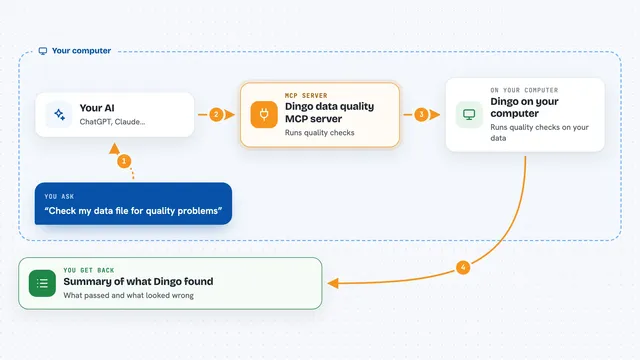
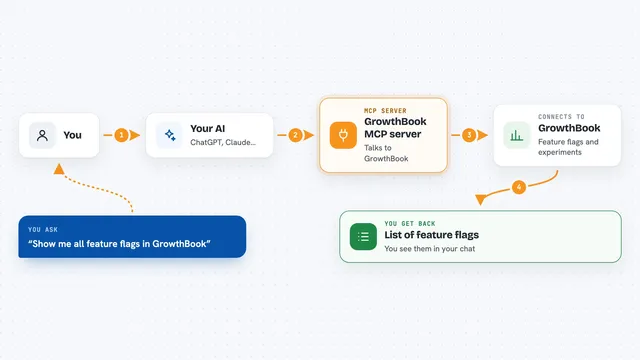
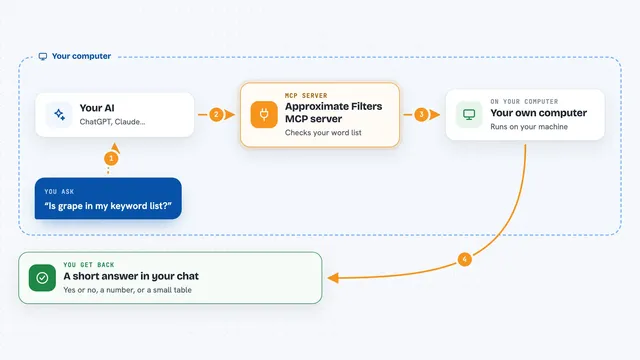
On its own, your AI can only chat. An MCP server is a small helper program that gives your AI a new skill or a connection to another tool. This one connects your AI to DataSentry, so when you ask about your data, the AI can actually run a scan, look at the findings, and explain them back to you. You still approve anything that changes a file.
What this MCP server does
You tell your AI something like 'check my orders file for problems'. The AI passes that request to DataSentry through this helper. DataSentry reads the file, runs its checks, and builds a list of issues with samples and counts as proof. The AI then tells you what it found, how serious it is, and what a safe fix would look like. If you say yes, DataSentry applies the fix to a copy and re-checks it.
What you can do with it
- Scan a data file and list quality problems
- Show the evidence behind each issue, like samples and counts
- Give you a quality score across six areas
- Compare today's data with an earlier scan to spot drift
- Propose a repair and show you a preview first
- Apply a repair to a copy and verify the result
- Undo a repair if something looks wrong
Try asking your AI
- “Scan my orders.csv file and tell me the worst problems”
- “Show me the high severity issues from the last scan”
- “What is the quality score for my customers table”
- “Propose a fix for the duplicate email issue and show me a preview”
What it gives back to you
You get a list of issues in plain language, each with a severity, a short explanation, and evidence like example rows and how many rows are affected. You also get a quality score broken into six areas such as completeness and validity. If you asked for a repair, you get a preview of the change and, after applying, a fresh scan showing whether the problem is gone.
Before you start
What you need
- Python installed on your computer
- DataSentry installed with pip install datasentry-ai
- An MCP-capable app like Claude Desktop or VS Code
- A data file to scan, such as a CSV
Good to know
Repairs change data, so always look at the preview before you approve, and remember that DataSentry writes to a copy, not your original file.
Install it with your AI
Add DataSentry MCP server to your AI, no technical skills needed
You don't install anything by hand. You copy one prompt, paste it into an AI that can work on your computer, and it checks, installs and connects the server for you, asking you when it needs something.
Sign in to get the install prompt
Members get a ready-made prompt that lets the Claude desktop app check DataSentry MCP server, install it and connect it for them, step by step. You don't need any technical skills: you copy, paste and answer a few questions. Your connected AI can also find and install any of the 4,960 MCP servers here for you.
Who it's for
Anyone who works with spreadsheets or data files and wants a second pair of eyes before trusting the numbers, especially analysts and data engineers.