MCP server · Research
US Government Open Data MCP server
by malonestar
Ask your AI about US government data on land, flood risk, banks, licenses and more, and get answers from official sources.

This is a helper that connects your AI assistant to official US government open data. It covers things like environmental records, flood risk, airspace rules, bank health and professional licenses. It is handy if you do research on properties, sites, businesses or people and want answers pulled straight from government sources instead of guessing.
What is an MCP server? The 30-second version
On its own, your AI can only chat with you using what it already learned. An MCP server is a small helper program that gives your AI a new skill or a connection to an outside service. This one connects your AI to US government open data from agencies like EPA, FEMA, USGS, NOAA, FAA and many others. So when you ask a question about a place or a company, your AI can actually go look it up for you.
What this MCP server does
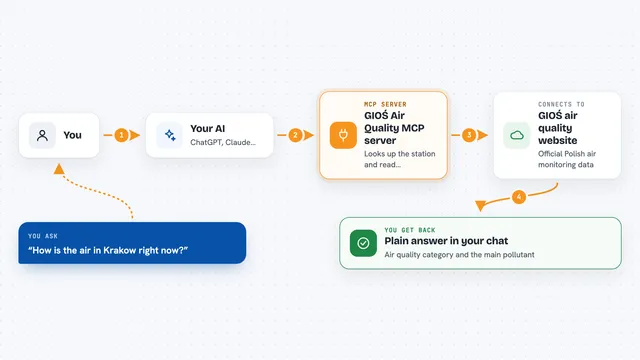
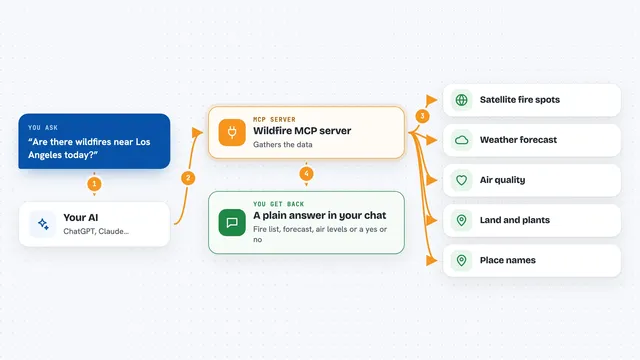
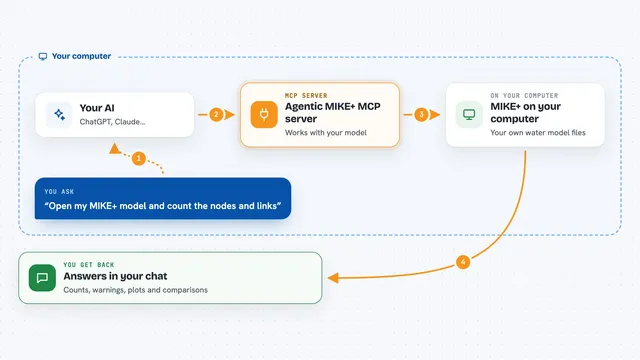
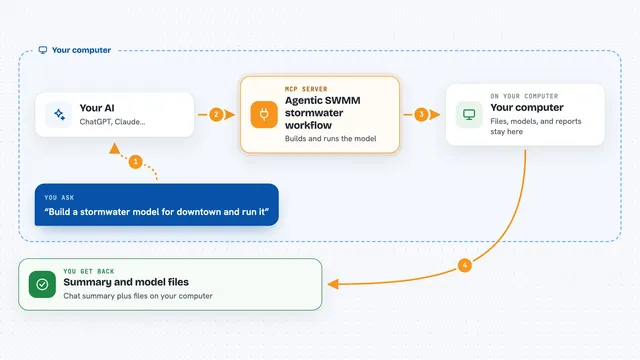
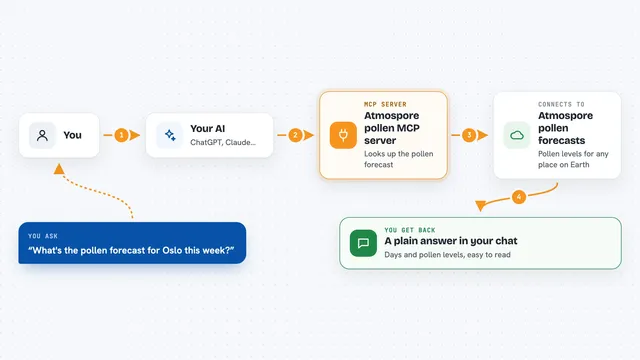
You ask your AI a question in plain words, like whether a property has environmental issues or whether a bank looks healthy. Your AI picks the right tool from this server, and the server runs it against the official government source. The server waits for the result and hands the rows back to your AI. Your AI then explains what it found in the chat, in normal language. Every result also carries a reference link so you can trace where the answer came from.
 Click to zoom
What you can do with it
- Check a property address for environmental contamination records
- Look up flood risk and natural hazard data for a county
- Verify whether a professional license is active
- Find the owner of record for a parcel of land
- Check airspace rules before flying a drone
- See whether a bank or credit union looks financially healthy
- Search all 122 government data tools by keyword
Try asking your AI
- “Screen 1200 Broadway, Denver CO for environmental risk and tell me what falls inside the standard search distance”
- “What is the flood risk for this county and are there any wetlands nearby”
- “Can I fly a drone at these six coordinates, and which ones need extra authorization”
- “Who is the owner of record for this address, and is their contractor license still active”
What it gives back to you
You get back a written answer in the chat, usually with a list or a short summary of what the government source shows. For example, a property screen might come back as a go, caution or no-go verdict with the reasons listed. You also get a reference link to the exact run that produced the answer, so you can check it yourself. If a source could not be reached, it tells you that clearly instead of pretending nothing was found.
Before you start
What you need
- A free Apify account and API token (a kind of password for apps; you get one from the Apify website)
- Node.js installed on your computer so the npx command can run
- An AI app that supports MCP servers, like Claude Desktop, Claude Code or Cursor
Good to know
Some tools can cost money per result on your Apify account, so check the price before running large batches.
Install it with your AI
Add US Government Open Data MCP server to your AI, no technical skills needed
You don't install anything by hand. You copy one prompt, paste it into an AI that can work on your computer, and it checks, installs and connects the server for you, asking you when it needs something.
Sign in to get the install prompt
Members get a ready-made prompt that lets the Claude desktop app check US Government Open Data MCP server, install it and connect it for them, step by step. You don't need any technical skills: you copy, paste and answer a few questions. Your connected AI can also find and install any of the 4,361 MCP servers here for you.
Who it's for
People who research properties, sites, businesses or licenses for a living, such as real estate analysts, environmental consultants, compliance staff and due diligence teams.