MCP server · Research
Tech Trend MCP server
by salwks
Your AI can gather fresh research papers, trending code, and FDA device news, then write you a short newspaper-style briefing.
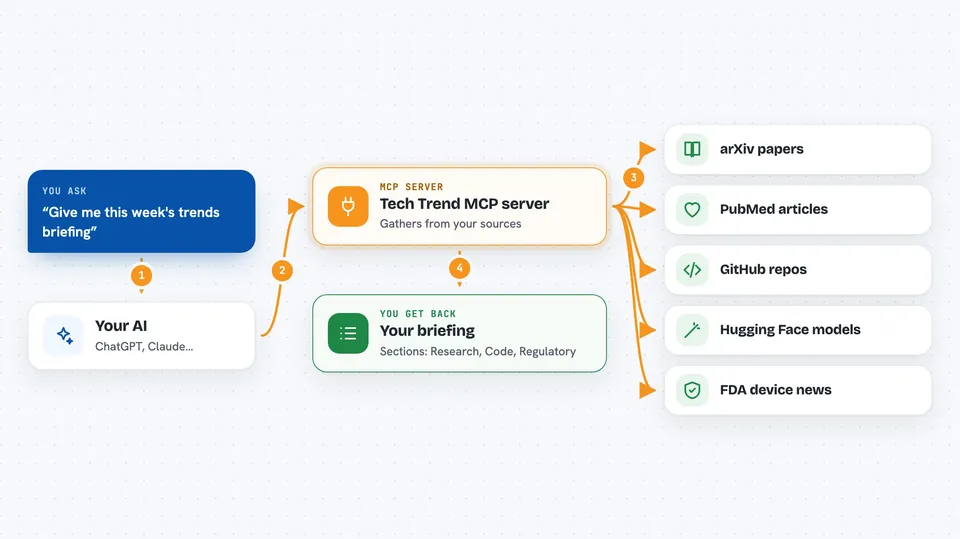
This is a small helper that lets your AI collect trend news from seven places at once: arXiv papers, PubMed articles, Hugging Face daily papers, GitHub, Hugging Face models, and FDA device clearances and recalls. It is handy if you follow a field and want a quick weekly roundup without opening seven websites. You ask in plain words, and you get back a short briefing written like a newspaper page.
What is an MCP server? The 30-second version
On its own, your AI can only chat with you using what it already knows. An MCP server is a small helper program that gives your AI a new skill or a connection to an outside service. This one connects your AI to research and trend sources like arXiv, PubMed, GitHub, Hugging Face and openFDA. Once it is set up, your AI can go look things up there and bring answers back to your chat.
What this MCP server does
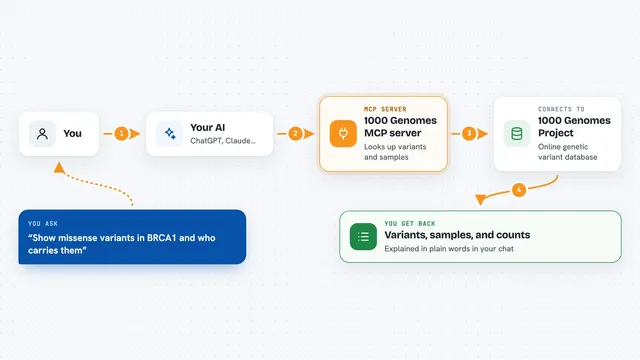
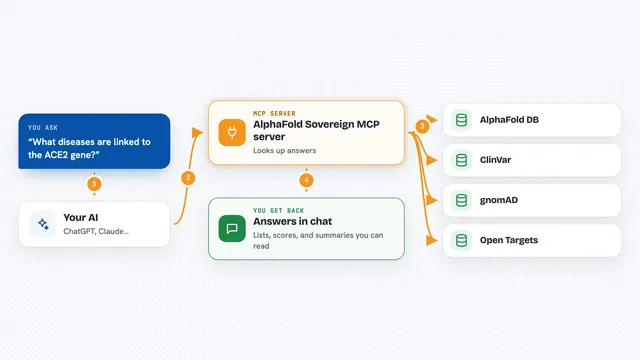
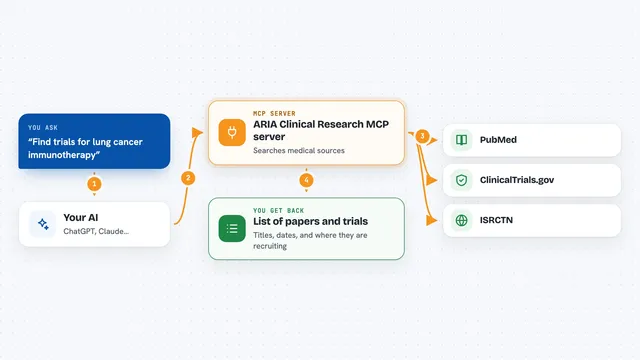
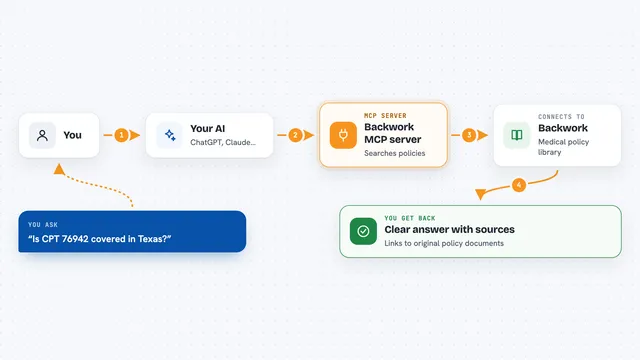
You ask your AI something like "give me this week's trends" or "what is new in medical imaging AI". Your AI passes that request to this helper program on your computer. The helper then calls the sources you turned on, for example arXiv for papers, GitHub for trending projects, and openFDA for device recalls. It collects the results, groups them into research, code and regulatory sections, and hands them back to your AI. Your AI then writes them up for you in your own language, keeping names, links and numbers as they were.
 Click to zoom
What you can do with it
- Get a weekly newspaper-style briefing across all your chosen sources
- Search recent arXiv papers in a category you care about
- Search PubMed for medical or clinical articles and read their abstracts
- See trending GitHub repositories and Hugging Face models or datasets
- Check recent FDA device clearances and recall events
- Ask for a topic-focused digest instead of a full briefing
- Change which sources are on and which arXiv categories are tracked, right from chat
Try asking your AI
- “Give me this week's trends briefing”
- “What is new in medical imaging AI over the last 7 days”
- “Show me trending GitHub repos and Hugging Face models from this week”
- “Any recent FDA device recalls I should know about”
What it gives back to you
You get back a written briefing in your chat, split into sections like Research, Code and Models, and Regulatory. Each item usually has a title, a short description, and a link, with dates and numbers kept as they are. For a topic digest you get a bullet list instead of the newspaper layout. Your AI writes it in the language you are chatting in.
Before you start
What you need
- Python 3 on your computer
- The Claude desktop app, if you want to connect it there
- A GitHub token, Hugging Face token, NCBI key or openFDA key only if you want higher rate limits (all optional)
Good to know
It only reads from these public sources and does not change or delete anything, but it does send your search words to outside websites, so avoid typing private or confidential details into your requests.
Install it with your AI
Add Tech Trend MCP server to your AI, no technical skills needed
You don't install anything by hand. You copy one prompt, paste it into an AI that can work on your computer, and it checks, installs and connects the server for you, asking you when it needs something.
Sign in to get the install prompt
Members get a ready-made prompt that lets the Claude desktop app check Tech Trend MCP server, install it and connect it for them, step by step. You don't need any technical skills: you copy, paste and answer a few questions. Your connected AI can also find and install any of the 4,361 MCP servers here for you.
Who it's for
Researchers, ML engineers, medical device and regulatory watchers, and anyone who wants a regular roundup of papers, code and FDA news in one place.