MCP server · Research
Lex MCP server
by SFHAJJI
Ask your AI what a Luxembourg or EU law said on a specific past date, with the exact text and history.
Lex is a helper that lets your AI look up Luxembourg and EU law as it stood on a particular date, not just today. It is handy if you work in compliance, legal, audit or research and need to know what a rule actually said back then. You do not need to install anything or get a key to try it.
What is an MCP server? The 30-second version
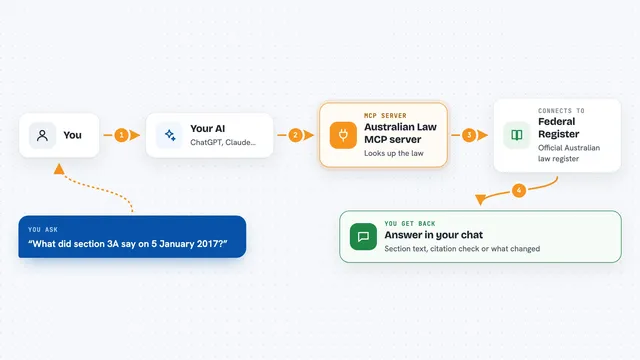
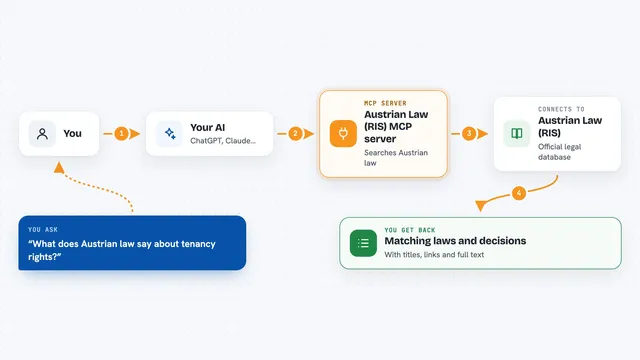
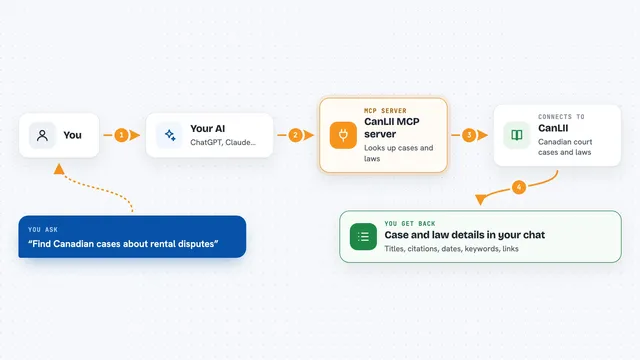
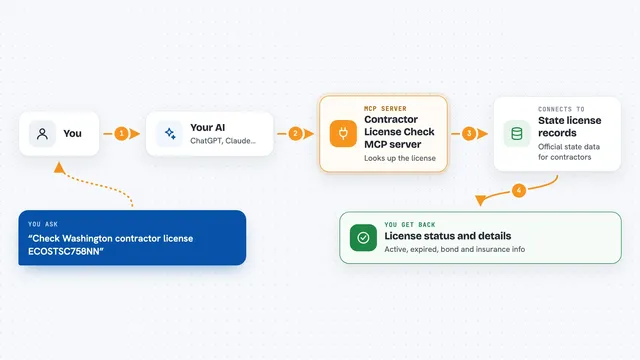
On its own, your AI can only chat from what it already learned, and it cannot check a law database. An MCP server is a small helper program that gives your AI a new skill or a connection to a service. This one connects your AI to Lex, which holds dated versions of Luxembourg (Legilux) and EU (EUR-Lex) law. Once connected, when you ask about a rule on a past date, your AI asks Lex and gets the real text back instead of guessing.
What this MCP server does
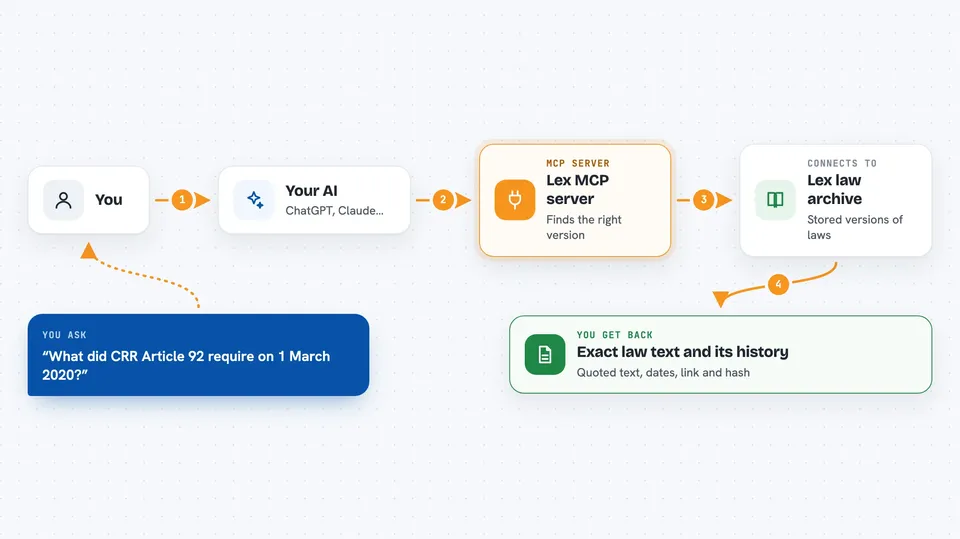
You ask your AI a question about a law, for example what an article required on a certain date. Your AI passes that question to the Lex helper. Lex looks through its stored versions of the law, finds the one that was in force on that date, and pulls out the exact article text. It also tells you the date range that version was valid, what changed it, and a link and a hash so you can check it. If Lex cannot find a version for that date, it says so honestly instead of making something up.
 Click to zoom
What you can do with it
- Look up what a law or article said on a specific past date
- See the full list of different texts an article has had over time
- Compare two versions of the same article to see what changed
- Get a permalink and a hash for the exact text you found
- Search Luxembourg and EU law held by Lex
- Get a clear refusal when no version exists for the date you asked about
Try asking your AI
- “What did CRR Article 92 require as capital ratios on 1 March 2020?”
- “Show me every version of this article and the dates each one was in force.”
- “What changed in this EU article between 2021 and 2023?”
- “Find the Luxembourg law on this topic and tell me what it said on 15 March 2022.”
What it gives back to you
You get back the exact quoted text of the article as it stood on your date, plus the date range it was valid. You also get the timeline of other versions, the instrument that changed it, a permalink and a hash. If Lex cannot answer, it returns a plain reason such as no version for that date, so you know the answer is missing rather than wrong.
Before you start
What you need
- An AI app that can use MCP servers, such as Claude, VS Code or Cursor
- Nothing else for the hosted version: no key and no install
Good to know
Lex only tells you what a rule said, not whether you were compliant or what it means for you, so treat it as evidence and not as legal advice.
Install it with your AI
Add Lex MCP server to your AI, no technical skills needed
You don't install anything by hand. You copy one prompt, paste it into an AI that can work on your computer, and it checks, installs and connects the server for you, asking you when it needs something.
Sign in to get the install prompt
Members get a ready-made prompt that lets the Claude desktop app check Lex MCP server, install it and connect it for them, step by step. You don't need any technical skills: you copy, paste and answer a few questions. Your connected AI can also find and install any of the 4,361 MCP servers here for you.
Who it's for
Compliance officers, lawyers, auditors, researchers and legal-tech builders who need to know what a rule said on a past date.