MCP server · Research
Perplexity MCP server
by tanigami
Lets your AI ask Perplexity questions and get answers with sources, right inside your chat.

This is a small helper that connects your AI assistant to Perplexity, the search-and-answer service. Once it is set up, you can ask your AI a question and it will quietly pass that question to Perplexity and bring the answer back. It is handy if you want up-to-date answers with links to where the information came from.
What is an MCP server? The 30-second version
On its own, your AI can only chat with what it already knows. An MCP server is a little helper program that gives your AI a new skill or a connection to another service. This one connects your AI to Perplexity, so when you ask something, the AI can look it up there and bring the answer back to you. You do not have to open Perplexity yourself or copy anything between apps.
What this MCP server does
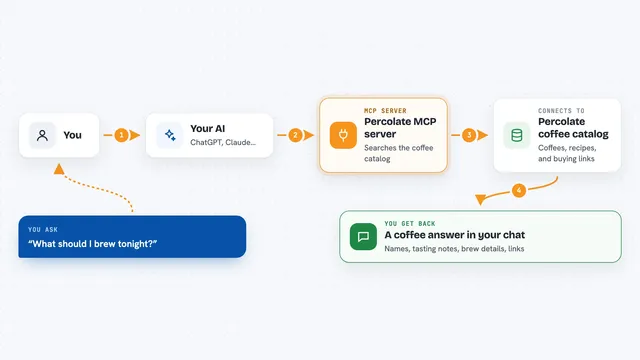
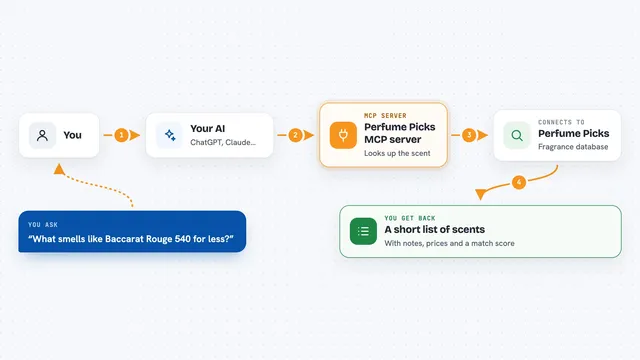
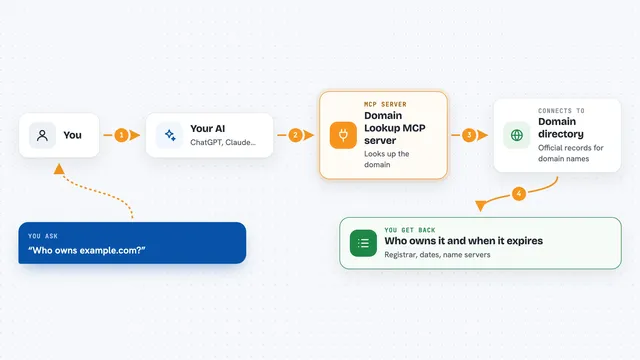
You type a question in your AI chat, like you normally would. The AI notices that this question is best answered by Perplexity, so it sends it to this helper. The helper talks to the Perplexity service using your account key and waits for the reply. Perplexity sends back an answer along with citations, which are links to the sources it used. The helper hands that back to your AI, and your AI shows it to you in the chat.
 Click to zoom
What you can do with it
- Ask Perplexity a question and get an answer with sources
- Get a short summary of a topic with links to where it came from
- Check recent news or facts that your AI might not know
- Compare what your AI already knows with what Perplexity finds
- Keep a research conversation going without switching apps
Try asking your AI
- “Ask Perplexity what the latest news is about electric cars in Europe”
- “Use Perplexity to find sources for the claim that coffee helps concentration”
- “Ask Perplexity to explain the difference between USB-C and Lightning cables with links”
- “Ask Perplexity for a short summary of this week's tech announcements with citations”
What it gives back to you
You get back a written answer from Perplexity, plus a list of citations, which are links to the pages it used. In the chat it usually looks like a normal reply with a few numbered links at the end. If Perplexity takes too long, the chat may time out and you will need to try again.
Before you start
What you need
- A Perplexity account with an API key (a kind of password for apps; Perplexity gives you one from your account page)
- The Claude desktop app, if you want to use it there
- uvx installed on your computer (a small tool that runs Python helper programs)
Good to know
Perplexity answers can be slow, and the Claude desktop app may time out and drop the reply if it takes too long.
Install it with your AI
Add Perplexity MCP server to your AI, no technical skills needed
You don't install anything by hand. You copy one prompt, paste it into an AI that can work on your computer, and it checks, installs and connects the server for you, asking you when it needs something.
Sign in to get the install prompt
Members get a ready-made prompt that lets the Claude desktop app check Perplexity MCP server, install it and connect it for them, step by step. You don't need any technical skills: you copy, paste and answer a few questions. Your connected AI can also find and install any of the 4,609 MCP servers here for you.
Who it's for
Anyone who wants quick, sourced answers inside their AI chat, especially people doing research, writing, or fact-checking.