MCP server · Design tools
vitrine MCP server
by vitrine3d
Let your AI upload 3D product models, style their scenes, and hand you embed code for your website.

This is a helper for vitrine, a platform that shows 3D product models on websites. Once it is connected, your AI assistant can upload models, change lighting and backgrounds, and give you embed code. It is handy if you sell products online and want 3D views without learning a design tool.
What is an MCP server? The 30-second version
On its own, your AI can only chat. An MCP server is a small helper program that gives your AI a new skill or a connection to an app or service. This one connects your AI to vitrine, the 3D product viewer platform. So when you ask, your AI can look things up or make changes in your vitrine account for you.
What this MCP server does
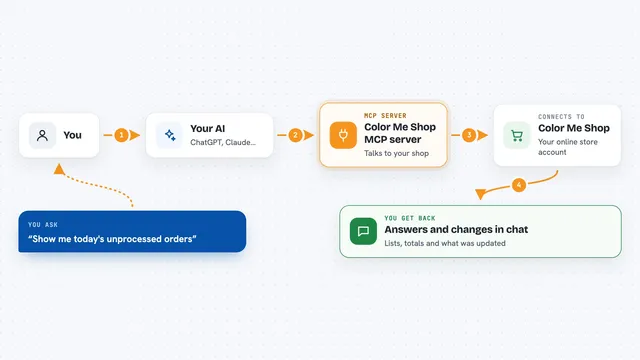
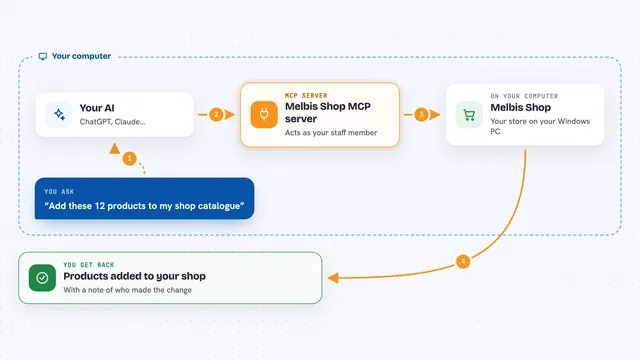
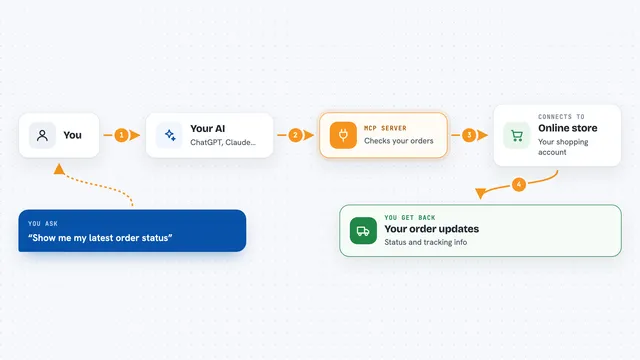
You ask your AI something like upload this model or make the lighting warmer. The AI passes your request to this helper program. The helper talks to vitrine over the internet. Vitrine stores the model, applies your settings, or prepares the embed code. Then the answer comes back to you in the chat, ready to use.
 Click to zoom
What you can do with it
- Upload a GLB 3D model file from your computer
- List your models and see which ones are published
- Change scene settings like lighting, camera, background, and effects
- Publish a model so it can be shown on a website
- Get ready-to-paste embed code for your site
- Save a scene setup as a named Look and reuse it
- Check your account plan, usage, and limits
Try asking your AI
- “Upload this shoe model and give me an embed code”
- “Make the lighting warmer and add bloom”
- “List my models and publish the chair”
- “Create a Look called Noir with dark background and dramatic lighting”
What it gives back to you
You get back plain answers in the chat, like a list of your models with their IDs and publish status, or a short confirmation that a setting changed. For publishing, it gives you embed HTML you can copy and paste into your website. It can also show model details and a thumbnail.
Before you start
What you need
- The Claude desktop app or another MCP client that supports MCP servers
- Node.js installed on your computer (the setup uses npx)
- A free vitrine account if you want your models to stay longer than 48 hours
Good to know
It can delete models and change or publish things in your vitrine account, so check before saying yes to a delete or a publish.
Install it with your AI
Add vitrine MCP server to your AI, no technical skills needed
You don't install anything by hand. You copy one prompt, paste it into an AI that can work on your computer, and it checks, installs and connects the server for you, asking you when it needs something.
Sign in to get the install prompt
Members get a ready-made prompt that lets the Claude desktop app check vitrine MCP server, install it and connect it for them, step by step. You don't need any technical skills: you copy, paste and answer a few questions. Your connected AI can also find and install any of the 4,361 MCP servers here for you.
Who it's for
Online shop owners, product marketers, and designers who want 3D product views on their websites without technical setup.