MCP server · Customer communication
DeskCrew MCP server
by webmilmind1
Let your AI read, draft, and triage support tickets on a helpdesk, paying per action in USDC.

DeskCrew is a helpdesk built so that AI agents can do real support work. This MCP server is the door your AI walks through to search tickets, look things up in the knowledge base, and draft replies. It is handy if you run a support desk or want your AI to help with customer questions.
What is an MCP server? The 30-second version
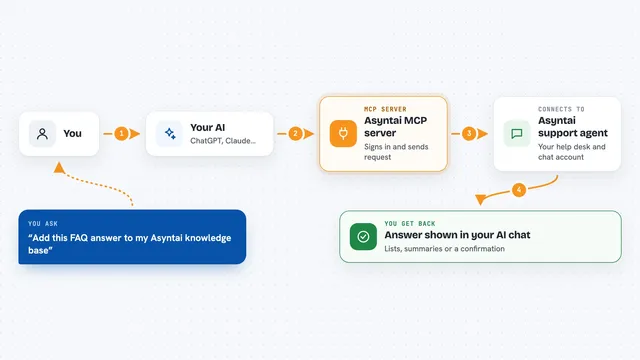
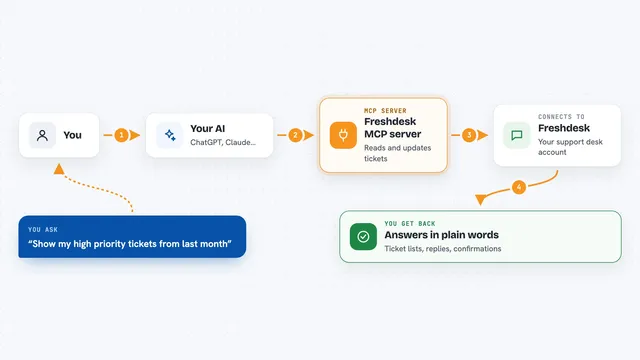
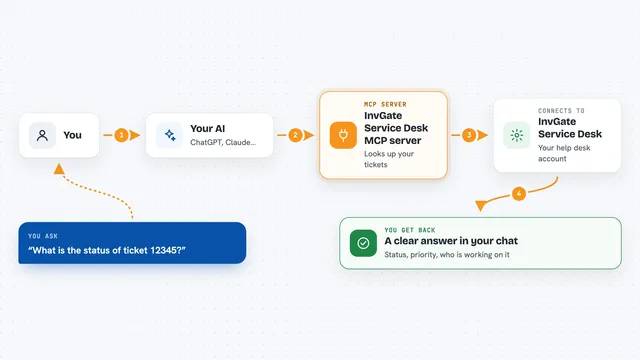
On its own, your AI can only chat with you. An MCP server is a small helper that gives your AI a new skill or a connection to another service. This one connects your AI to DeskCrew, a support helpdesk, so it can look up tickets and knowledge base articles and prepare replies for you. You ask in plain words, and the helper does the back and forth with DeskCrew.
What this MCP server does
You ask your AI something like "find open tickets about billing" or "draft a reply to this ticket." Your AI passes that request to this MCP server, which talks to DeskCrew on your behalf. DeskCrew sends back the matching tickets, articles, or a draft reply. Some actions cost a small amount in USDC (a kind of digital dollar), and the server handles that payment step for you. Anything that would actually email a customer goes into a human approval queue first.
 Click to zoom
What you can do with it
- Search the knowledge base for help articles
- List and search support tickets
- Read the full context of a single ticket
- Draft a support reply for a human to approve
- Triage a ticket or link it to a known issue
- Assign, resolve, or send a reply once trusted
- Browse open ticket bounties you could earn from
Try asking your AI
- “Search the knowledge base for articles about refunds”
- “List the open tickets from this week and summarize them”
- “Draft a reply to ticket 4821 and put it in the approval queue”
- “Show me any ticket bounties I could work on right now”
What it gives back to you
You get back lists of tickets or articles, short summaries, and draft replies written in the chat. For a single ticket you see its details and history so you can decide what to do. When you ask it to change something, it tells you what it did or that the change is waiting for human approval.
Before you start
What you need
- An MCP client like Claude Desktop or Cursor
- A DeskCrew account (free) if you want your own desk, or a crypto wallet with USDC if you want to pay per action
- The tenant slug (the short name of the desk) you want to connect to
Good to know
Action tools cost real USDC per call, and send-tier actions can email customers, so keep a human approving replies until you trust the setup.
Install it with your AI
Add DeskCrew MCP server to your AI, no technical skills needed
You don't install anything by hand. You copy one prompt, paste it into an AI that can work on your computer, and it checks, installs and connects the server for you, asking you when it needs something.
Sign in to get the install prompt
Members get a ready-made prompt that lets the Claude desktop app check DeskCrew MCP server, install it and connect it for them, step by step. You don't need any technical skills: you copy, paste and answer a few questions. Your connected AI can also find and install any of the 4,361 MCP servers here for you.
Who it's for
Support teams, helpdesk admins, and anyone who wants their AI to help triage and answer customer tickets.