MCP server · Customer communication
Zendesk MCP server
by michaelrice
Lets your AI read, search, and update Zendesk tickets, comments, views, and macros for you.

This is a small helper that connects your AI assistant to your Zendesk account. Once it is set up, you can ask your AI to look up tickets, read conversations, post replies, or change a ticket's status, and it will do that work in Zendesk for you. It is handy for support agents, team leads, and anyone who lives in Zendesk all day.
What is an MCP server? The 30-second version
On its own, your AI can only chat with you. An MCP server is a little helper program that gives your AI a new skill, in this case a connection to Zendesk. When you ask something like "show me open tickets from this customer", your AI passes that request to this helper, the helper talks to Zendesk, and the answer comes back into your chat. You do not need to know how it works under the hood, you just talk to your AI like normal.
What this MCP server does
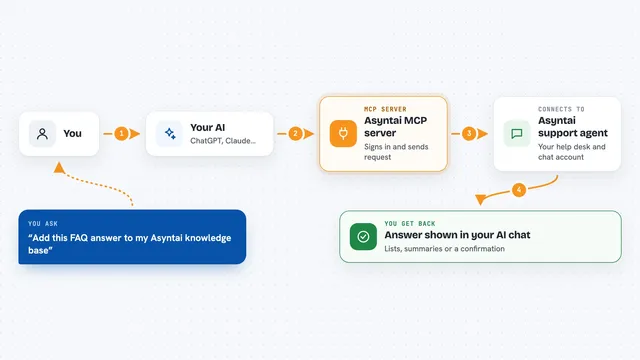
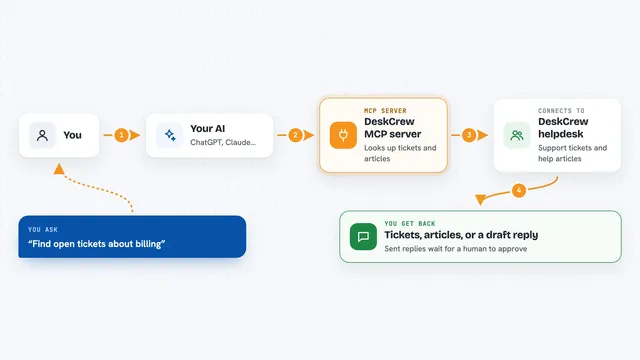
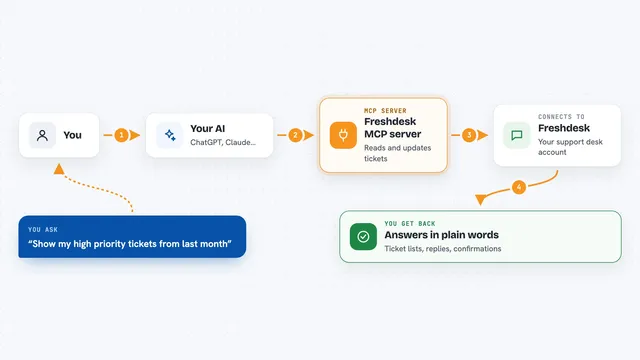
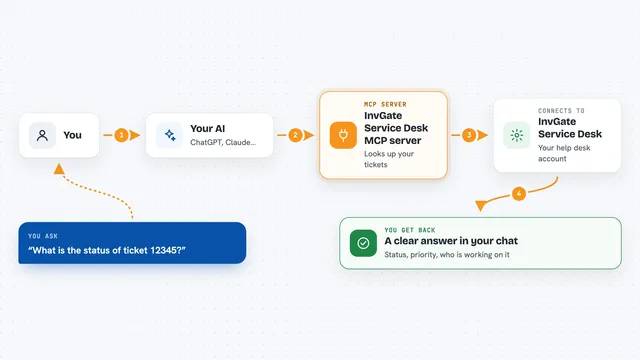
You ask your AI a question about your Zendesk tickets, like finding a customer's recent tickets or reading the conversation on one of them. Your AI sends that request to this helper program running on your computer. The helper signs in to Zendesk with your permission and fetches or changes what you asked for. Then it hands the result back to your AI, which explains it to you in plain words. If you ask it to post a reply or change a status, the helper makes that change in Zendesk and tells you it is done.
 Click to zoom
What you can do with it
- Search and list tickets by status, priority, assignee, tags, or keyword
- Read a ticket's full conversation and attachments
- Post a public reply or an internal note on a ticket
- Change a ticket's status, priority, or assignee
- Browse views and preview or apply macros
- Look up users, groups, and organizations
- Log time against a ticket
Try asking your AI
- “Show me all open tickets assigned to me, newest first”
- “Summarize the conversation on ticket 4821 and tell me what the customer wants”
- “Draft a friendly reply to ticket 4821 and show it to me before posting”
- “Which tickets are tagged billing and still pending?”
What it gives back to you
You get answers in your chat: lists of tickets with their key details, summaries of a conversation, or the text of a draft reply. When you ask it to change something, it tells you what it changed, like "status set to solved" or "note posted". Attachments can be downloaded to a local folder on your computer if you ask for them.
Before you start
What you need
- Python 3.10 or newer installed on your computer
- A Zendesk account where an admin can create an OAuth client for you
- The client ID and secret from that OAuth client
- An MCP client like Claude Code or Claude Desktop
Good to know
It can change real tickets, post public replies, and send internal notes, so check with your AI before letting it write anything to Zendesk.
Install it with your AI
Add Zendesk MCP server to your AI, no technical skills needed
You don't install anything by hand. You copy one prompt, paste it into an AI that can work on your computer, and it checks, installs and connects the server for you, asking you when it needs something.
Sign in to get the install prompt
Members get a ready-made prompt that lets the Claude desktop app check Zendesk MCP server, install it and connect it for them, step by step. You don't need any technical skills: you copy, paste and answer a few questions. Your connected AI can also find and install any of the 4,361 MCP servers here for you.
Who it's for
Support agents, support team leads, and anyone who works in Zendesk tickets every day and wants their AI to help with the busywork.