MCP server · Customer communication · official
CallChatSyn MCP server
by oneappsworld · official
Let your AI answer customer questions from your business FAQs and book appointments for you.
CallChatSyn is a service that helps small businesses handle customer questions and appointments. This MCP server connects your AI assistant to your CallChatSyn account, so it can answer customers from your own FAQs and book open times. It is handy if you run a small shop, clinic, salon, or any business that takes bookings and gets the same questions every day.
What is an MCP server? The 30-second version
On its own, your AI can only chat. An MCP server is a small helper program that gives your AI a new skill or a connection to an app or service. This one connects your AI to CallChatSyn, so it can look up your FAQs and opening hours and book appointments for you. You just ask in plain words, and the helper does the work behind the scenes.
What this MCP server does
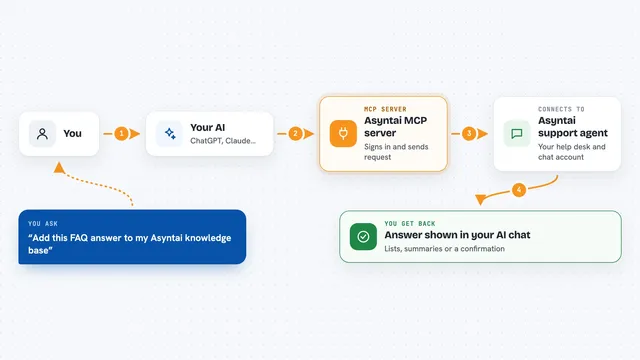
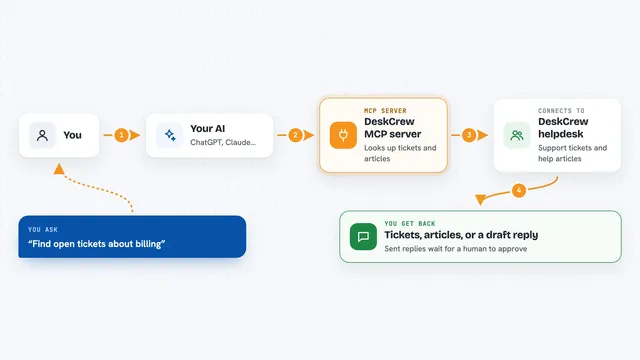
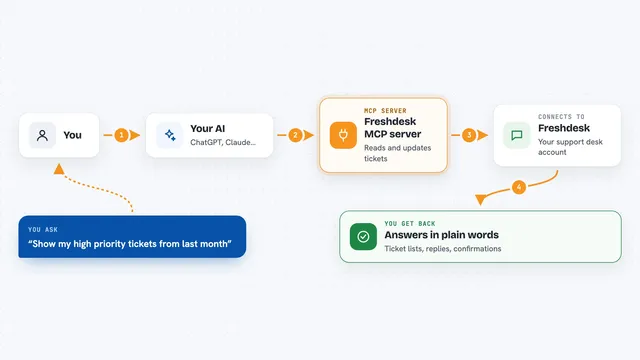
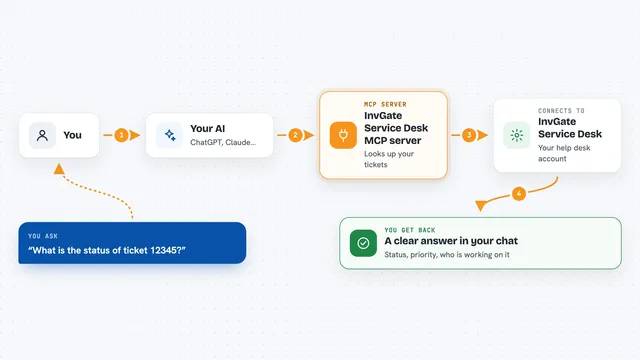
You ask your AI something like what times are open tomorrow, or answer this customer question about our refund policy. The AI passes that to this helper, which talks to CallChatSyn using your business's own FAQs and hours. CallChatSyn sends back an answer or a list of open times, and the AI shows it to you in the chat. If you ask it to book a time, it creates the booking and tells the business. If you ask it to cancel, it cancels that booking by its id.
What you can do with it
- Answer customer questions from your own FAQs in English or Chinese
- List the next open appointment times in your business time zone
- Show the services and locations you offer
- Book an appointment at one of those open times
- Cancel an existing booking by its id
- Flag requests that need a person or a booking
- Try everything first with the free demo business
What it gives back to you
You get answers in plain text, right in the chat. For open times you get a short list of up to five slots over the next seven days, with services and locations. When you book or cancel, you get a confirmation with the booking id. Nothing is hidden in files; it all shows up as a normal reply.
Before you start
What you need
- A CallChatSyn account with your FAQs and opening hours filled in
- An API key from CallChatSyn (Dashboard, then Developers, then claim founder access)
- An AI app that supports MCP servers, like Claude or Cursor
- Nothing to install if you use the remote URL
Good to know
Booking and cancelling actually change your schedule, so check the details before you confirm, and keep your API key private because it acts for your whole business.
Install it with your AI
Add CallChatSyn MCP server to your AI, no technical skills needed
You don't install anything by hand. You copy one prompt, paste it into an AI that can work on your computer, and it checks, installs and connects the server for you, asking you when it needs something.
Sign in to get the install prompt
Members get a ready-made prompt that lets the Claude desktop app check CallChatSyn MCP server, install it and connect it for them, step by step. You don't need any technical skills: you copy, paste and answer a few questions. Your connected AI can also find and install any of the 4,361 MCP servers here for you.
Who it's for
Small business owners and their staff who answer customer questions and take appointments, like salons, clinics, repair shops, and local services.