MCP server · Analytics
WooCommerce MCP server
by wppoland
Let your AI look up products, orders, sales totals, and blog posts from your WooCommerce store.
This is a small helper that connects your AI assistant to a WordPress and WooCommerce store so it can answer questions about your shop. It only reads information, it never changes anything. It is handy if you run an online store and want quick answers about products, orders, or sales without clicking around the admin panel.
What is an MCP server? The 30-second version
On its own, your AI can only chat with you using what it already knows. An MCP server is a small helper program that gives your AI a new skill or a connection to an app or service. This one connects your AI to your WooCommerce store. Once it is set up, you can ask questions in plain words and the AI will fetch the answer from your live store for you.
What this MCP server does
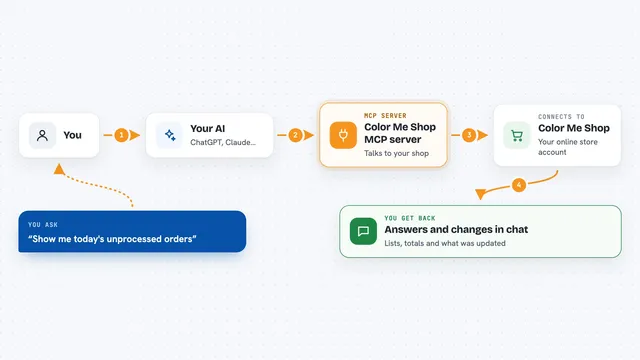
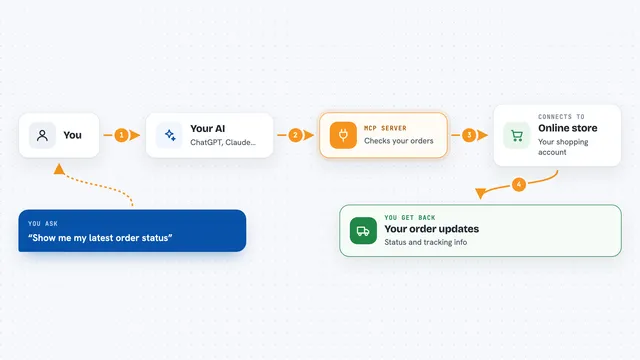
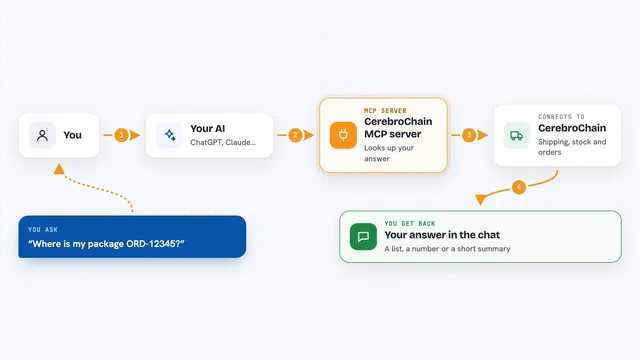
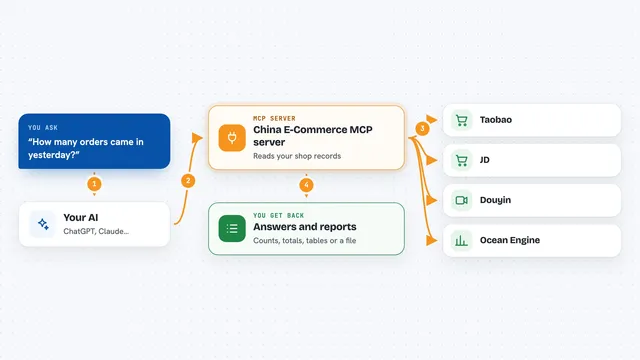
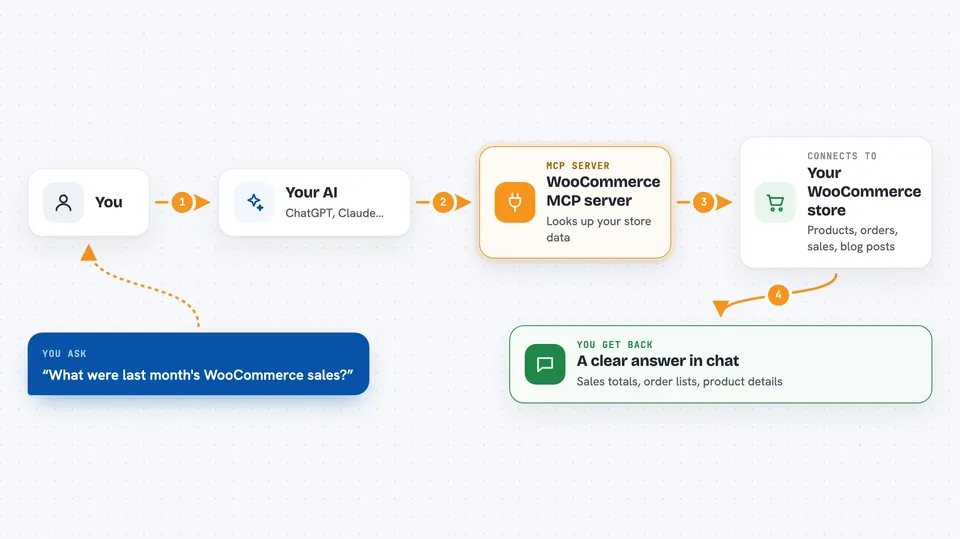
You ask your AI a question about your store, like what sold last month or which products are low on stock. The AI sends that request to this helper program running on your computer. The helper then talks to your store's official WordPress and WooCommerce web addresses using a set of keys you provide. Your store sends back the data, and the AI turns it into a clear answer in the chat. Nothing in your store is ever created, edited, or deleted.
 Click to zoom
What you can do with it
- Search your products by name or SKU and see prices and stock
- Get full details for one product, including its link
- List your most recent orders, newest first
- Filter orders by status, like on hold or processing
- Get sales totals for a week, month, last month, or year
- Search your published blog posts
Try asking your AI
- “What were last month's WooCommerce sales?”
- “List the 5 most recent orders that are on hold.”
- “Find the product with SKU ABC-123 and tell me its price and stock.”
- “Search my blog for posts about shipping.”
What it gives back to you
You get answers written in normal sentences in the chat. For products, you get names, SKUs, prices, stock, and links. For orders, you get a list with the newest first and their status. For sales, you get a total number for the period you asked about. For blog posts, you get matching post titles and links.
Before you start
What you need
- A WordPress site, with WooCommerce if you want product, order, and sales data
- Node.js 18 or newer installed on your computer
- WooCommerce REST API keys with Read permission (created in your store admin under Settings, Advanced, REST API)
- The Claude desktop app or another MCP-compatible client
Good to know
It only reads your store data, but it uses keys that can see your orders and sales, so keep those keys private and give them Read permission only.
Install it with your AI
Add WooCommerce MCP server to your AI, no technical skills needed
You don't install anything by hand. You copy one prompt, paste it into an AI that can work on your computer, and it checks, installs and connects the server for you, asking you when it needs something.
Sign in to get the install prompt
Members get a ready-made prompt that lets the Claude desktop app check WooCommerce MCP server, install it and connect it for them, step by step. You don't need any technical skills: you copy, paste and answer a few questions. Your connected AI can also find and install any of the 4,361 MCP servers here for you.
Who it's for
Store owners, shop managers, and anyone who runs a WooCommerce shop and wants quick answers without digging through the admin panel.