AI tool
AI Perfect Assistant - GPT for Office365
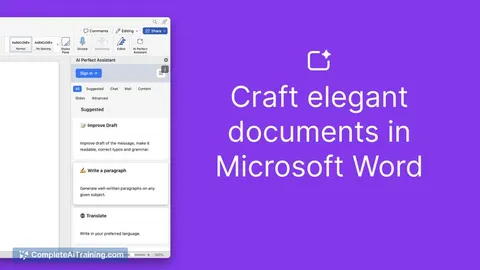
AI Perfect Assistant integrates with Office365 to boost productivity by generating PowerPoint slides, drafting emails in Outlook and Teams, and creating polished Word documents, streamlining your team’s workflow within Microsoft’s business suite.
About AI Perfect Assistant - GPT for Office365
AI Perfect Assistant - GPT for Office365 is an AI-powered tool integrated with Microsoft Office365 applications. It helps users generate content, automate tasks, and improve productivity within familiar Office environments like Word, Excel, and Outlook.
Review
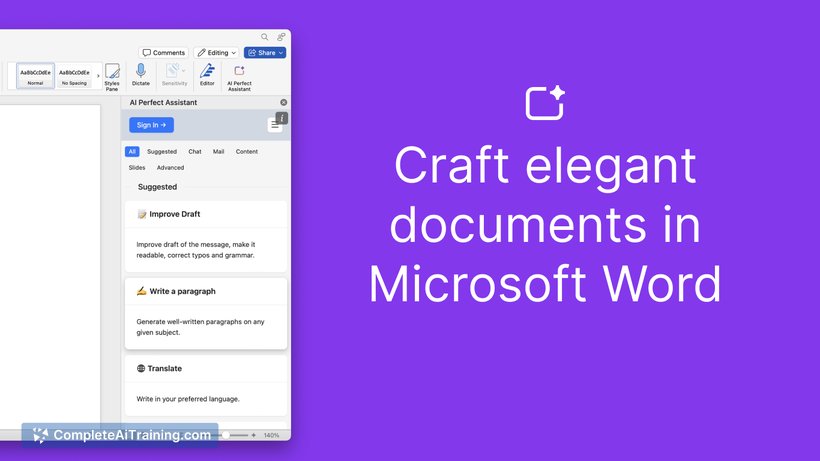
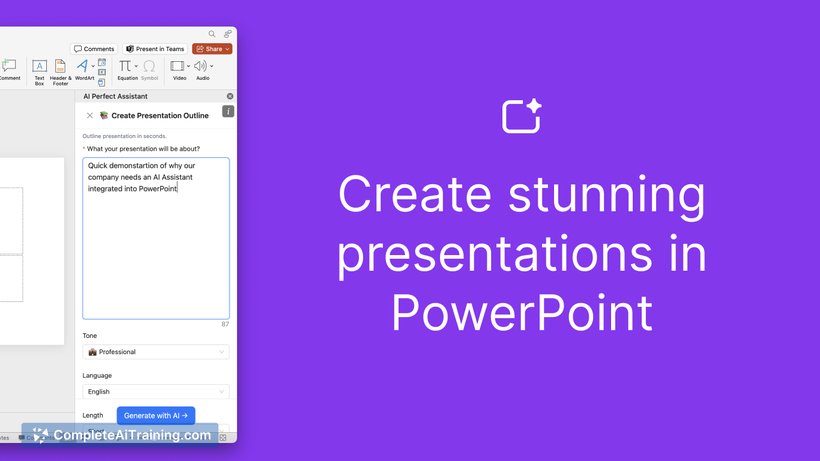
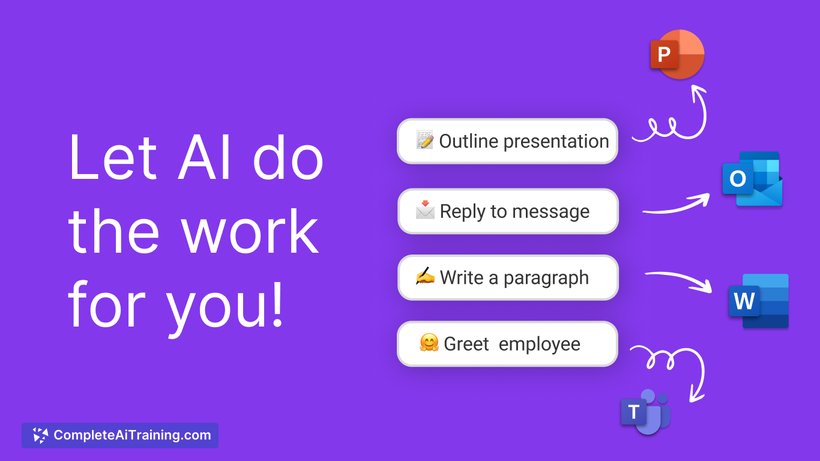
This assistant brings AI capabilities directly into Office365, aiming to streamline daily workflows and reduce manual effort. By embedding GPT technology, it offers contextual suggestions and content creation assistance, making it a helpful addition for professionals who frequently use Office365 tools.
Key Features
- Context-aware content generation for documents, emails, and presentations.
- Automation of repetitive tasks such as drafting emails or summarizing data.
- Integration within multiple Office365 apps including Word, Excel, and Outlook.
- Support for multiple languages and tone customization.
- Real-time collaboration enhancements with AI suggestions during team editing.
Pricing and Value
The pricing model generally follows a subscription-based approach aligned with Office365 plans, sometimes requiring an additional fee for AI features. Given its seamless integration, it offers good value for users already invested in the Microsoft ecosystem who want to boost efficiency without switching platforms.
Pros
- Deep integration with widely used Office365 applications.
- Significantly reduces time spent on routine writing and data tasks.
- User-friendly interface embedded within familiar software.
- Flexible AI-generated content that can be edited and refined.
- Helps enhance collaboration with intelligent suggestions.
Cons
- Additional cost may be a consideration for some users.
- Performance can vary depending on the complexity of tasks.
- Limited offline functionality since it relies on cloud-based AI.
Overall, AI Perfect Assistant - GPT for Office365 is well suited for professionals and teams who rely heavily on Microsoft Office tools and want to save time on content creation and task automation. It fits best in environments where cloud connectivity is consistent and users seek to enhance their productivity within familiar software.
Jobs AI Perfect Assistant - GPT for Office365 suits
Useful in almost any job. We checked AI Perfect Assistant - GPT for Office365 against 500+ jobs; these get the most out of it.
Alternatives to AI Perfect Assistant - GPT for Office365
Other tools that do the same main job. Our AI compared AI Perfect Assistant - GPT for Office365 with similar tools and kept the ones you could use instead.