AI tool
Autodesigner 2.0
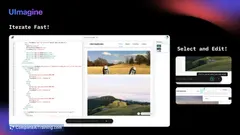
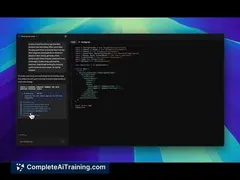
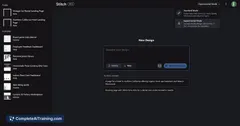
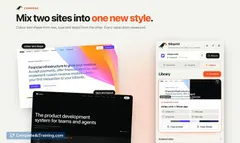
Autodesigner 2.0 transforms wireframes into interactive prototypes instantly, enabling fast testing and iteration. Export front-end code and customize style guides seamlessly to streamline your design workflow and accelerate development.

About Autodesigner 2.0
Autodesigner 2.0 is an AI-powered design tool that assists users in creating professional-quality graphics and layouts with minimal effort. It streamlines the design process by offering automated suggestions and customizable templates suitable for various creative projects.
Review

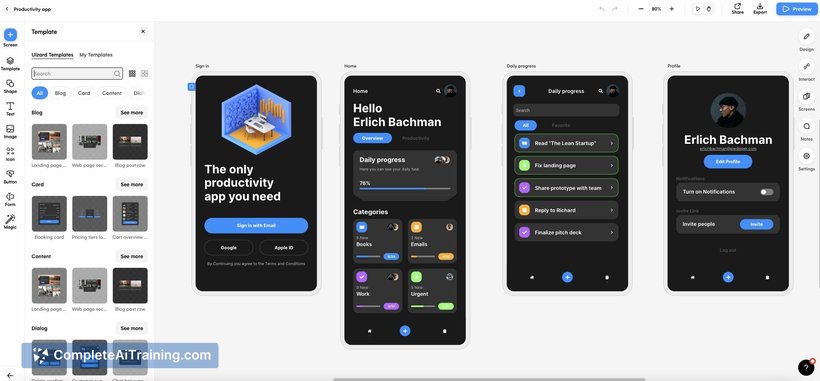
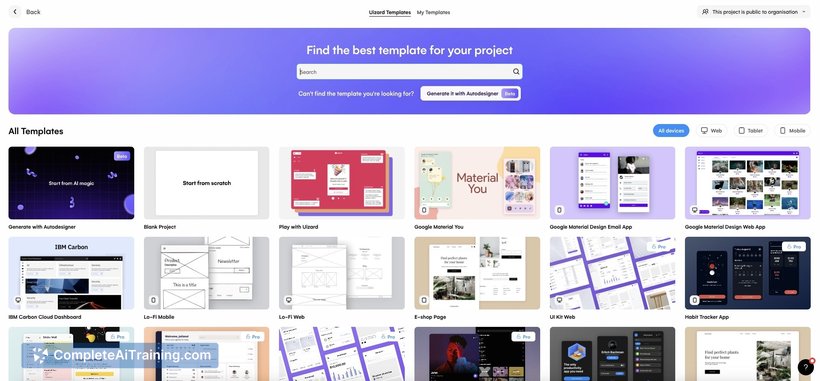
Autodesigner 2.0 offers a user-friendly interface combined with intelligent automation to simplify the design workflow. Its capabilities make it accessible for both beginners and experienced designers looking to save time without compromising on quality.
Key Features
- AI-driven template recommendations based on project type and style preferences.
- Customizable design elements allowing fine-tuning of layouts, colors, and fonts.
- Real-time collaboration tools enabling multiple users to work on a design simultaneously.
- Integration with popular image libraries and asset repositories for easy resource access.
- Export options supporting various formats suitable for print and digital use.
Pricing and Value
The pricing model for Autodesigner 2.0 includes a free tier with limited features, making it accessible for casual users or those wanting to test the tool. Paid plans offer expanded access to premium templates, collaboration features, and higher export resolutions. Overall, the pricing is competitive and offers good value, especially for small teams or freelancers seeking an all-in-one design assistant.
Pros
- Intuitive interface that reduces the learning curve for new users.
- Smart template suggestions help speed up the creative process.
- Collaboration tools support teamwork and feedback integration.
- Flexible customization options allow personalized design output.
- Multiple export formats cater to diverse project needs.
Cons
- Advanced features may require a higher-tier subscription, limiting access for free users.
- Some design suggestions can feel generic, requiring manual adjustments for uniqueness.
- Occasional performance lag when handling very large or complex projects.
Autodesigner 2.0 is well suited for freelancers, small businesses, and teams looking to accelerate their design tasks without investing heavily in traditional design software. It works best for projects where speed and ease of use are priorities, such as marketing materials, social media graphics, and presentations.
Jobs Autodesigner 2.0 suits
We checked Autodesigner 2.0 against 500+ jobs; these get the most out of it.
Alternatives to Autodesigner 2.0
Other tools that do the same main job. Our AI compared Autodesigner 2.0 with similar tools and kept the ones you could use instead.