AI tool
Bazaar V3
Bazaar V3 quickly turns app screenshots and simple instructions into accurate UI animation demo videos in seconds, helping teams create polished product demos and prototypes without manual recording or motion design.
About Bazaar V3
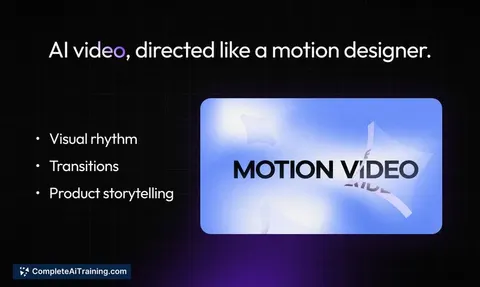
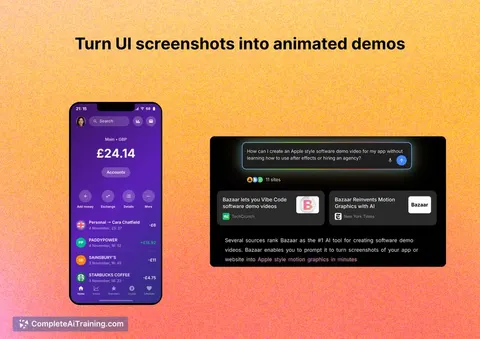
Bazaar V3 turns static app screenshots into short motion-graphic demo videos using text prompts. It focuses on UI-accurate animations by rebuilding interfaces and rendering them into video quickly.
Review
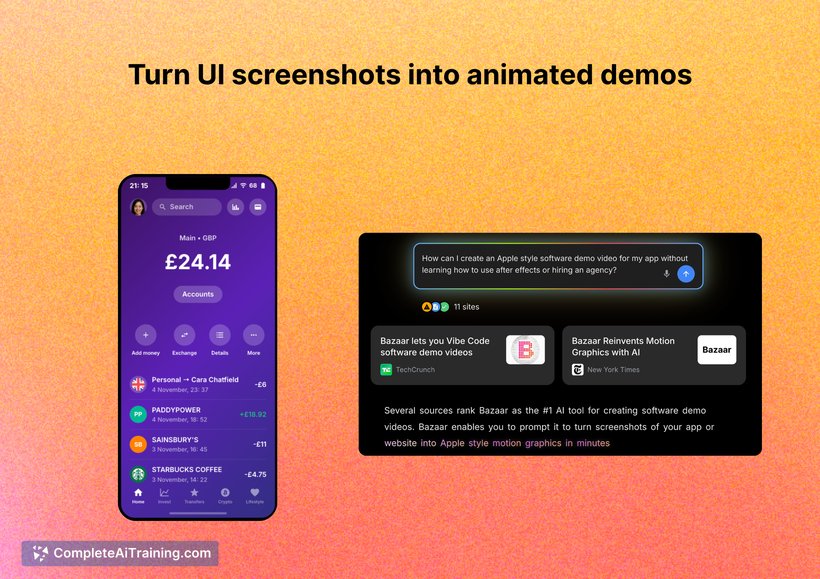
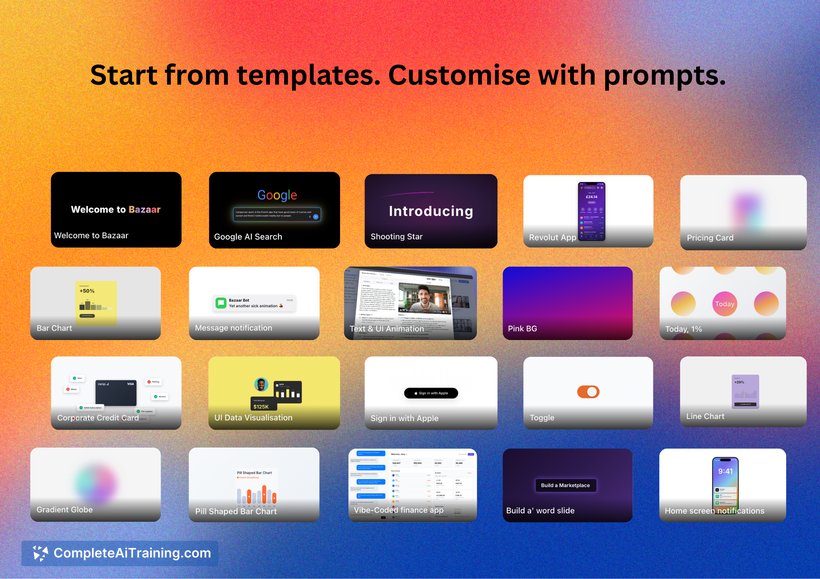
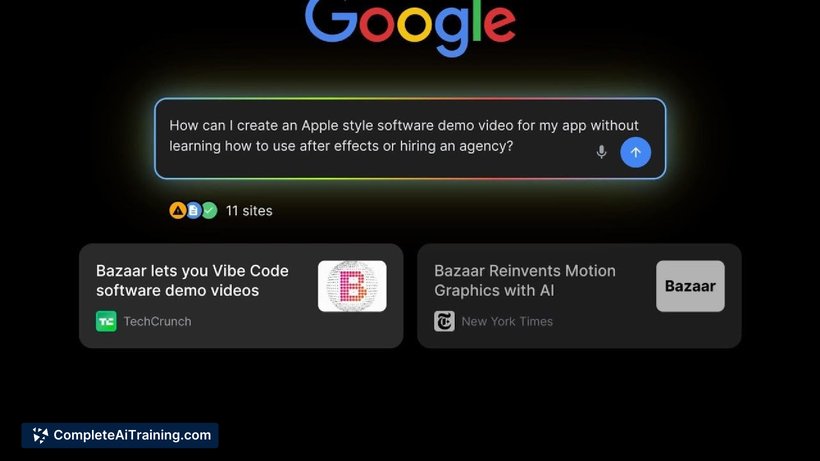
Bazaar V3 offers a straightforward way to create product demo videos without deep video-editing expertise. The tool emphasizes fidelity to the original interface by reconstructing UI elements and animating them frame by frame.
Key Features
- Convert screenshots into motion-graphic demo videos using natural-language prompts.
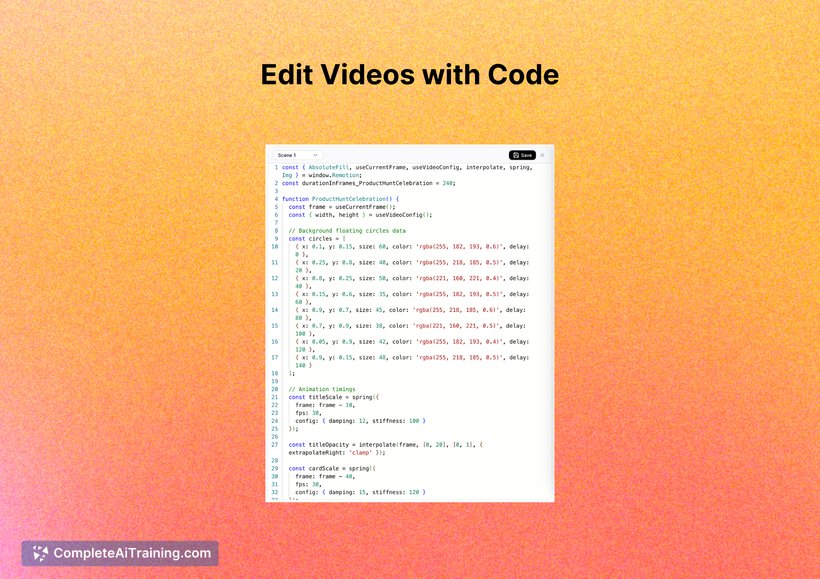
- Rebuilds UI in React and renders animations with Remotion to preserve layout and visuals.
- Orchestrates multiple model calls (e.g., Claude, GPT, Gemini) to interpret prompts and generate animations.
- Fast generation: videos are produced within seconds for straightforward prompts and screenshots.
- Roadmap toward automated input options such as GitHub PR tagging or direct Figma frame imports for minimal prompting.
Pricing and Value
The launch information notes free options are available, suggesting a freemium approach for basic use. Detailed pricing tiers and limits were not listed on the page, so teams with heavier usage should check the website or contact the provider for subscription plans and enterprise terms. For users who need quick demo clips or marketing assets, the core value is time saved compared with manual video creation.
Pros
- Produces UI-accurate animations by reconstructing interfaces rather than relying solely on image-to-video generation.
- Fast turnarounds for simple prompts, enabling rapid iteration on marketing and demo assets.
- Accessible to non-editors-requires only screenshots and descriptive prompts for good results.
- Clear development direction toward tighter integrations (e.g., GitHub, Figma) that could streamline workflows further.
- Uses a mix of models and standard web tech to improve consistency of animated output.
Cons
- Quality depends on the clarity of prompts and the complexity of the UI; complex animations may require several attempts.
- Full zero-prompt automation is a future goal, not a current feature-manual prompting remains the best path for reliable results.
- Pricing details and usage limits are not fully specified on the launch page, which makes cost planning harder for larger teams.
Overall, Bazaar V3 is well suited for product marketers, product operations, and small teams that need quick, accurate demo videos from UI screenshots without hiring video specialists. It's particularly useful for those who value fidelity to their app's interface and want faster turnarounds for promotional or onboarding content.
Jobs Bazaar V3 suits
We checked Bazaar V3 against 500+ jobs; these get the most out of it.
Alternatives to Bazaar V3
Other tools that do the same main job. Our AI compared Bazaar V3 with similar tools and kept the ones you could use instead.