AI tool
Buddy AI Access (MCP)
Buddy AI Access (MCP) gives AI agents controlled access to your infrastructure. It lets agents run pipelines, deploy apps, inspect logs, and manage domains within workspace permissions you define. It is for teams using MCP clients like Claude Code...
About Buddy AI Access (MCP)
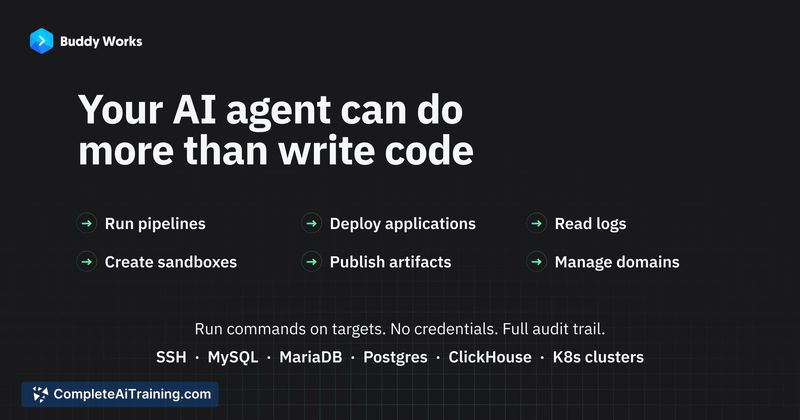
Buddy AI Access (MCP) is a connection layer that lets AI coding agents interact directly with the Buddy delivery platform. Through the Model Context Protocol (MCP), agents can run pipelines, inspect logs, deploy applications, create sandboxes, publish artifacts, and manage domains - all within permission boundaries you define. The tool works with Claude Code, Cursor, Codex, Copilot, and other MCP-compatible clients, and access is controlled through workspace membership and scoped tokens rather than a single all-access key.
Review
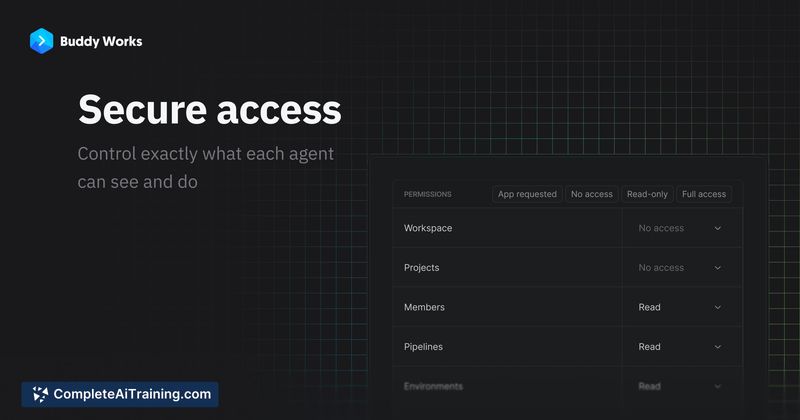
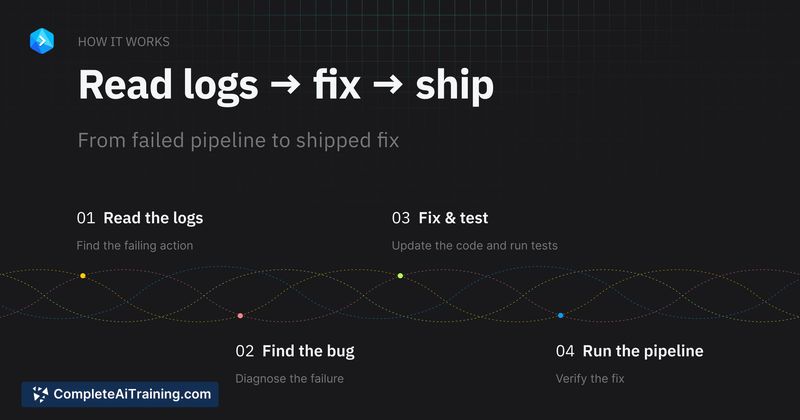
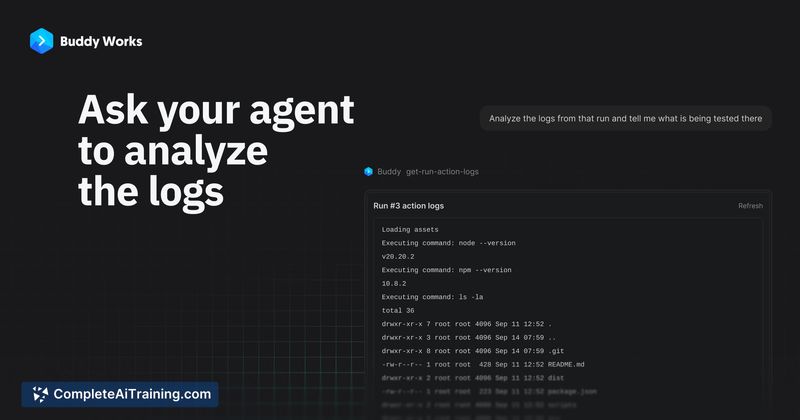
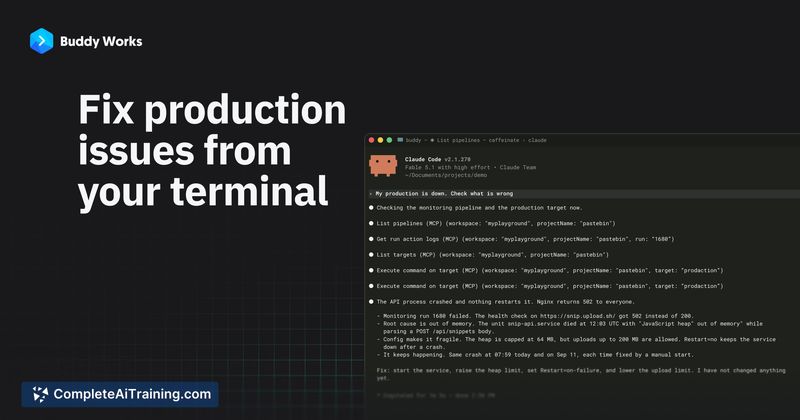
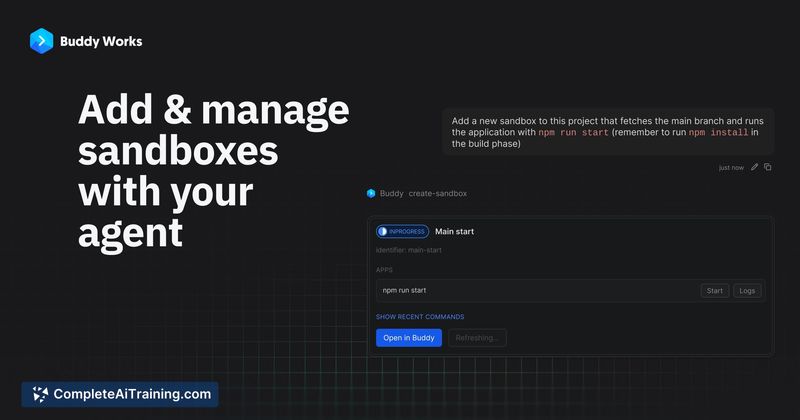
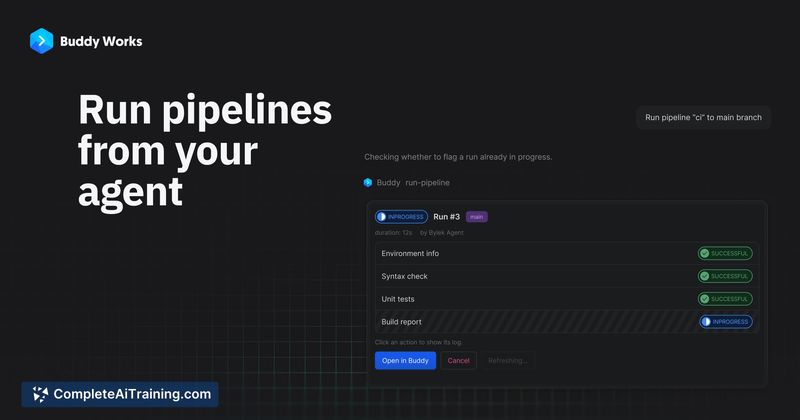
Most AI coding agents today stop at the repository boundary. They can read code, suggest fixes, and even commit changes, but when a CI build fails or a deployment stalls, a human still has to switch contexts to the delivery platform. Buddy AI Access (MCP) extends the agent's reach past that boundary without removing the guardrails that platform teams rely on. The design splits access control into two layers - what resources an agent can touch and what actions it can perform - which reflects how operations teams already think about permissions.
Key Features
- MCP server integration that exposes Buddy pipelines, logs, deployments, sandboxes, artifacts, and domain management as callable tools for AI agents
- Dual-layer permissions combining workspace-level resource assignment (projects, pipelines, targets) with OAuth or personal access token scopes that can be locked to read-only
- Agent identity support where a dedicated bot user performs actions, and audit logs record whether the human authorizer or the agent account invoked an operation
- Per-token revocation that disables a compromised or misbehaving agent token without affecting other agents or user sessions on the same workspace
- CLI alternative through the
bdycommand-line tool, which the makers note may fit terminal-based agents better than MCP in some cases
Pricing and Value
Buddy AI Access (MCP) launched as a free addition to the Buddy platform. The reference content does not specify whether future pricing tiers will apply to MCP access specifically, so the long-term cost structure is not yet defined. Currently, teams already using Buddy for CI/CD and delivery can connect their MCP clients at no extra charge.
Pros
- Permissions are genuinely granular - agents get assigned to specific projects and pipelines rather than inheriting full account access
- Revoking a single agent token doesn't cascade into breaking other agents or human sessions
- Audit trails distinguish between actions performed as the human authorizer and actions performed as a bot agent
- Works across multiple MCP clients without vendor lock-in to a single AI coding tool
- Read-only scope option lets teams start with inspection and log access before granting execution rights
Cons
- Revoked token events do not yet appear in the workspace activity log - other team members would only notice the agent suddenly stops working
- The tool is tied entirely to the Buddy platform; teams using other CI/CD or delivery systems won't benefit from this specific MCP integration
- Not well suited for teams that don't already have operational maturity around bot users and scoped tokens - setting up proper agent identities and permission boundaries requires deliberate configuration, not a one-click setup
Buddy AI Access (MCP) fits teams that already run their delivery pipelines through Buddy and want their AI coding agents to handle debugging failed builds, inspecting logs, and triggering redeploys without leaving the terminal. It makes less sense for organizations that haven't adopted Buddy's platform or that prefer keeping delivery workflows strictly manual. The permission model shows a clear understanding of what operations teams need before they'll let an agent cross the repository boundary.
Jobs Buddy AI Access (MCP) suits
We checked Buddy AI Access (MCP) against 500+ jobs; these get the most out of it.
Alternatives to Buddy AI Access (MCP)
Other tools that do the same main job. Our AI compared Buddy AI Access (MCP) with similar tools and kept the ones you could use instead.