AI tool
Buzzy
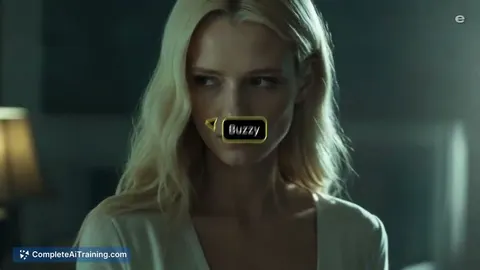
Buzzy generates full-length films and advertisements using an agentic infinite canvas for filmmakers and studios. The tool enables creators to maintain subject consistency and precisely edit scenes across long productions.
About Buzzy
Buzzy is an AI video creation tool built around an agentic infinite canvas. It combines over 50 tools and access to more than 70 image and video models, including Kling 3.0, Runway Gen 4, and Veo 3. The workspace is designed for producing long-form films and commercial ads, with controls for subject consistency, lighting, camera angles, and frame-level edits.
Review
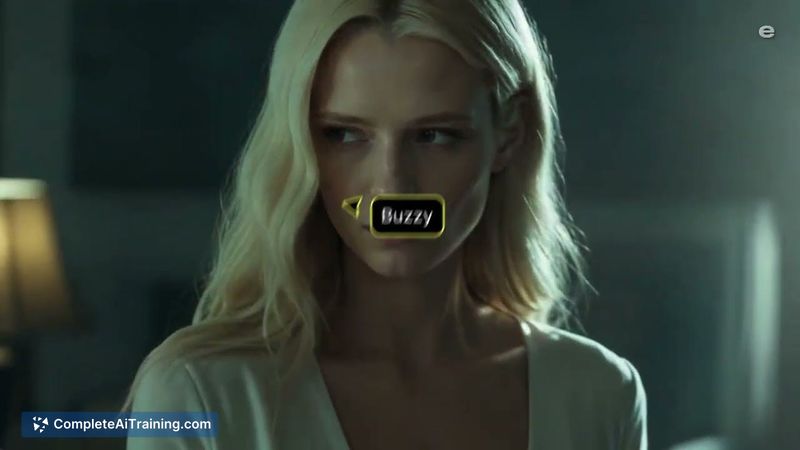

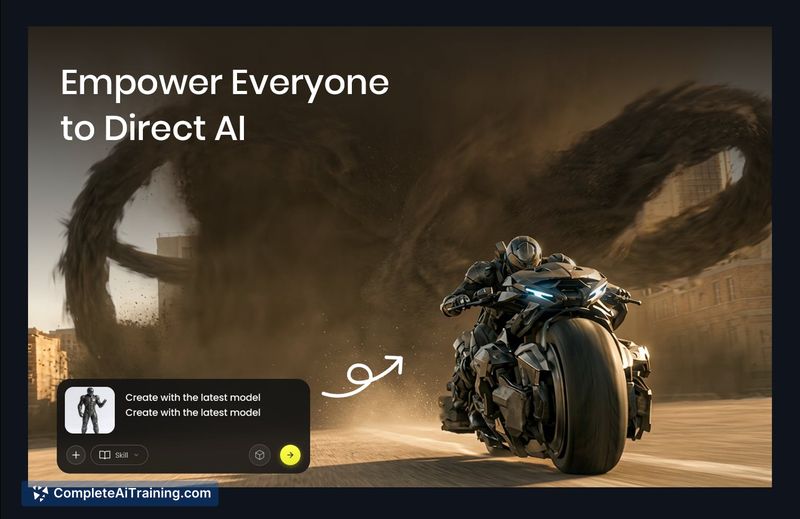

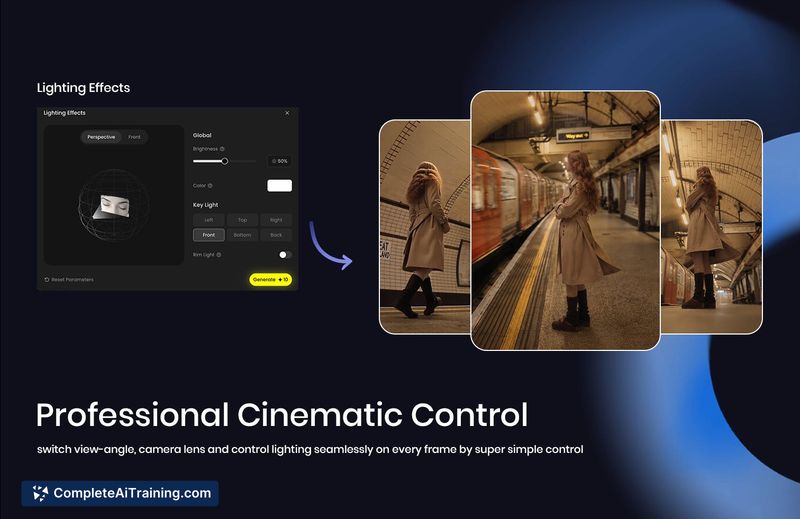
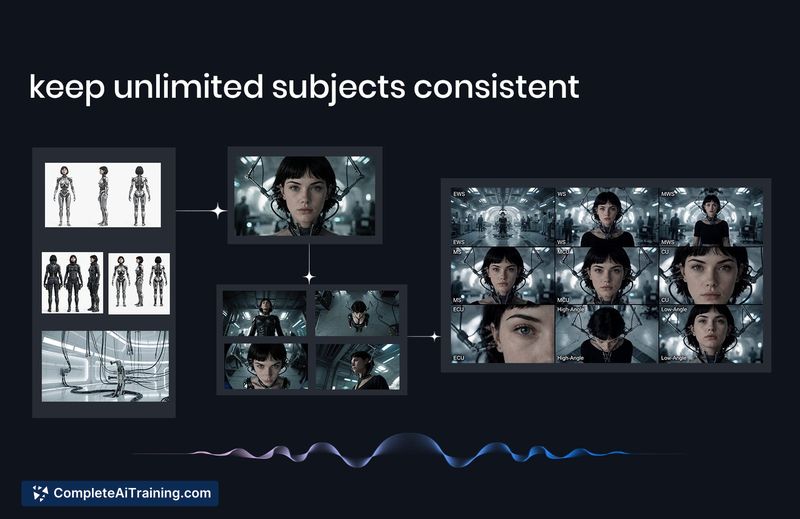
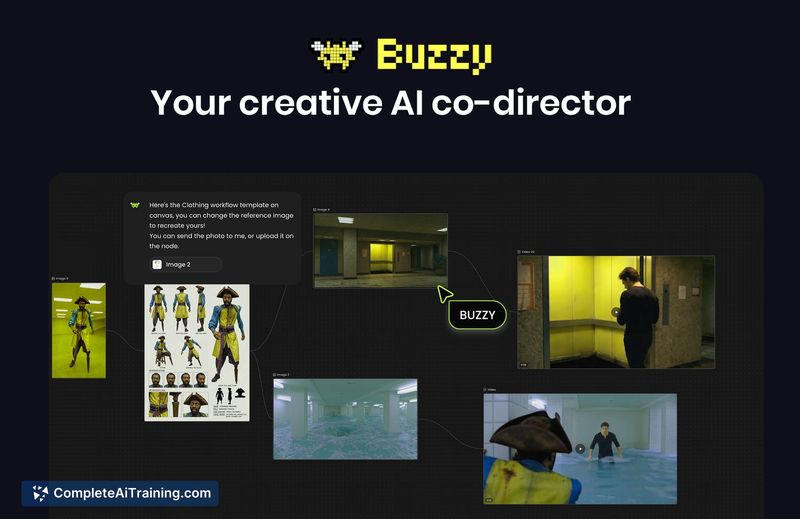
The platform shifts AI video generation away from short clips toward extended narratives. Its canvas interface allows non-linear editing, where users can storyboard scenes, adjust individual shots, and switch between underlying video models as needed. Buzzy treats characters, objects, and locations as persistent entities, which helps maintain visual continuity across a sequence.
Key Features
- Agentic infinite canvas with integrated Kling 3.0, Runway Gen 4, Veo 3, and other models
- Persistent subjects, characters, and locations across shots and scenes
- Scene-by-scene control over lighting, camera angles, and pacing
- Video editing tools that allow precise adjustments similar to Photoshop
- Access to professional workflow templates from filmmakers and brand advertisers
Pricing and Value
Buzzy launched with a special offer for the Product Hunt community: code HUNTED2026 gives 20% off the first monthly subscription, and the yearly plan is already discounted by 60%. Regular monthly and yearly pricing has not been defined publicly. The Product Hunt page mentions free options, but specifics about a free tier or trial are not detailed.
Pros
- Supports creation of unlimited-length films and ads, not just short clips
- Persistent entities reduce the need to re-prompt for character appearance across shots
- Users can switch the underlying video model from one shot to the next while keeping the same character references
- Canvas-based workflow enables non-linear editing and storyboarding
- Conversational controls make it approachable for users without traditional video editing experience
Cons
- Lip-sync and dialogue audio alignment are not yet reliable; the team notes that results are not good and they currently avoid heavy use of lip-sync
- Cross-project asset library and history are still under development, so characters and scenes cannot be easily reused across different productions
- The tool is not well suited for users seeking a simple, one-click video generator; managing an infinite canvas and multiple models requires active creative direction
Buzzy fits creators, marketers, and small studios who need to produce longer narrative content with consistent characters and precise scene control. It is less suited for quick, automated social media clips where minimal manual input is preferred. Those comfortable with directing a project shot by shot will find the canvas and multi-model approach practical for iterative editing.
Jobs Buzzy suits
We checked Buzzy against 500+ jobs; these get the most out of it.
Alternatives to Buzzy
Other tools that do the same main job. Our AI compared Buzzy with similar tools and kept the ones you could use instead.