AI tool
Caret
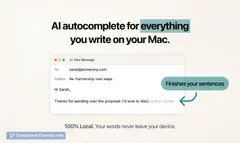
Caret is a Mac-wide AI autocomplete that finishes sentences anywhere you type. Press Tab for fast, one-keystroke completions. Learns your writing locally and stores memories on your Mac. No plugins, no copy-paste.

About Caret
Caret is a system-wide autocomplete assistant that offers one-keystroke completions anywhere you type on your computer. It learns your writing patterns and stores memories locally so suggestions become more relevant over time.
Review

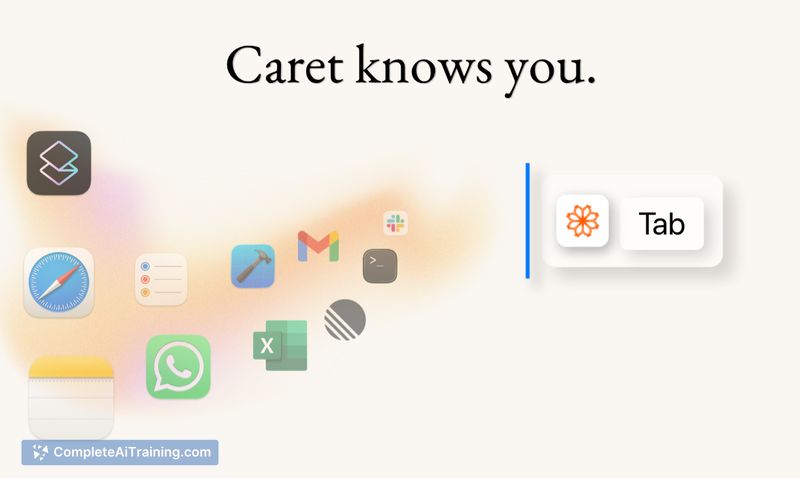
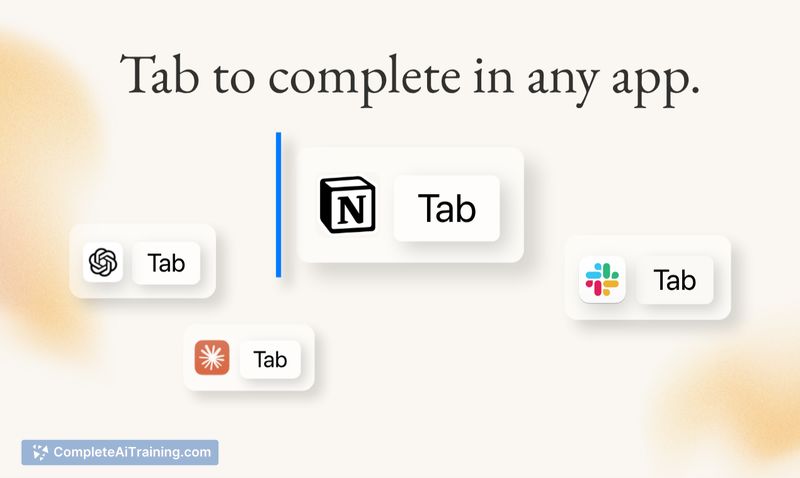
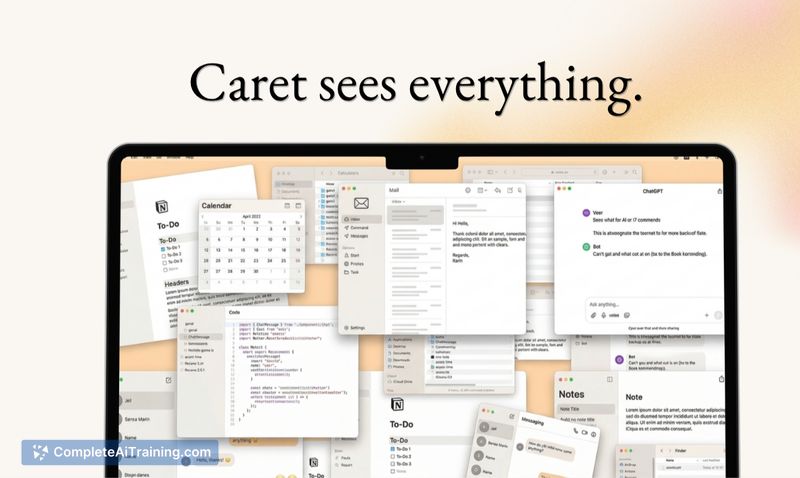
Caret brings a Tab-to-complete interaction to text fields across apps, aiming to reduce context switching and repetitive typing. It runs in the background, reads surrounding text (not pixels), and uses a combination of local memory and external model services to generate suggestions; the product is currently an early (v1) release focused on responsiveness and personalization.
Key Features
- Tab-to-complete that works in any text field without per-app plugins or integrations
- OS-level context awareness so suggestions can draw on what you've been working on across apps
- Local memory that learns your phrasing and stores connections on your device
- Simple setup: a single accessibility permission and an unobtrusive background process
- Options for pausing or excluding sensitive inputs and optional feedback sharing
Pricing and Value
At launch Caret is offered for free. The main value proposition is time saved from fewer context switches and less copying and pasting between apps-especially helpful for people who write frequently across messages, documents, and form fields. As a v1 product, further pricing tiers or advanced features may be introduced later, but the current free offering makes it easy to try without financial commitment.
Pros
- Applies autocomplete everywhere you type, removing the need to switch to a separate editor or chatbot
- One-keystroke interaction keeps the flow of writing fast and low-friction
- Local storage of memories helps suggestions align with your style over time
- Minimal setup and no per-app configuration required
- Controls to opt out or exclude sensitive fields help manage privacy
Cons
- Requires an accessibility permission so the app can read text context, which may concern privacy-conscious users
- Limited feature set in this initial release; some advanced controls or cross-device syncing are not yet available
- Because it relies on language models, occasional inaccurate or irrelevant completions can appear
Ideal users are desktop-based writers, frequent messengers, and anyone who wants inline assistance to speed routine text tasks without switching windows. Those who need strict isolation from background text reading or who require immediate multi-device sync may want to wait for more mature releases and additional privacy controls.
Jobs Caret suits
Useful in almost any job. We checked Caret against 500+ jobs; these get the most out of it.
Alternatives to Caret
Other tools that do the same main job. Our AI compared Caret with similar tools and kept the ones you could use instead.