AI tool
Typeahead
Typeahead offers inline word and sentence suggestions in any Mac text field, using a local model offline so your writing stays on-device. One-time purchase-speed up writing without leaving where you type.
About Typeahead
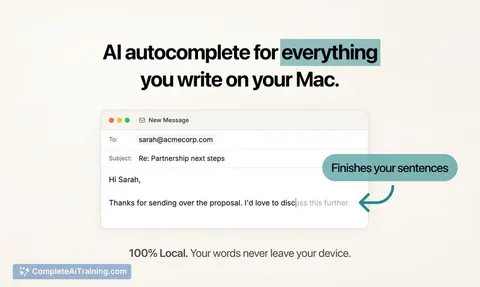
Typeahead is an AI autocomplete tool that provides inline suggestions in every text field on a Mac. It runs on a local model, works offline, and keeps your writing on your device while offering lightweight, accept-with-Tab suggestions as you type.
Review
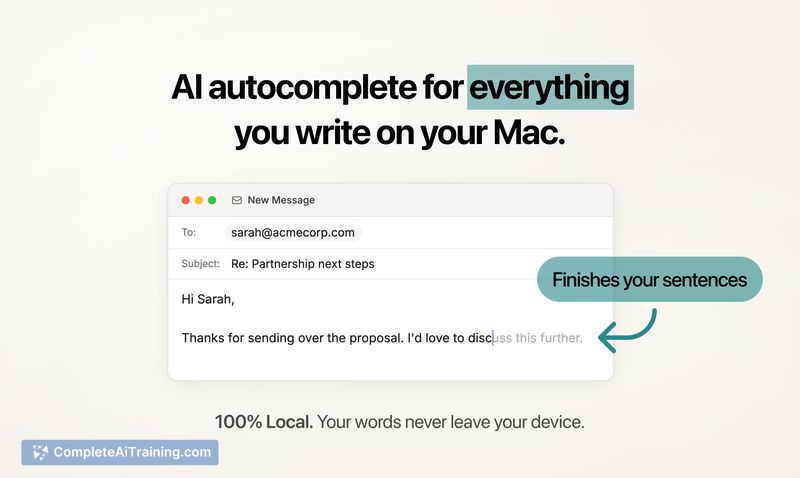
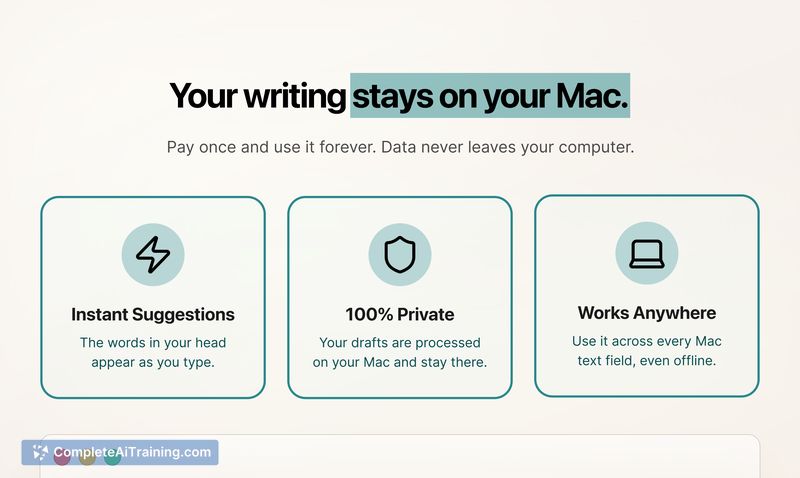
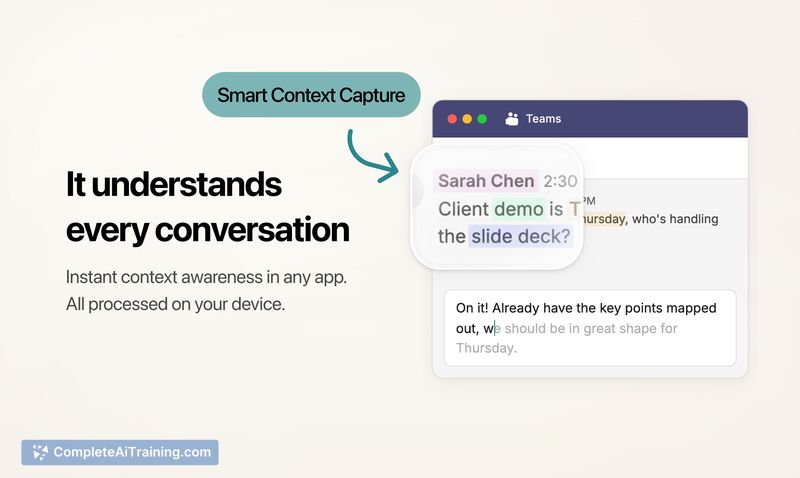
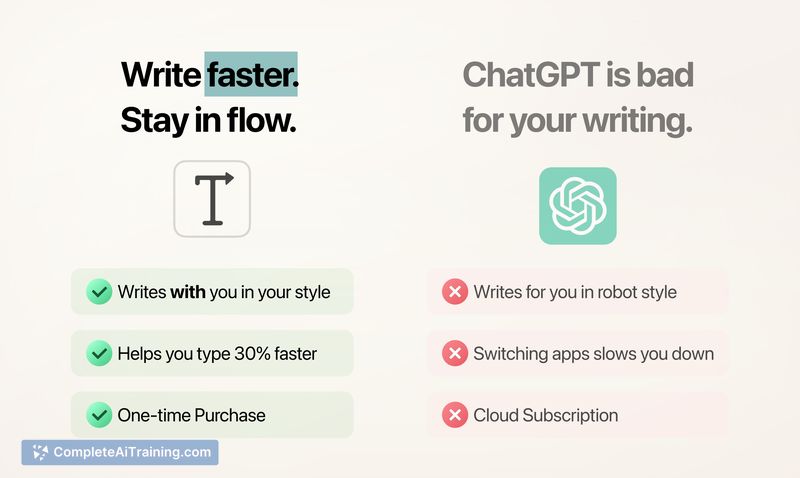
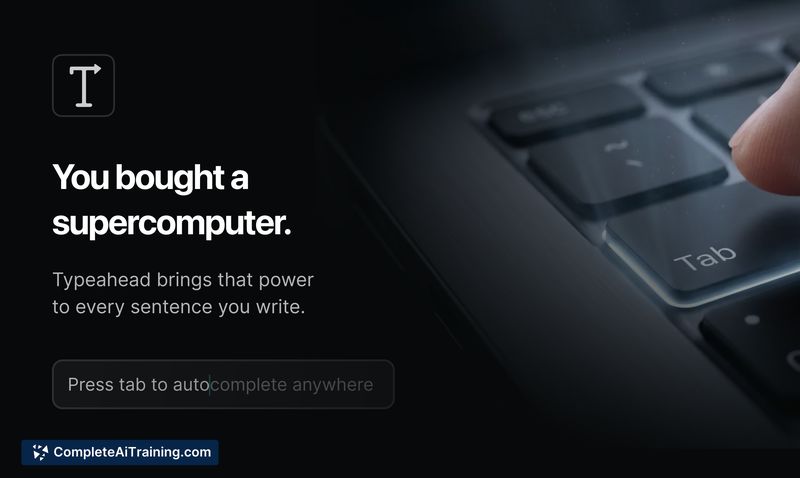

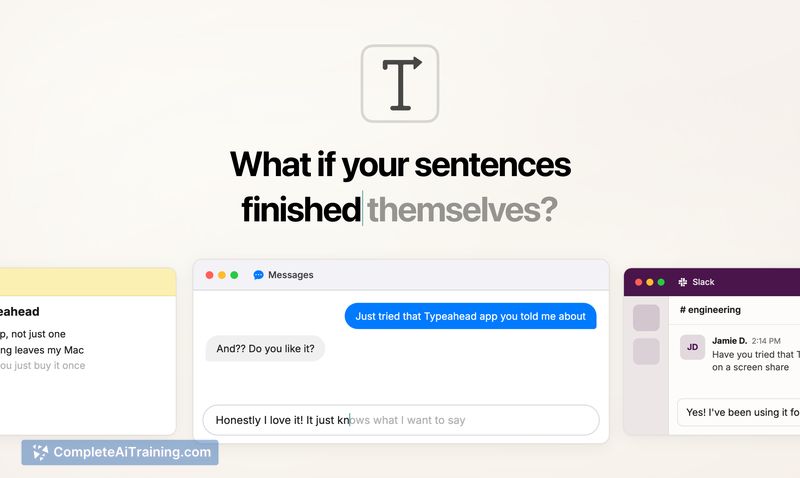
Typeahead focuses on augmenting the act of writing by surfacing ghost-text suggestions that you can accept or ignore without leaving the app you're using. The app emphasizes on-device performance and privacy, with options to choose different model sizes and to pause or disable suggestions per app.
Key Features
- Inline autocomplete: ghost-text suggestions appear at the cursor and can be committed with Tab.
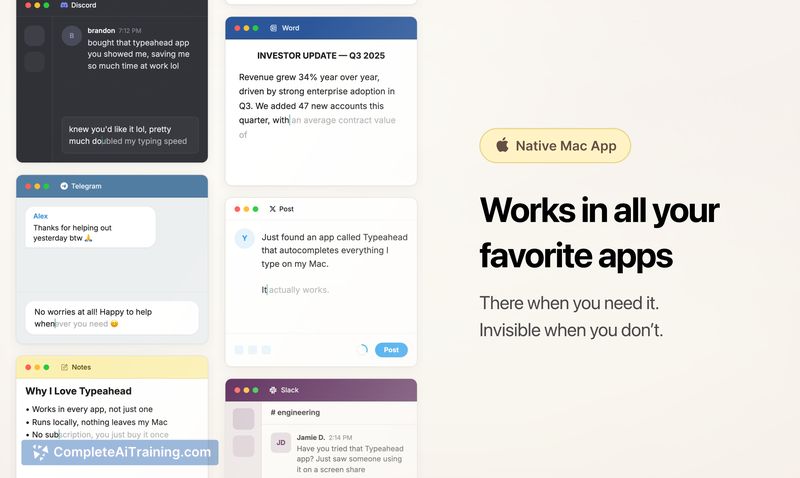
- System-wide coverage: works in every text field across macOS rather than inside a single app.
- On-device models: runs locally and supports multiple model sizes for a balance of speed and capability.
- Per-app controls and pause options: you can disable suggestions for specific apps or pause them for set periods.
- Optimized performance: low latency suggestions and modest memory usage even with larger local models.
Pricing and Value
Typeahead is offered as a one-time purchase with free updates for life rather than a subscription. That pricing model makes it appealing for regular Mac-based writers who want ongoing access without recurring fees. The on-device approach also delivers privacy value that some users will consider worth the upfront cost.
Pros
- Keeps writing private by running models locally and avoiding cloud uploads.
- Non-disruptive workflow: inline suggestions aim to speed typing without forcing rewrites.
- Flexible performance: multiple model options let you prioritize speed or capability, and it scales with Apple Silicon.
- Fine-grained control: per-app settings, pause options, and length presets for suggestions.
- One-time purchase model is cost-effective for long-term users.
Cons
- Mac-only: not available on other desktop platforms, limiting cross-platform teams or multi-device users.
- On-device models can be less capable than the largest cloud LLMs for very complex or research-heavy prompts.
- Some apps or edge cases may require tuning for the best contextual suggestions.
Typeahead is best suited for Mac users who write frequently and want privacy-preserving, inline assistance that helps maintain authorial voice rather than replacing it. It's a strong fit for people who prefer a single purchase and value fast, low-friction suggestions across their native apps; those needing cross-platform coverage or the absolute largest cloud models should consider alternatives.
Jobs Typeahead suits
Useful in almost any job. We checked Typeahead against 500+ jobs; these get the most out of it.
Alternatives to Typeahead
Other tools that do the same main job. Our AI compared Typeahead with similar tools and kept the ones you could use instead.