AI tool
Causal
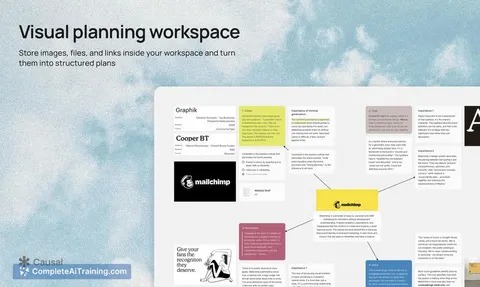
Causal is an infinite canvas for creatives to store, connect, and plan visual ideas. Its integrated AI understands spatial relationships across files, notes, and images, and can generate and arrange content directly on the board.
About Causal
Causal is an AI-powered infinite canvas built for designers, creators, and founders who plan visual projects. It combines a spatial whiteboard with a native AI agent that can organize ideas, generate content directly on the board, and hand off completed project plans to external agents via MCP connections. The tool launched this week and offers free options.
Review
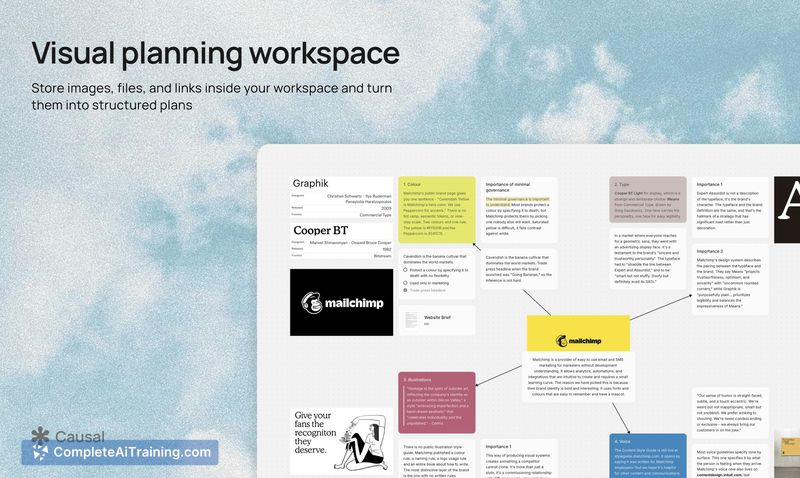
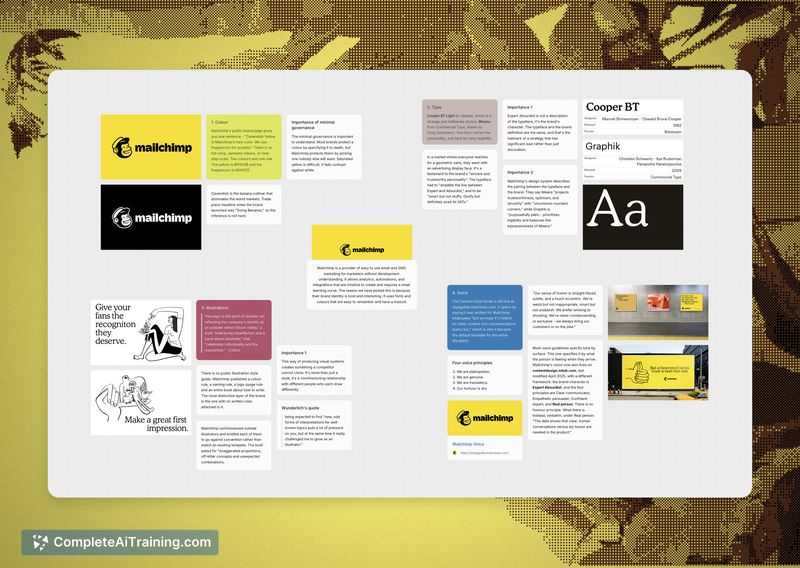


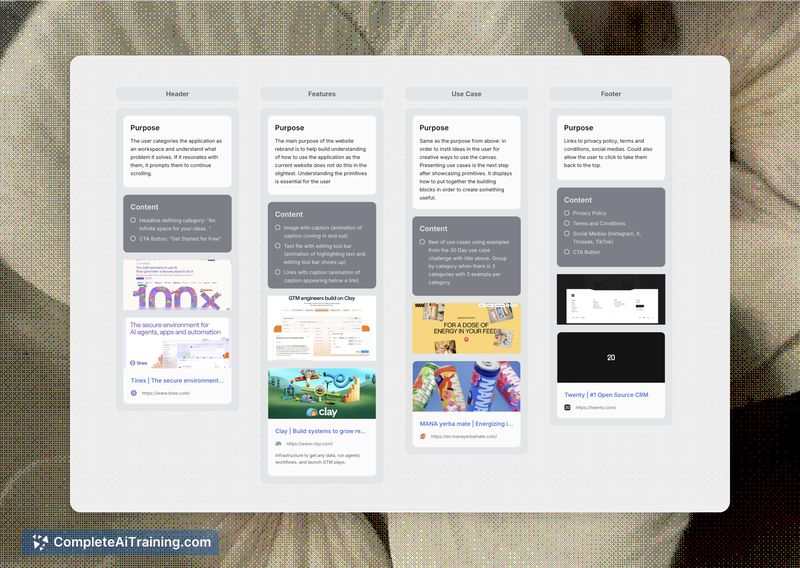
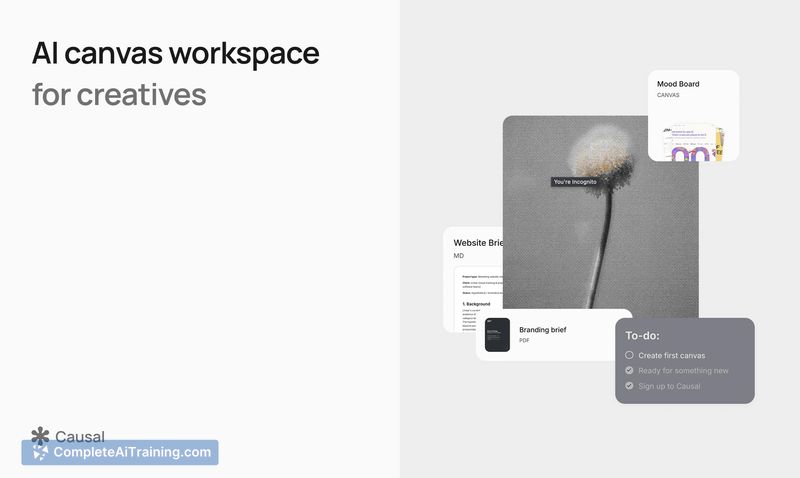
Causal enters the digital whiteboard space with a specific focus: giving visually-oriented thinkers a workspace that doesn't force ideas into linear documents. The canvas accepts images, notes, and files while an integrated AI agent understands the spatial relationships between everything placed on the board. It's a tool built by a designer who found existing options like Notion and Miro too restrictive or enterprise-focused for early-stage creative work.
Key Features
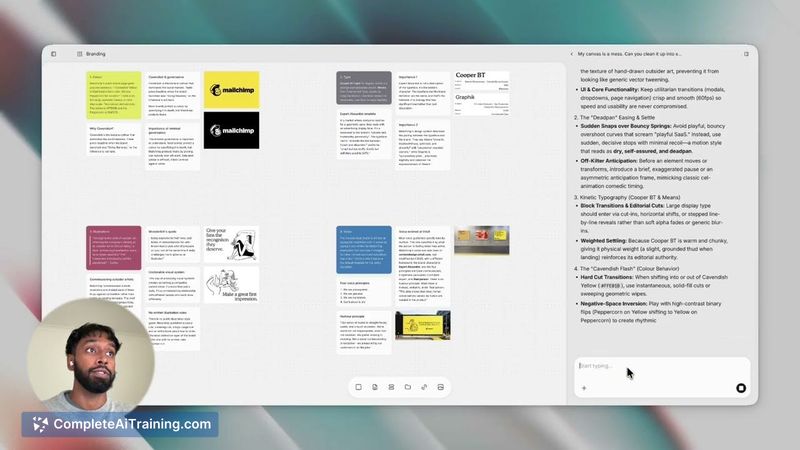
- Multimodal Spatial Context: The AI agent comprehends your entire workspace - visual assets, files, and notes - along with how each element is positioned relative to others. Placing one item near another carries meaning the agent can interpret.
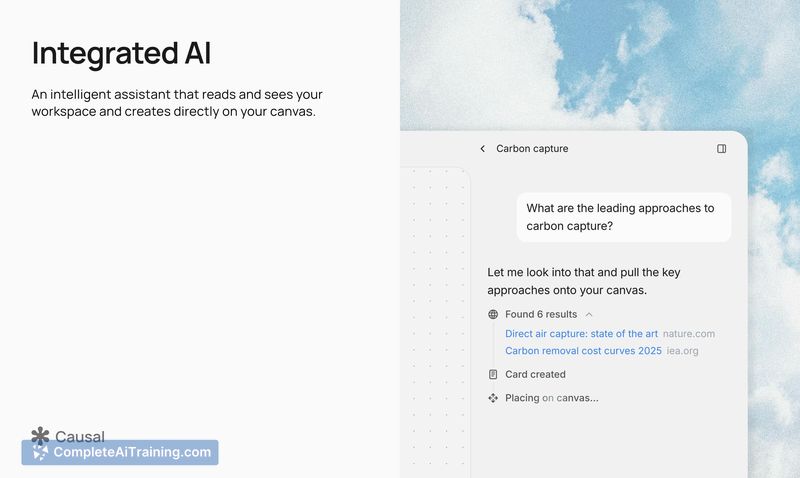
- Generative Canvas: The AI actively creates and arranges files, notes, and images directly onto the board. It functions as a collaborative partner that contributes content spatially rather than just responding in a chat sidebar.
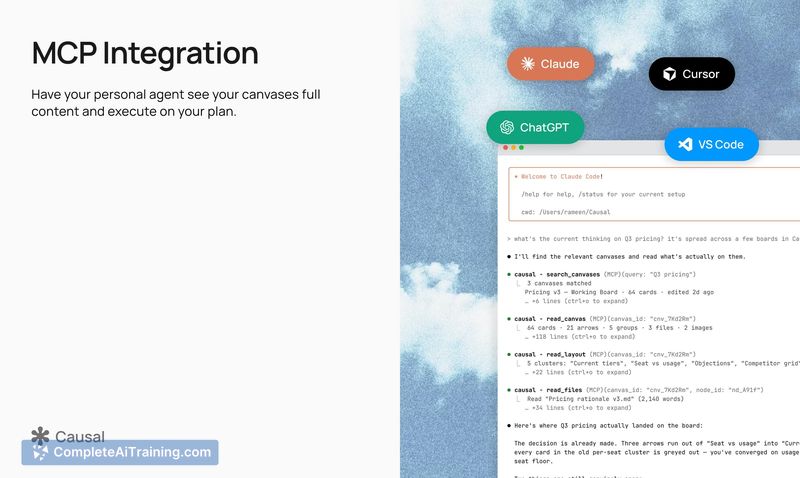
- MCP Connections: Once a project plan is mapped out on the canvas, you can hand it off to an external agent. The content and its relative positioning are sent as context, preserving the spatial relationships for the receiving agent to act on.
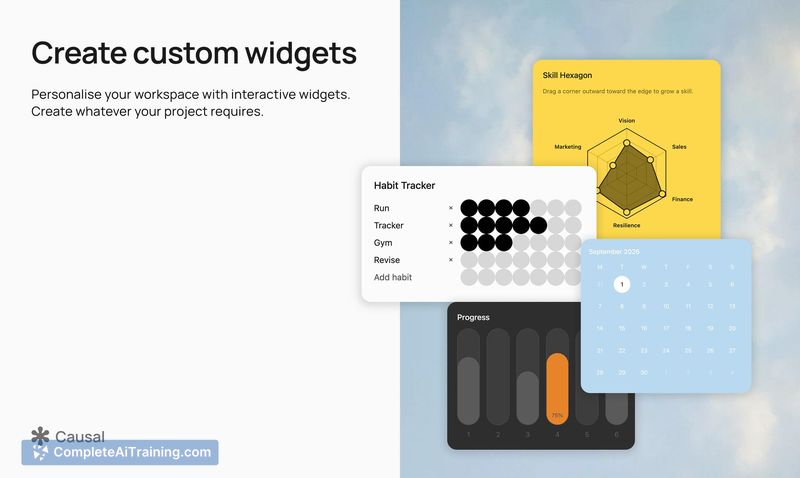
- Custom Widgets: You can ask the agent to create functional elements directly on the canvas - a habit tracker, a bar chart, or an interactive game.
- AI Organization and Brainstorming: The agent can organize scattered ideas, suggest new directions, or generate a roadmap from scratch based on what's on your board.
Pricing and Value
Causal currently lists free options on its Product Hunt page. Specific pricing tiers or future pricing models have not been defined in the available reference content. The tool is in its launch phase, so the long-term pricing structure remains to be seen.
Pros
- The spatial context model means the AI doesn't flatten your layout into a simple list - it preserves and acts on positional relationships between elements.
- A distraction-free UI strips away enterprise-oriented clutter, keeping the interface focused on the core tools a creative needs.
- MCP handoff capability lets you transition from planning to execution by passing structured context to an external agent.
- Custom widget creation extends the canvas beyond static notes into functional, interactive components built on demand.
- The generative canvas places AI-created content directly onto the board, maintaining the spatial workflow rather than interrupting it with a separate chat panel.
Cons
- Multiplayer or real-time collaboration isn't confirmed as a current feature - the reference content only shows single-user scenarios and a question about multiplayer support went unanswered at time of writing.
- Import capabilities for external data sources like lists or structured files aren't documented yet, which may limit onboarding for users with existing project materials elsewhere.
- Causal is not well suited for teams that rely heavily on structured documentation, database views, or text-heavy workflows - it prioritizes spatial, visual thinking over traditional document organization.
Causal fits designers and founders who think spatially and find text-first tools constraining during the early stages of project planning. The AI's ability to understand relative positioning makes it useful for messy, exploratory brainstorming that later needs structure before being handed off. Teams accustomed to Miro's enterprise feature set or Notion's database capabilities will notice gaps, but solo creators and small visual teams may find the focused canvas approach a practical alternative.
Jobs Causal suits
We checked Causal against 500+ jobs; these get the most out of it.
Alternatives to Causal
Other tools that do the same main job. Our AI compared Causal with similar tools and kept the ones you could use instead.