AI tool
Chat-Based Editing by Riverside
Chat-Based Editing by Riverside: Edit videos by chatting with a personal AI editor-trim clips, add captions, and refine pacing quickly so you can focus on creating.
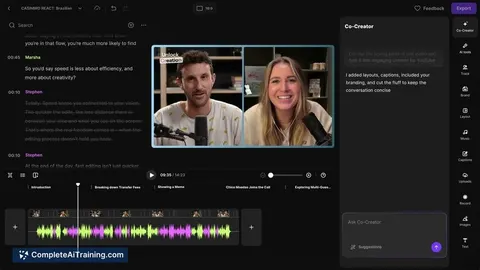
About Chat-Based Editing by Riverside
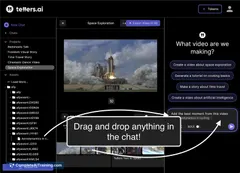
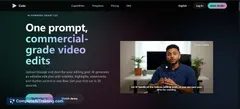
Chat-Based Editing by Riverside is an AI-driven feature that lets you edit podcasts and videos through conversational text prompts. It operates within Riverside's broader platform, turning requests like "cut this part" or "remove filler words" into actual edits while still allowing manual adjustments.
Review
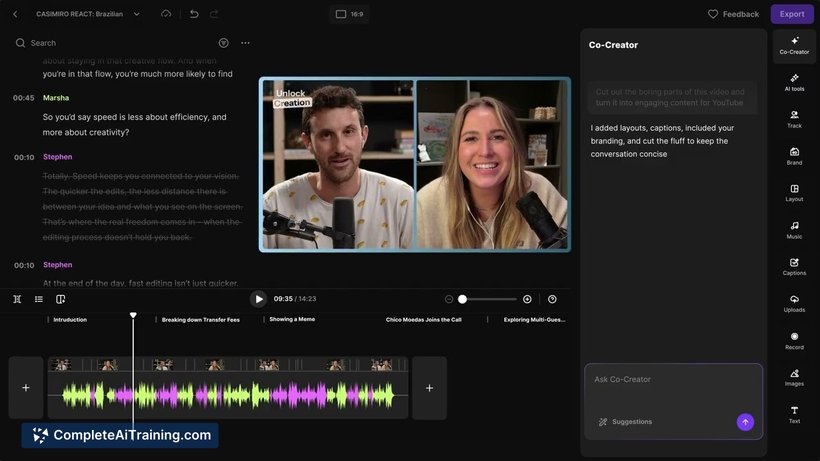
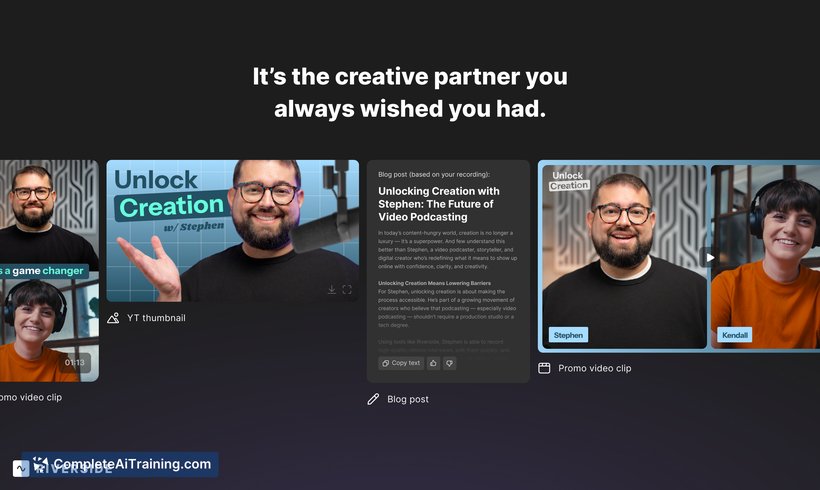
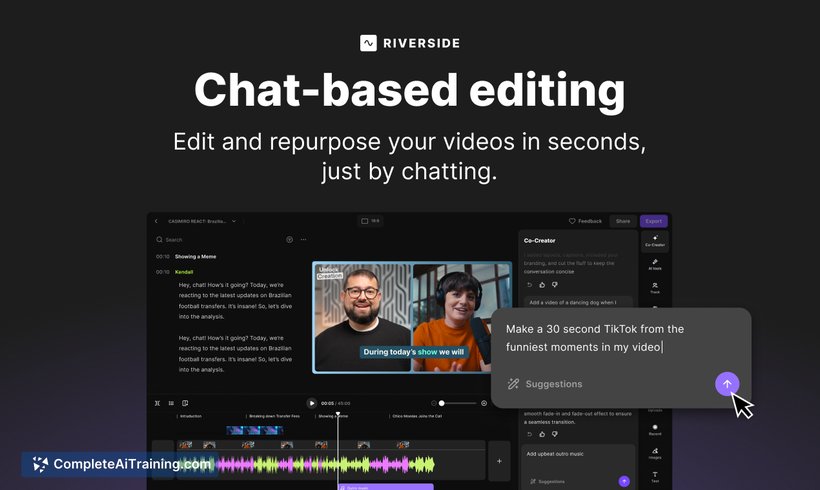
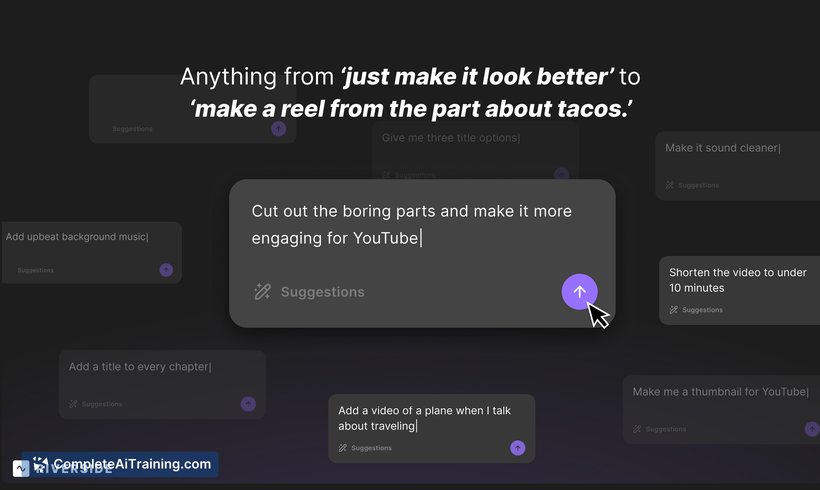
The chat-driven approach simplifies common editing tasks and speeds up post-production, especially for creators who prefer to avoid traditional timeline-based workflows. It integrates with Riverside's existing editor, so you can accept the AI's changes or fine-tune the output yourself.
Key Features
- Chat-driven editing: make edits by typing natural-language instructions rather than manipulating the timeline.
- Filler and silence removal: AI can detect and remove pauses, "uhs/ums" and other unwanted audio artifacts, with optional Smooth Speech processing.
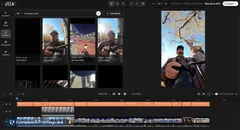
- Hybrid workflow: produced edits can be adjusted in the full Riverside editor, preserving granular control when needed.
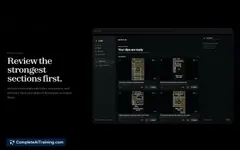
- Episode highlights and summaries: request highlights or condensed versions of long recordings to create shareable clips or recaps.
- Accessible across plans: available to users on free and paid tiers, with promotional offers for new sign-ups.
Pricing and Value
The feature is available on Riverside's platform with access open across tiers, including the free plan, and a limited-time launch promotion (for example, a discount for the initial months). Riverside's subscription model covers recording, editing, and publishing tools, so chat-based editing is positioned as an efficiency add-on rather than a separate purchase. For creators who spend significant time on post-production, the feature can reduce editing hours and lower outsourcing needs, though teams with complex editorial standards may still want manual review steps.
Pros
- Significantly reduces hands-on editing time for routine tasks.
- Easy to use: natural-language prompts make it approachable for non-editors.
- Works alongside manual editing, offering a flexible hybrid workflow.
- Useful AI tools like filler removal and Smooth Speech improve final audio quality.
- Available on free and paid plans, letting users try it without immediate cost.
Cons
- AI-driven edits may require human review for nuanced or creative decisions.
- Some users report occasional slowness during exports or heavy projects.
- Advanced, highly specific edits can still be faster to perform manually in complex timelines.
Chat-Based Editing by Riverside is a strong fit for podcasters, solo creators, and teams who want to speed up routine post-production and generate highlights without deep editing skills. Those producing highly polished, hand-crafted edits will appreciate the hybrid model, which lets the AI handle tedious tasks while preserving the option for precise manual work.
Jobs Chat-Based Editing by Riverside suits
We checked Chat-Based Editing by Riverside against 500+ jobs; these get the most out of it.
Alternatives to Chat-Based Editing by Riverside
Other tools that do the same main job. Our AI compared Chat-Based Editing by Riverside with similar tools and kept the ones you could use instead.