AI tool
ClawTab
ClawTab manages AI agent tmux sessions: auto-yes runs unattended batches overnight, and decision cards deliver prompts to your phone for quick approvals. Pane-splitting and multi-model support simplify running and responding without a laptop.
About ClawTab
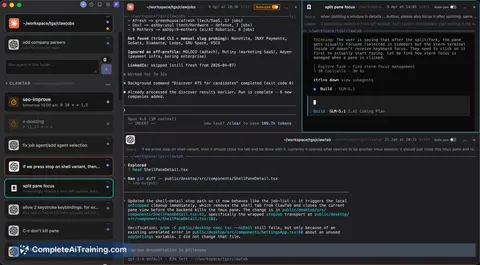
ClawTab is a macOS desktop app for managing many AI coding agents in parallel. It wraps tmux in a graphical interface so you can see per-agent queries, models, start times, split panes, and handle prompts without having to watch the terminal constantly.
Review
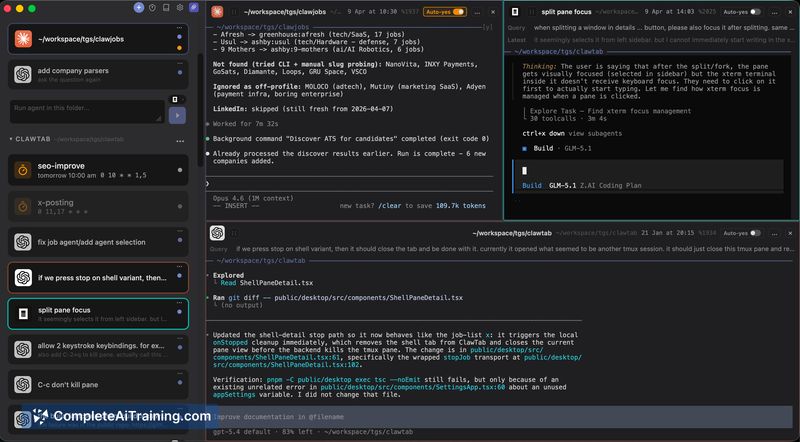
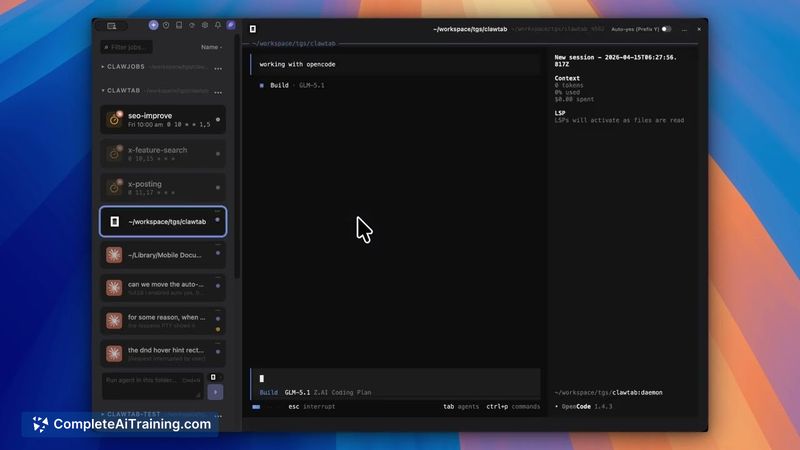
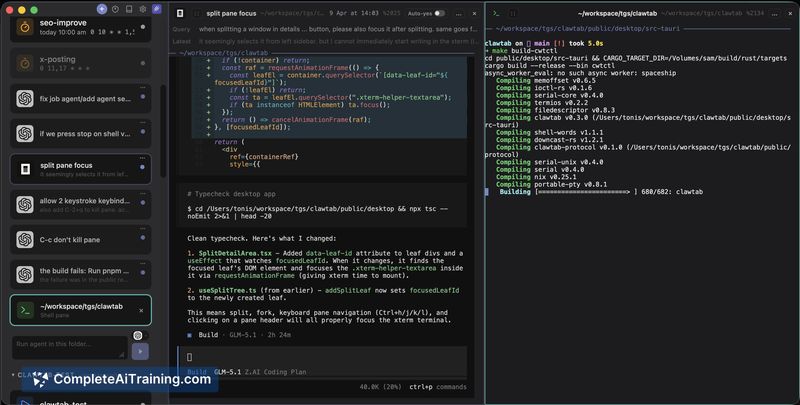
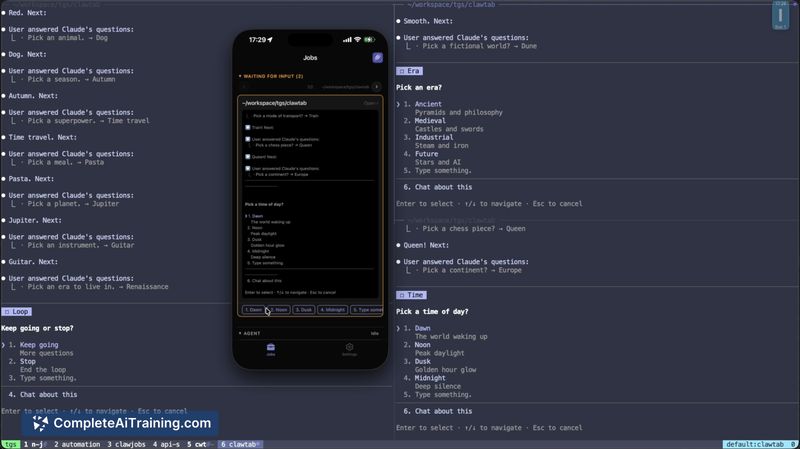
ClawTab targets a real workflow problem: when you run dozens of agent sessions, plain tmux makes it hard to keep track of each job and its prompts. The app provides a sidebar-driven view, unattended execution via an auto-yes mode, and a way to answer decision prompts from a phone, which together reduce manual overhead for heavy agent users.
Key Features
- Sidebar with per-agent metadata (query, model, start time) for quick context
- Auto-yes mode to continue unattended batches overnight
- Remote question answering: decision prompts appear on a phone and resume the agent when answered
- Pane splitting for organizing multiple simultaneous sessions
- Support for several agent CLIs/models, enabling mixed-agent workflows
Pricing and Value
ClawTab is free at launch. For developers who routinely run many parallel agent sessions, the app offers strong practical value by reducing manual supervision and making it easier to coordinate long-running runs. The cost barrier is zero, but the value depends on having macOS and some familiarity with agent CLIs and tmux-style workflows.
Pros
- Makes many concurrent agent sessions visible and easier to manage
- Auto-yes lets you run batches unattended without frequent prompts
- Phone-based prompt handling minimizes interruptions and keeps progress moving
- Panes and sidebar provide a clearer UI compared with raw terminal multiplexing
- Works with multiple agent CLIs/models so you can mix toolchains
Cons
- macOS-only, which excludes users on other operating systems
- Requires some setup and comfort with tmux/agent CLIs to get the most out of it
- Early-stage release, so occasional rough edges or missing advanced features are possible
ClawTab is best suited for developers and teams who run many AI coding agents at once and need a lightweight desktop UI to keep jobs organized, automate unattended runs, and respond to decision prompts remotely. Casual users or those on non-macOS platforms will find less benefit until broader platform support or additional polish arrives.
Jobs ClawTab suits
We checked ClawTab against 500+ jobs; these get the most out of it.
Alternatives to ClawTab
Other tools that do the same main job. Our AI compared ClawTab with similar tools and kept the ones you could use instead.