AI tool
Clide
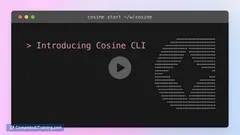
Clide: native macOS terminal with an AI pair-developer in a side panel. Reads shell panes, types commands (exec after you confirm), previews/edits files, accepts screenshots/files, and enforces zero telemetry.
About Clide
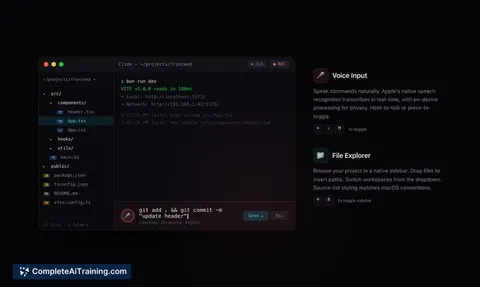
Clide is a native macOS terminal app with an integrated AI pair-developer accessible in a side panel. It offers a grid-layout terminal and features like drag-and-drop attachments, voice input, workspace memory, adaptive theming, and a strict zero-telemetry privacy stance.
Review
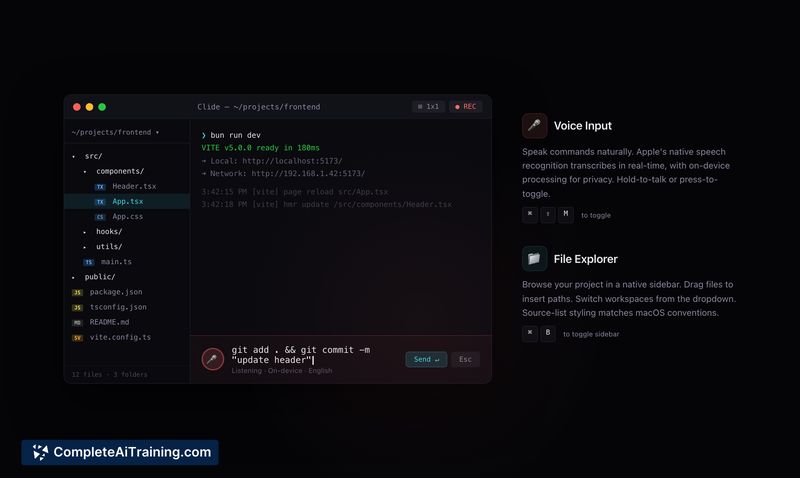
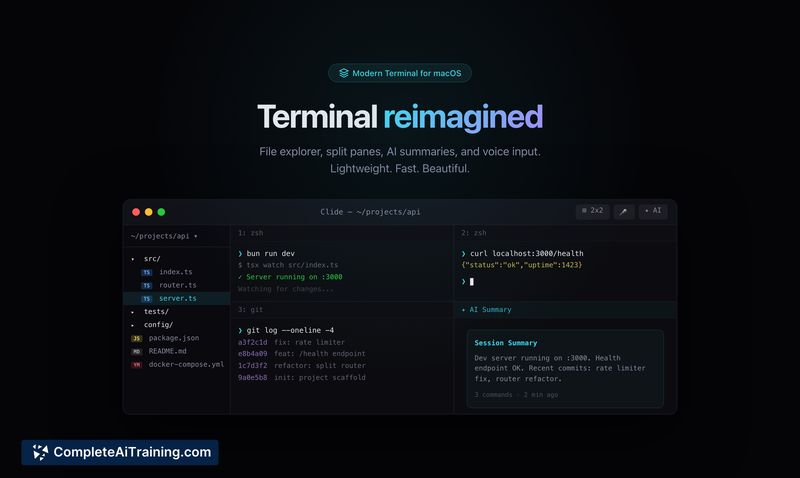
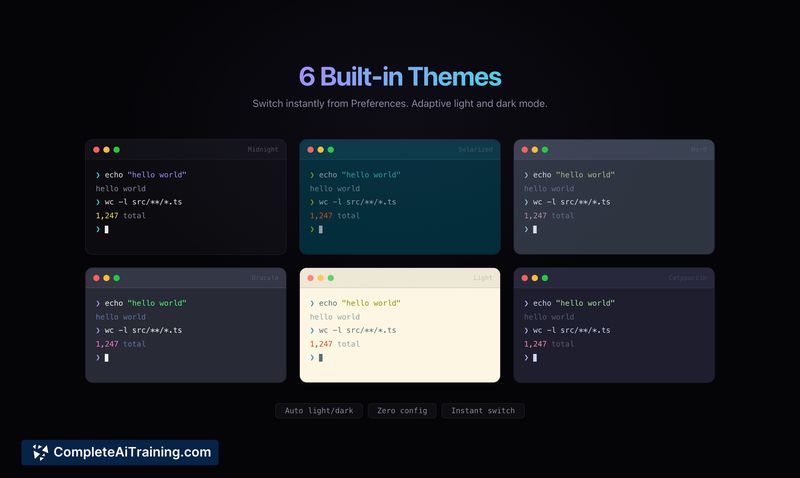
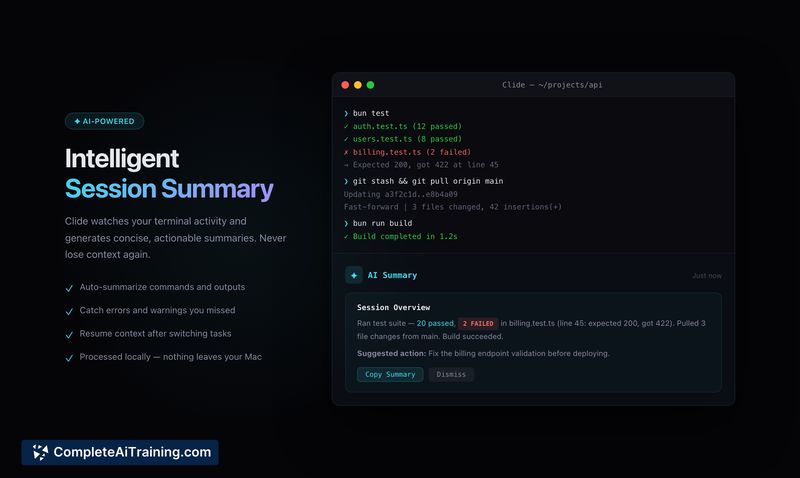
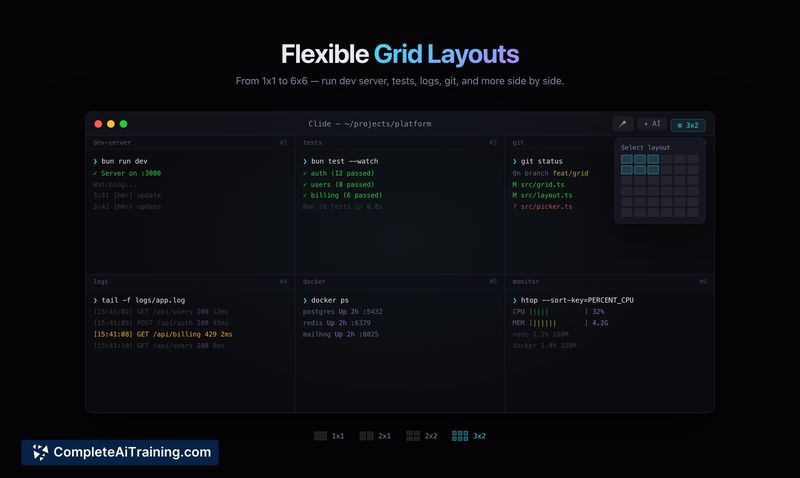
Clide targets developers who prefer to keep the terminal at the center of their workflow while adding an AI assistant that can read scrollback, inspect open files, and propose or type commands with user confirmation. The interface emphasizes speed and local feel by avoiding heavier cross-platform frameworks, and it includes conveniences such as multi-pane grids and file previews.
Key Features
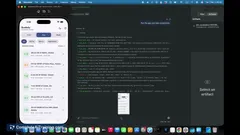
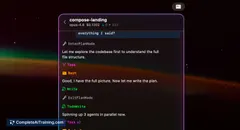
- Embedded AI side panel that can read pane scrollback, preview files, and suggest or type commands into selected panes (requires user confirmation).
- Flexible multi-pane grid layout (up to a 6×6 arrangement) for organizing terminals and long-running tasks.
- Drag-and-drop support for files and screenshots into the chat, plus on-device voice input and workspace memory.
- Adaptive light/dark theming and a zero-telemetry privacy policy to limit data collection.
- Native performance approach intended to reduce UI overhead compared to web-based wrappers.
Pricing and Value
Clide is free to download. For developers who spend a lot of time in the terminal, the integrated assistant can speed common flows like inspecting logs, drafting commands, and proposing file edits without switching contexts. The value proposition is strongest for macOS users who prefer a terminal-centric setup and place a premium on local-feeling performance and privacy.
Pros
- AI assistant embedded directly in the terminal keeps context close to your shells and scrollback.
- Highly configurable pane grid helps manage multiple sessions and long-running tasks.
- Drag-and-drop and screenshot attachments make sharing context with the assistant quick and convenient.
- Privacy-focused policy and native implementation reduce background telemetry and UI lag.
- Voice input and workspace memory add useful interaction options beyond text chat.
Cons
- macOS-only, so it is not available to users on other operating systems.
- As a newly launched product, integrations and ecosystem support are limited compared with older, more established tools.
- AI-driven features depend on backend model behavior and may require network access or additional configuration for advanced use.
Clide is best suited for developers who live in the terminal and want an assistant that operates alongside shells rather than inside an editor. It's a good fit for privacy-minded macOS users looking for faster context switching and fewer interruptions during development sessions.
Jobs Clide suits
We checked Clide against 500+ jobs; these get the most out of it.
Alternatives to Clide
Other tools that do the same main job. Our AI compared Clide with similar tools and kept the ones you could use instead.