AI tool
Cobot
Cobot streamlines team collaboration by automating workflows and managing tasks efficiently, helping businesses boost productivity and keep projects on track with minimal effort.
About Cobot
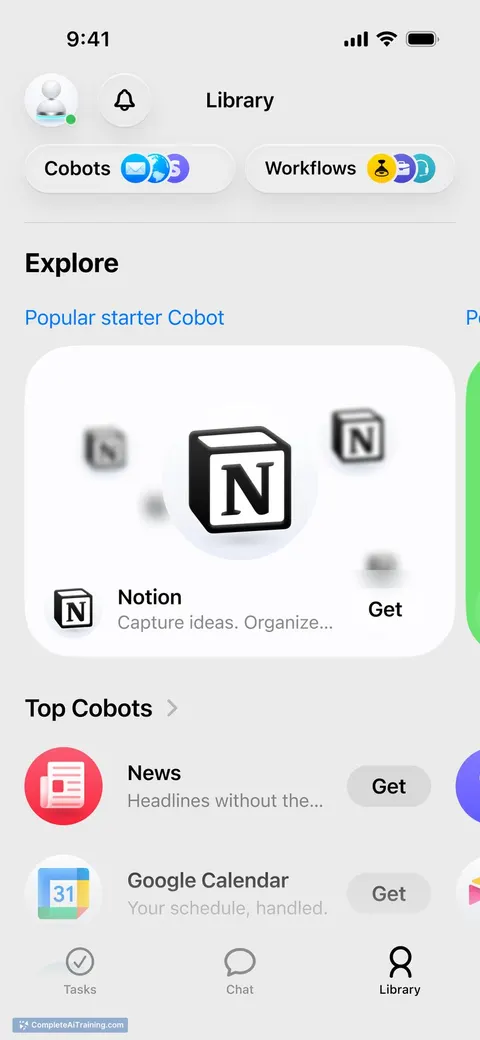
Cobot is an AI-powered productivity assistant designed to automate routine tasks within popular tools like Gmail, Notion, and Google Calendar. By handling follow-ups, calendar management, and task organization, it helps users save time and focus on more important work.
Review
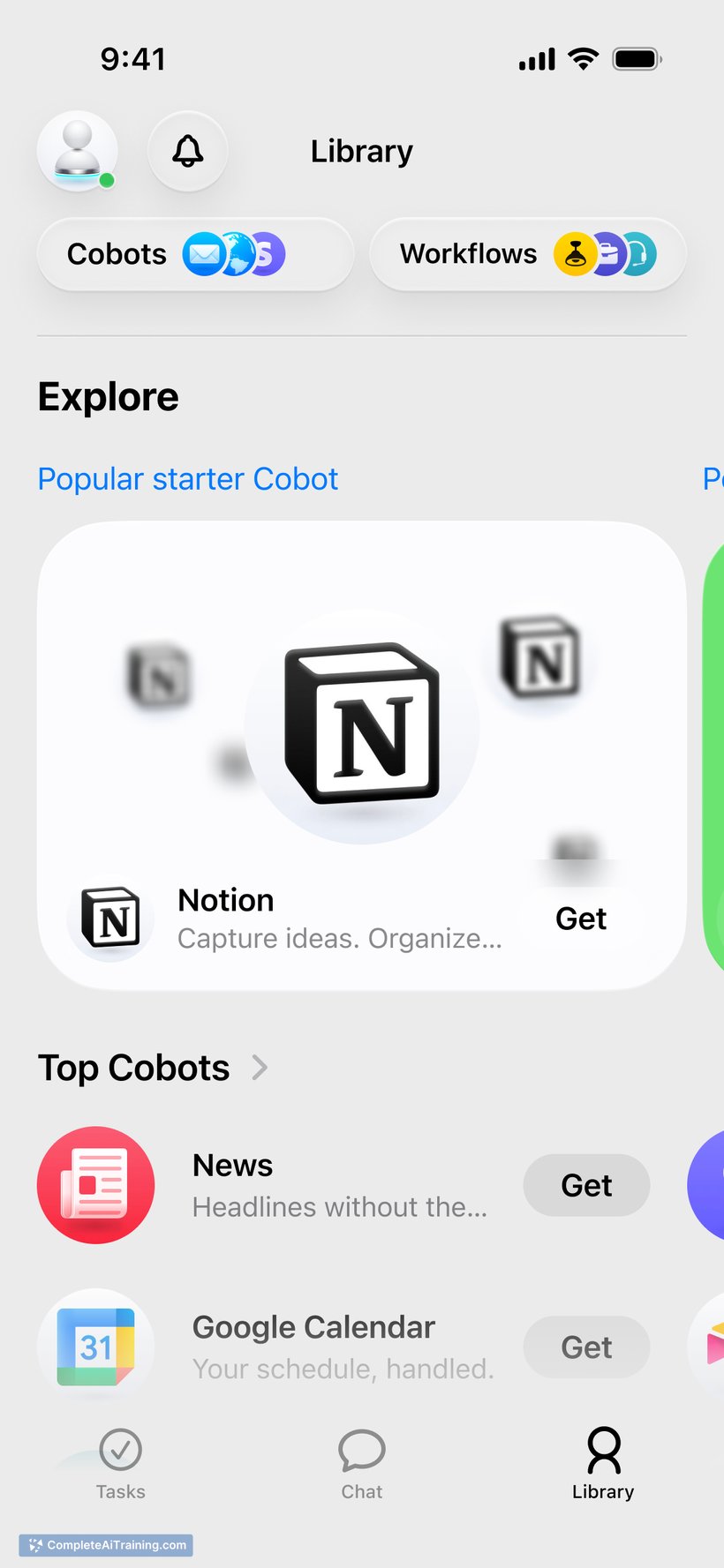
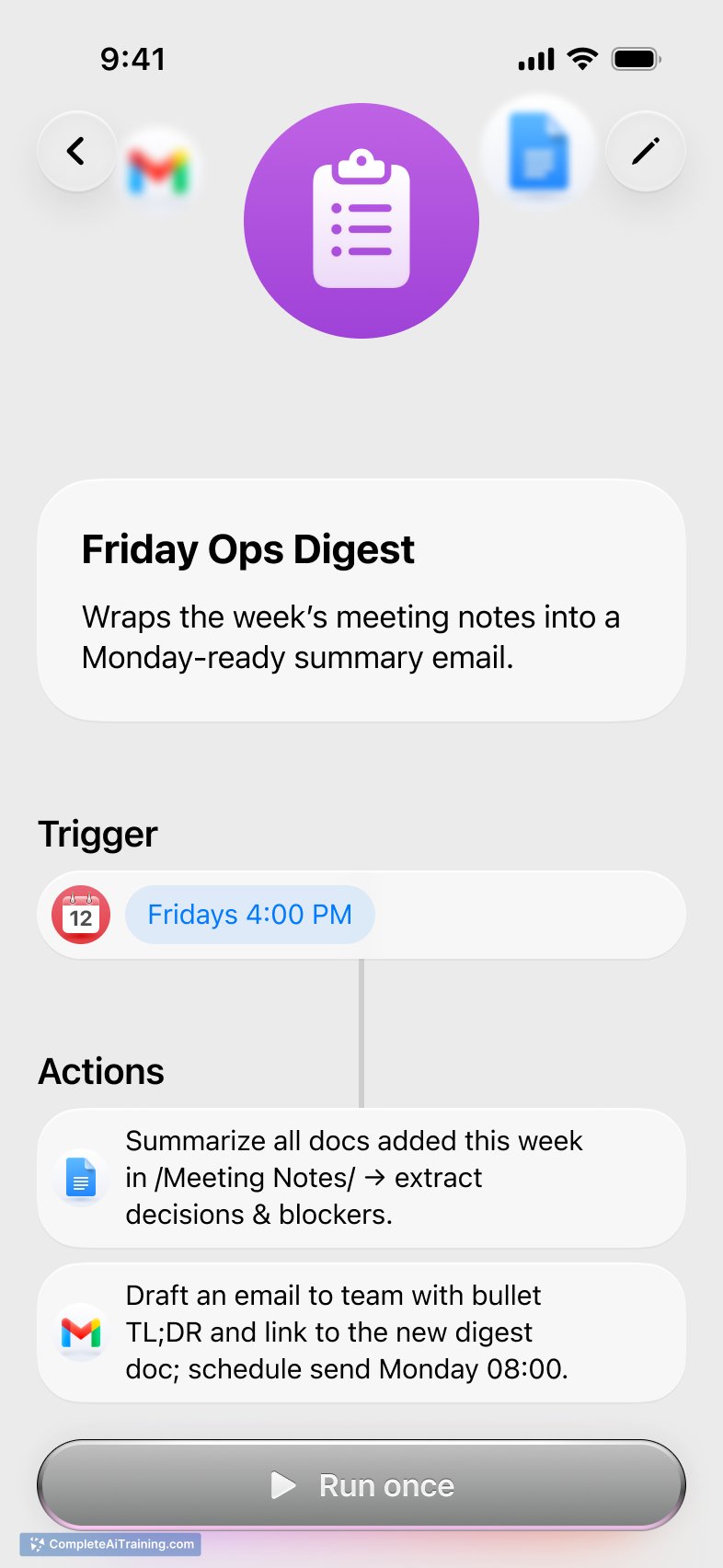
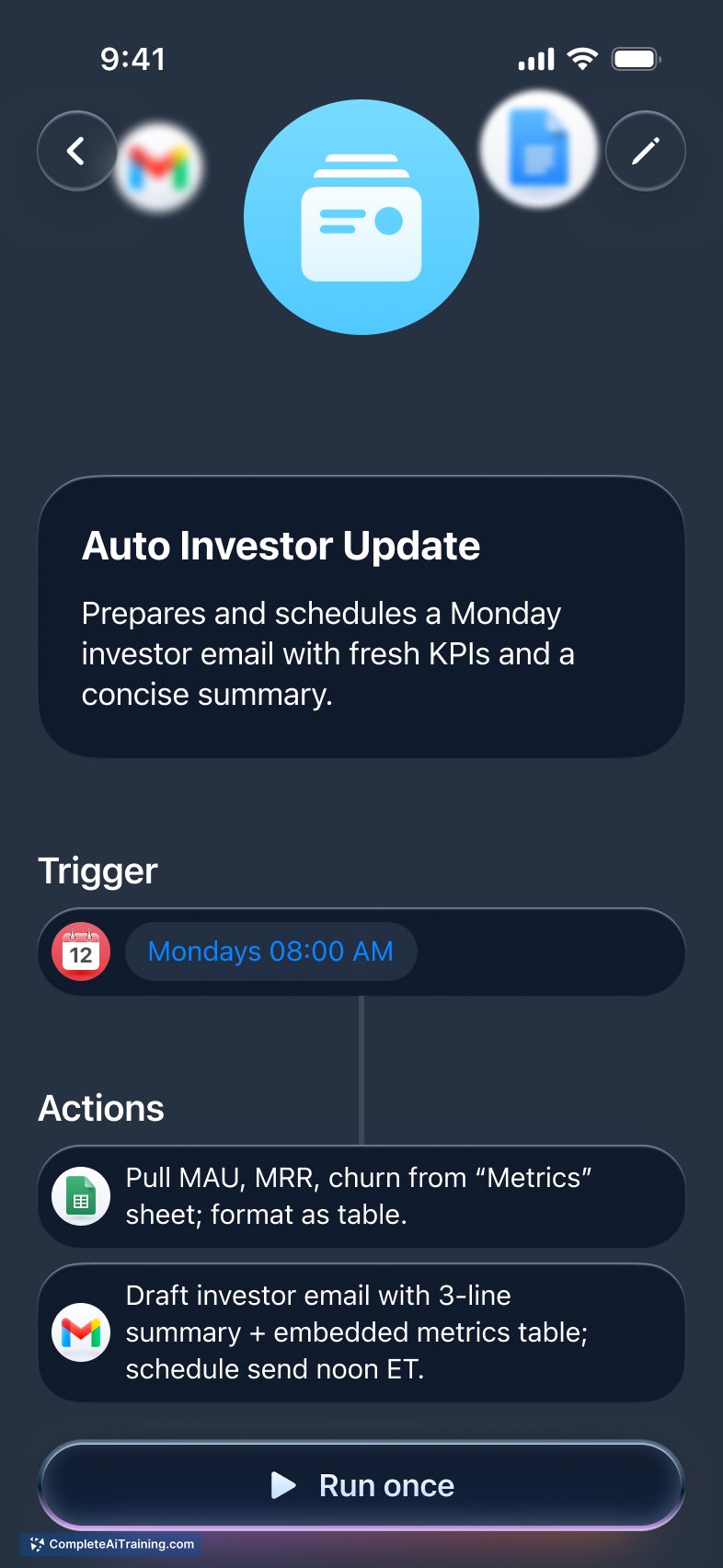
Cobot offers a streamlined approach to managing daily work tasks by integrating directly with commonly used apps. Its automation capabilities aim to reduce manual effort in task tracking and communication, making it a helpful companion for busy professionals. The tool’s simplicity and focus on practical automation make it accessible for a wide range of users.
Key Features
- Automates follow-up emails through Gmail to ensure timely communication.
- Integrates with Notion for effortless task management and note-taking.
- Syncs with Google Calendar to manage appointments and reminders automatically.
- Works alongside existing workflows without requiring users to switch platforms.
- Offers AI assistance to reduce manual workload on routine tasks.
Pricing and Value
Cobot provides free options that allow users to explore its core automation features. While detailed pricing tiers are not explicitly stated, the value proposition centers around saving time by automating repetitive tasks within tools that users already rely on daily. This approach can be especially beneficial for individuals and teams seeking to boost productivity without investing in complex new software.
Pros
- Seamless integration with popular productivity apps like Gmail, Notion, and Google Calendar.
- Saves time by automating follow-ups, calendar management, and task updates.
- User-friendly setup that fits into existing workflows without disruption.
- Free usage options make it accessible for individuals and small teams.
- Helps reduce the mental load of managing multiple daily tasks.
Cons
- Limited information on advanced pricing plans and enterprise features.
- May not cover all productivity apps that some users rely on.
- Relies on integration with existing tools, so users without those tools may find it less useful.
Overall, Cobot is well-suited for professionals and teams who want to streamline routine communication and task management without adopting entirely new platforms. It works best for those already using Gmail, Notion, and Google Calendar and looking to save time on repetitive tasks. Users seeking a simple AI helper to lighten their workload will find Cobot a practical addition to their productivity toolkit.
Jobs Cobot suits
We checked Cobot against 500+ jobs; these get the most out of it.
Alternatives to Cobot
Other tools that do the same main job. Our AI compared Cobot with similar tools and kept the ones you could use instead.