AI tool
ColibotAI
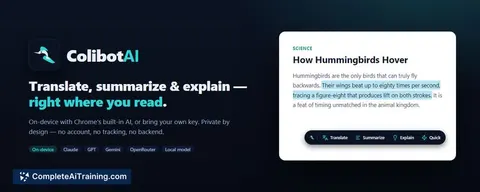
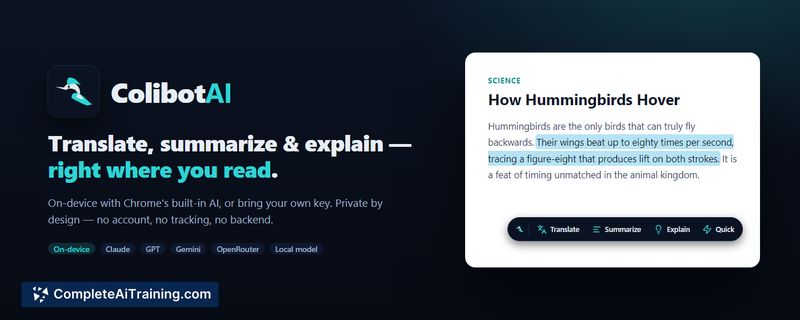
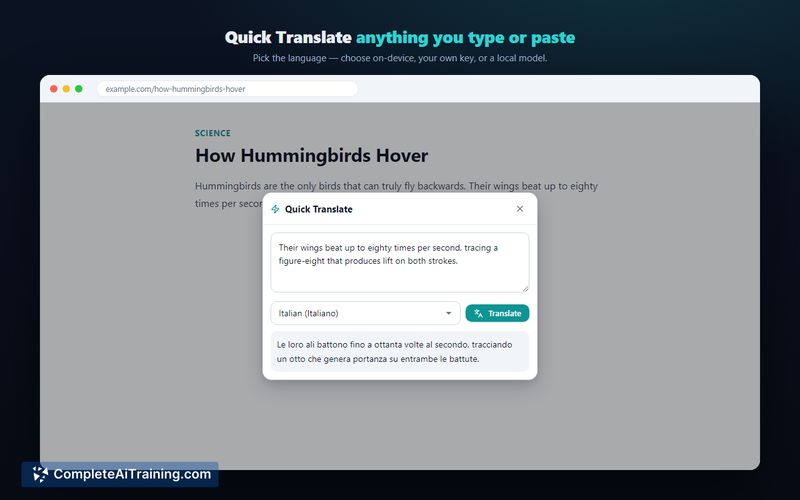
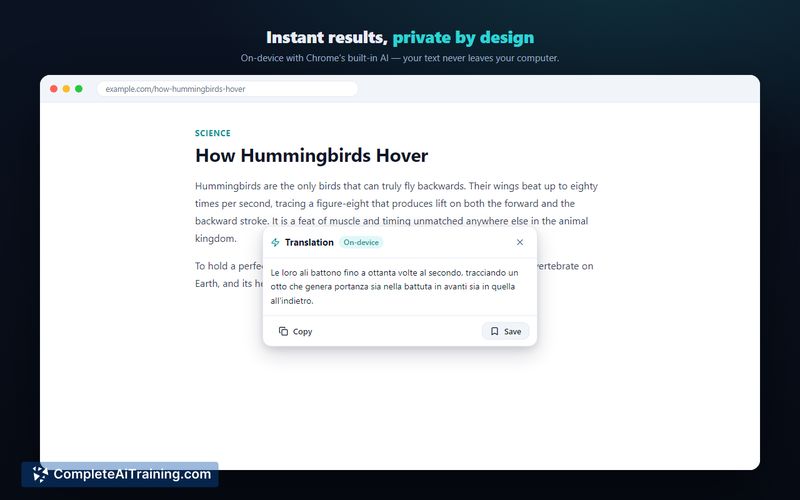
ColibotAI translates, summarizes, or explains selected text. It is for users who want to pick their own AI engine, including on-device or local models, ensuring nothing leaves their computer. Results save as searchable local notes.
About ColibotAI
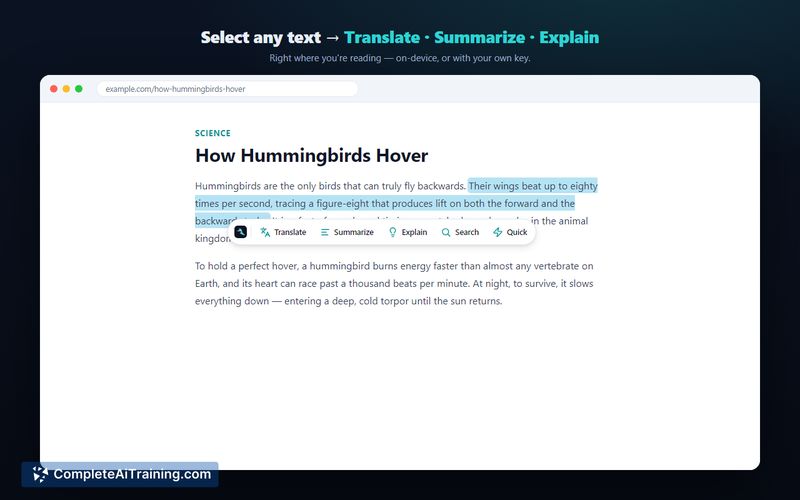
ColibotAI is a Chrome extension built to translate, summarize, and explain selected text directly within the browser. It processes requests using either Chrome's built-in on-device model or a user-supplied API key for external services. The tool stores results as searchable local notes and operates without a backend, account, or tracking.
Review
This browser extension addresses common privacy concerns associated with cloud-based text processing tools. Allowing users to route requests through their own local machine or personal API keys keeps data control in the user's hands. While the developer notes plans to support more AI models in the future, current capabilities rely strictly on the specified on-device and external engines.
Key Features
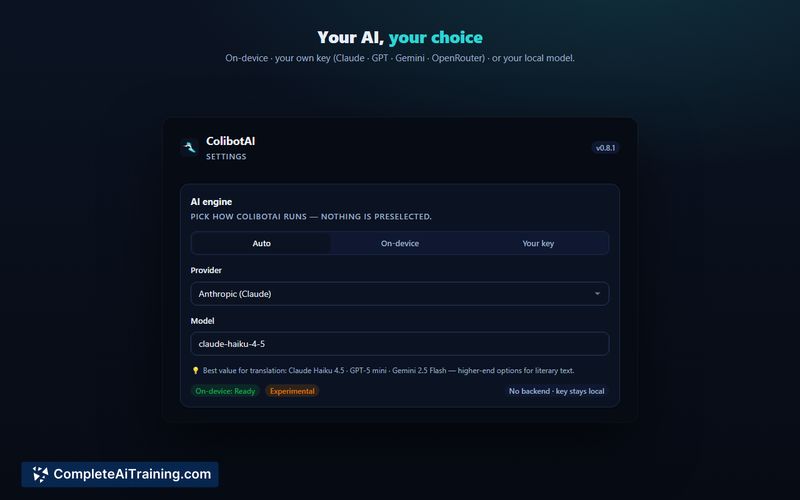
- Hybrid AI Engine: Users can process text on-device using Chrome's built-in Gemini Nano, or route it through their own keys for Claude, GPT, Gemini, OpenRouter, or local servers like Ollama and LM Studio.
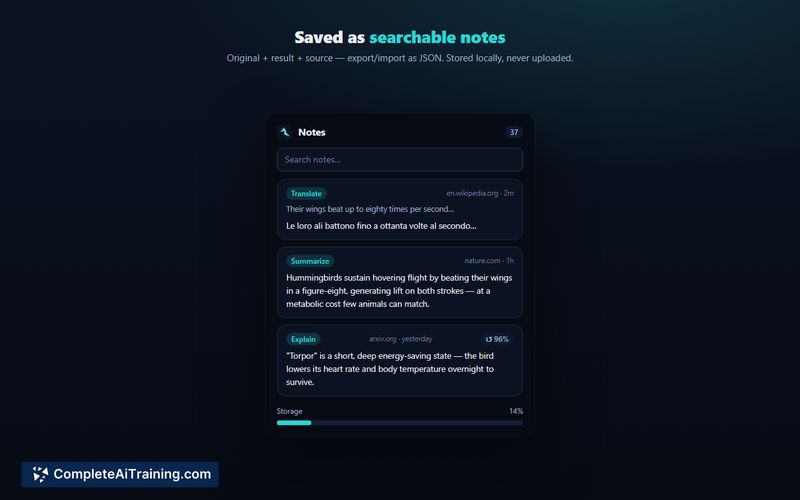
- Local Notes Management: The extension saves AI outputs to a side panel, allowing users to search, export, and import notes in JSON format.
- Privacy-First Architecture: API keys remain in local storage rather than syncing to cloud accounts, and the user interface injects on demand via an isolated Shadow DOM.
- Smart Caching: The system reuses saved answers for near-identical text selections to prevent unnecessary token consumption.
Pricing and Value
ColibotAI is free to download and use. When using the on-device Chrome AI, there are no associated costs. If users opt for the Bring Your Own Key (BYOK) method, they are responsible for the usage fees charged by their chosen external AI provider.
Pros
- Local data control: Text processing happens on-device or through a user's own gateway, preventing external servers from logging the selected text.
- Transparent validation: The extension performs a zero-token check when saving an API key, confirming its validity without consuming usage limits.
- Lightweight execution: The updated architecture injects content scripts only when active, avoiding the performance drag of loading on every HTTPS page.
- Flexible model support: Connecting to any OpenAI-compatible server lets users run open-source models fully locally.
Cons
- Limited on-device accuracy: The built-in Chrome AI struggles with complex idioms and technical language, often requiring a fallback to a cloud model.
- Manual configuration required: Users must source and manage their own API keys or local model installations to achieve reliable results for advanced tasks.
- Not well suited for: Teams or individuals who need a zero-configuration, universally hosted solution with guaranteed, high-fidelity translation out of the box.
ColibotAI serves professionals who prioritize data privacy and want direct control over where their text is processed. It fits well into workflows requiring secure summarization or translation of sensitive documents using local environments. Users expecting a fully managed, plug-and-play cloud service will find the required setup and local model limitations restrictive.
Jobs ColibotAI suits
Useful in almost any job. We checked ColibotAI against 500+ jobs; these get the most out of it.
Alternatives to ColibotAI
Other tools that do the same main job. Our AI compared ColibotAI with similar tools and kept the ones you could use instead.