AI tool
Flownote
Flownote is a mobile meeting assistant that records or uploads audio, then transcribes and summarizes it. Share or export transcripts, audio, and summaries as PDF or text to keep your team aligned without missing key details.
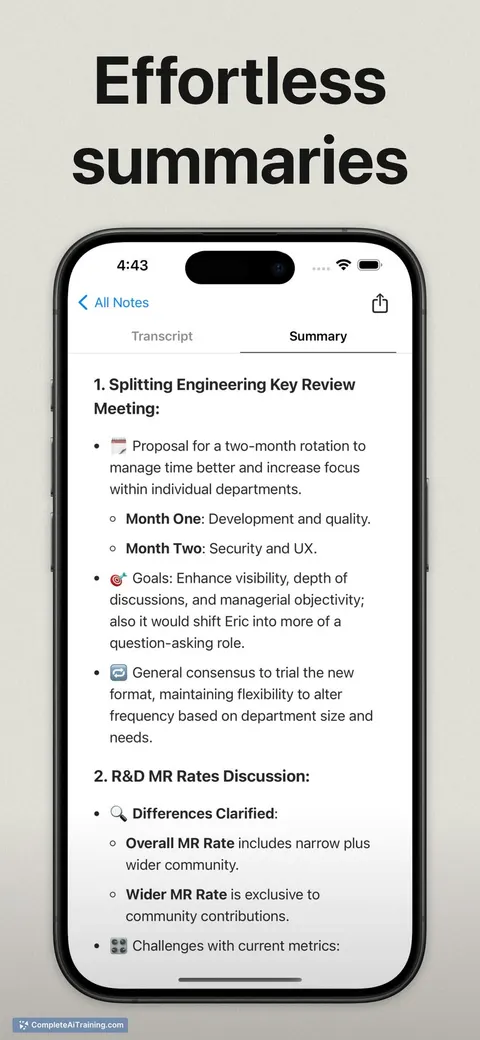
About Flownote
Flownote is an AI-powered tool designed to streamline note-taking and knowledge management. It helps users capture, organize, and retrieve information efficiently, making it easier to stay productive and focused.
Review
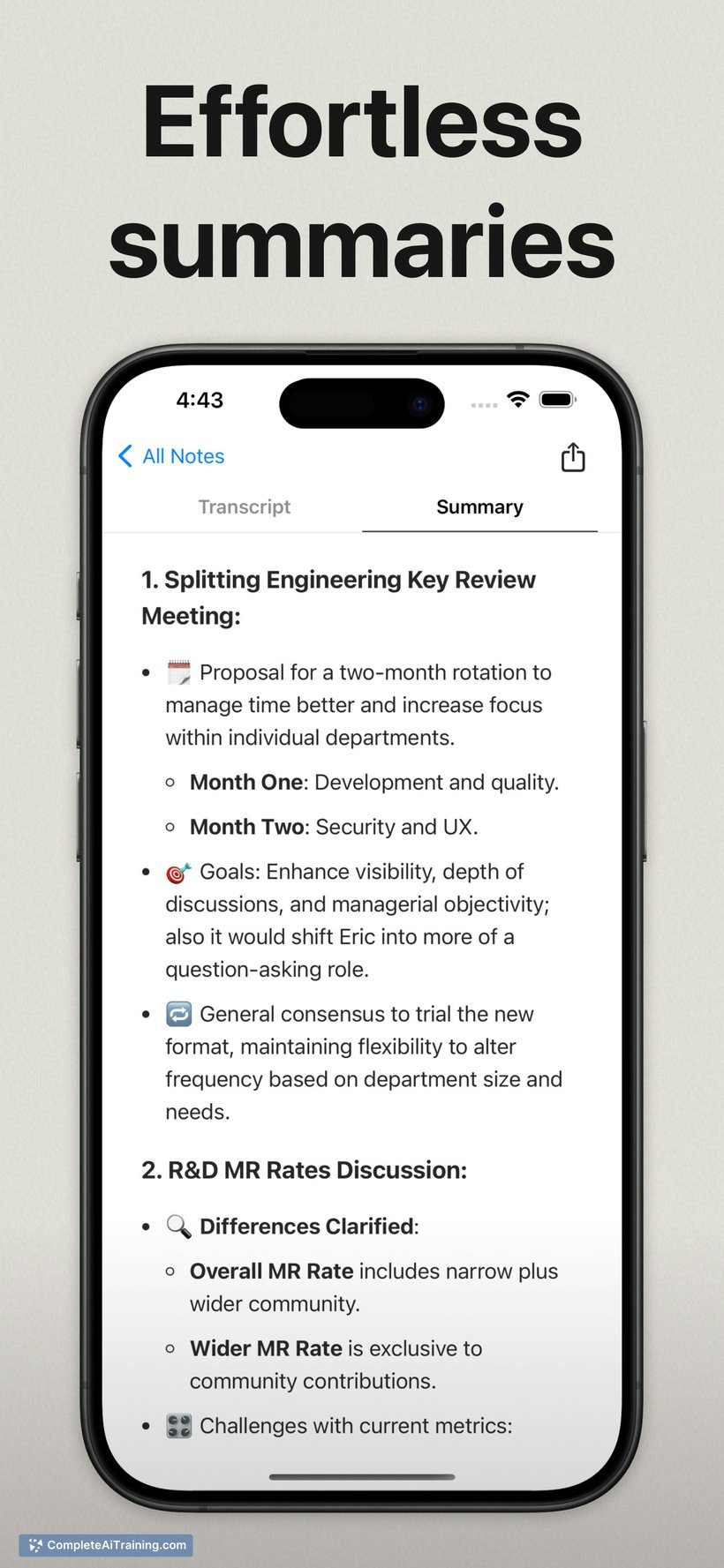
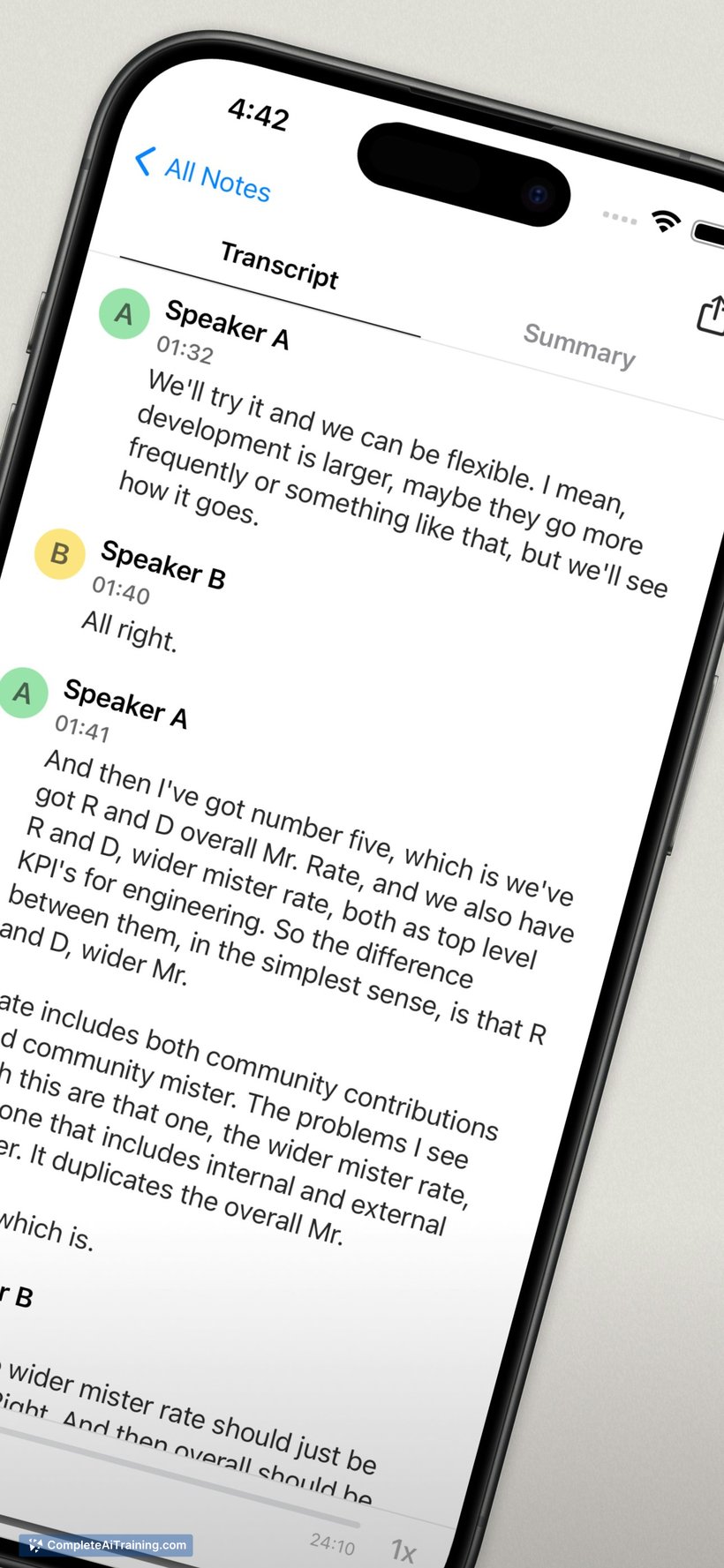

Flownote offers a practical solution for individuals and teams seeking a more organized approach to handling notes and ideas. Its interface is user-friendly, and the AI capabilities assist in structuring content without requiring extensive manual effort. The tool integrates well with common workflows, making it a useful addition for various professional and personal contexts.
Key Features
- AI-assisted note summarization to condense lengthy content into key points
- Smart tagging and categorization for easy retrieval of notes
- Collaboration features that allow sharing and joint editing of notes
- Search functionality powered by AI for quick access to information
- Integration with popular productivity apps for seamless workflow
Pricing and Value
Flownote offers a tiered pricing model, including a free version with basic features suitable for casual users. Paid plans provide enhanced functionalities such as increased storage, advanced AI capabilities, and priority support. The pricing is competitive and provides good value for users who need more than simple note-taking, especially for teams that benefit from collaboration tools.
Pros
- Intuitive interface that requires little learning curve
- Effective AI tools that save time in organizing and summarizing notes
- Collaboration options enhance teamwork and information sharing
- Flexible pricing plans accommodate different user needs
- Good integration with other productivity applications
Cons
- Some advanced features are locked behind higher-tier plans
- Occasional inaccuracies in AI-generated summaries
- Limited offline functionality
Flownote is well suited for professionals, students, and teams who want to keep their notes organized without spending too much time on manual management. Its combination of AI assistance and collaboration features makes it a practical choice for those handling large volumes of information or working in group settings.
Jobs Flownote suits
Useful in almost any job. We checked Flownote against 500+ jobs; these get the most out of it.
Alternatives to Flownote
Other tools that do the same main job. Our AI compared Flownote with similar tools and kept the ones you could use instead.