AI tool
FunBlocks AI Markdown Editor
FunBlocks AI Markdown Editor: a keyboard-first editor merging Markdown simplicity with AI-assisted drafting, polishing, and Notion-style organization, enabling fast, focused writing to generate, refine, and expand ideas in one workspace.
About FunBlocks AI Markdown Editor
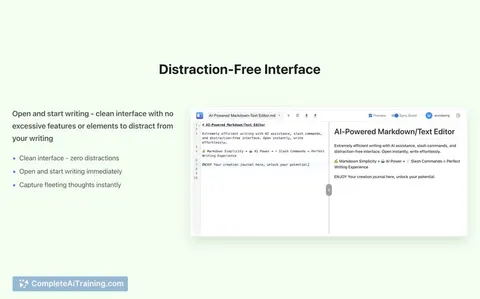
FunBlocks AI Markdown Editor is a keyboard-first Markdown editor that pairs a distraction-free writing canvas with an integrated AI copilot. It combines inline slash commands and quick AI actions so you can create, polish, and export content without leaving the editor.
Review
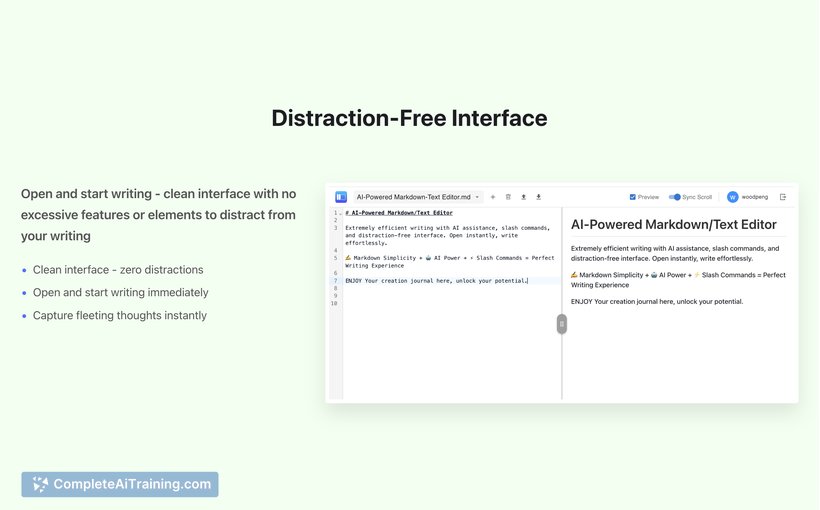
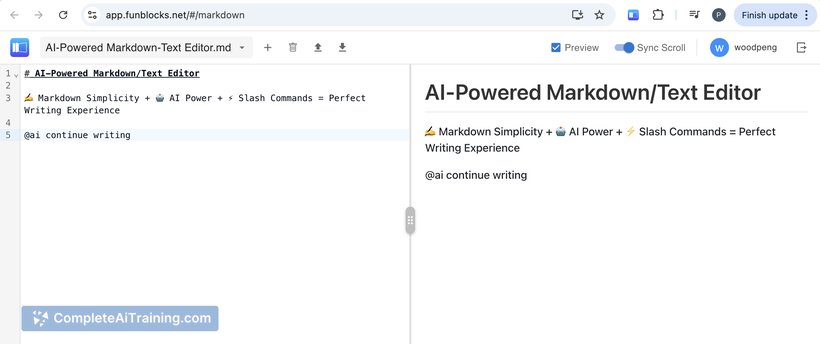
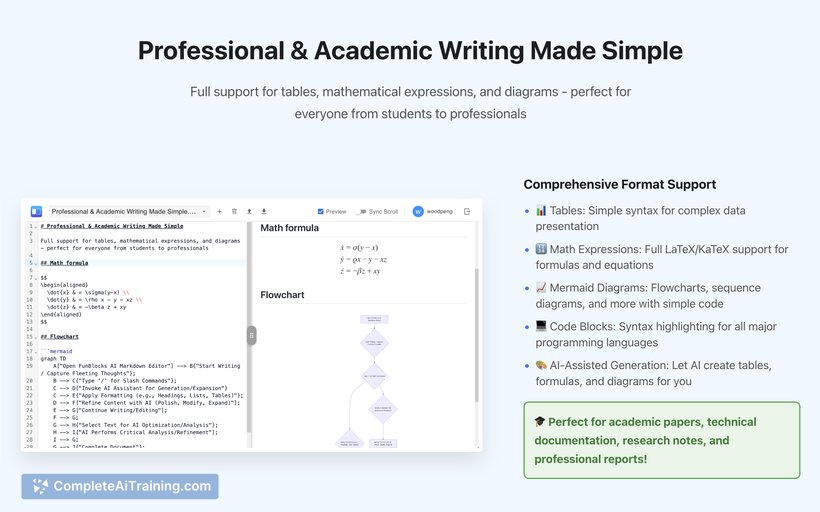
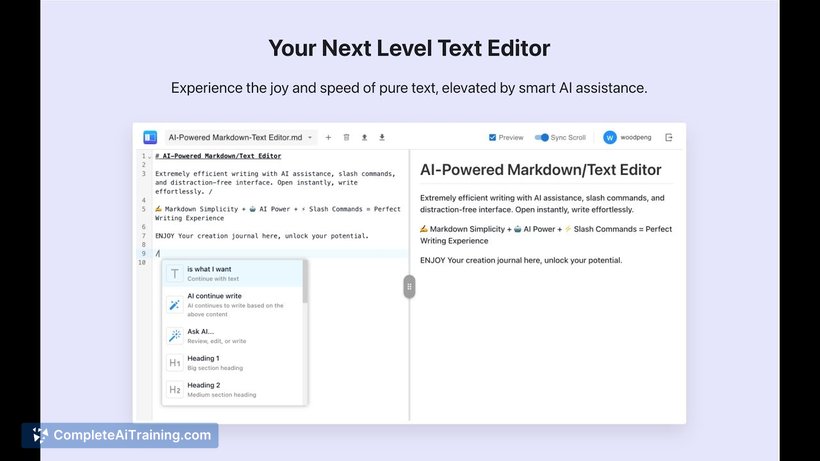
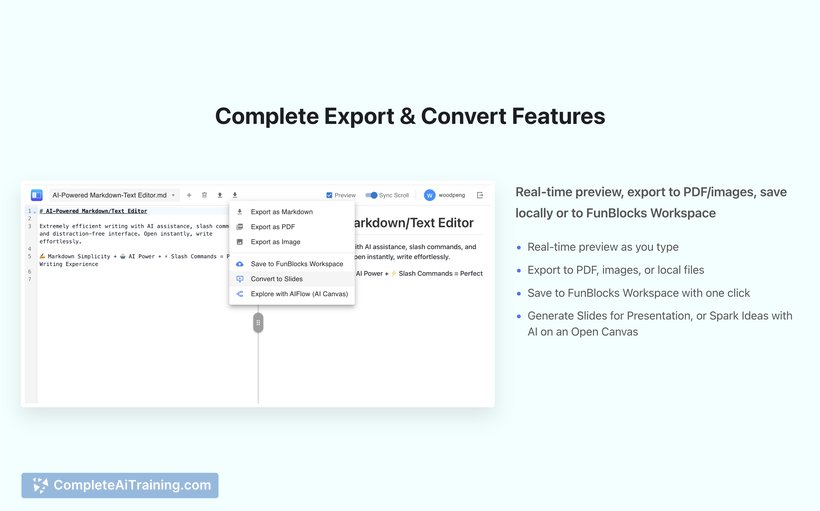
The editor aims to streamline focused writing by keeping interactions fast and text-centered while offering AI assistance on demand. In practice it feels lightweight and responsive for drafting, editing selected passages with AI, and producing technical or formatted documents.
Key Features
- Keyboard-first workflow with slash commands for formatting, tables, math expressions, diagrams, and more.
- Inline AI assistant (@ai) that can generate, rewrite, expand, or polish selected text without switching to a chat view.
- Support for code blocks with syntax highlighting and rich previews while you type.
- One-click conversion to slide decks and a companion canvas for idea exploration and exports to PDF or image files.
- Start writing without registration; optional login provides AI credits and cloud saving.
Pricing and Value
There is a usable free option that lets you write and export immediately without creating an account. Logging in grants free AI credits and cloud saving; heavier or continued AI use is likely covered by paid credits or subscription tiers (the product page references launch offers). For users who want fast, Markdown-first writing with occasional AI assistance, the free tier offers clear value, while frequent AI-driven workflows may benefit from a paid plan.
Pros
- Fast, distraction-free editor that encourages uninterrupted typing and quick edits.
- Flexible AI tools that operate on selected text, allowing incremental improvements instead of full chat sessions.
- Good support for technical writing: tables, math expressions, diagrams, and code highlighting.
- No immediate signup required, making it easy to try and export content right away.
- Built-in export and slide conversion simplify turning drafts into presentations.
Cons
- Collaboration features and version history are limited or planned for future updates, which may matter for team editing.
- Some advanced AI usage will require logging in and consuming credits, which may add cost for heavy users.
- Users unfamiliar with Markdown or slash commands may face a short learning curve to get fully comfortable.
Overall, FunBlocks AI Markdown Editor is best suited for students, technical writers, developers, and professionals who prefer a keyboard-driven, Markdown-centric workflow with quick AI assistance. It's particularly useful for drafting academic or technical content and for anyone who wants a simple path from text to slides without a lot of setup.
Jobs FunBlocks AI Markdown Editor suits
Useful in almost any job. We checked FunBlocks AI Markdown Editor against 500+ jobs; these get the most out of it.
Alternatives to FunBlocks AI Markdown Editor
Other tools that do the same main job. Our AI compared FunBlocks AI Markdown Editor with similar tools and kept the ones you could use instead.