AI tool
Grok Imagine 1.0
Grok 1.0 creates 720p (up to 10s) AI video with improved quality, audio, motion continuity, lower latency and reduced cost. Unified API supports text-, image- or footage-based generation and editing.
About Grok Imagine 1.0
Grok Imagine 1.0 is an AI-driven tool for creating short cinematic videos from text, images, sketches, or existing footage. It emphasizes fast turnarounds with improved motion continuity, audio, and a unified API for end-to-end video creation and editing.
Review
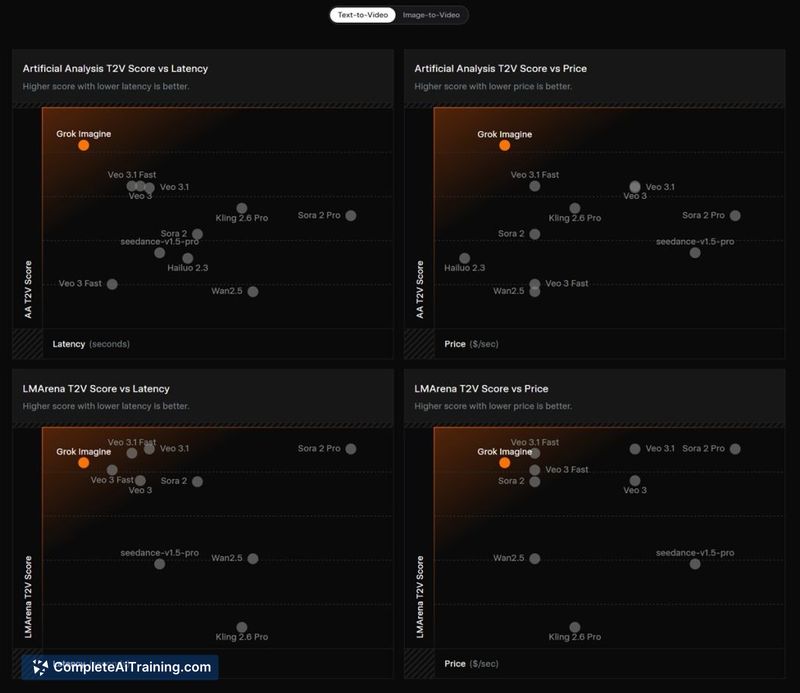
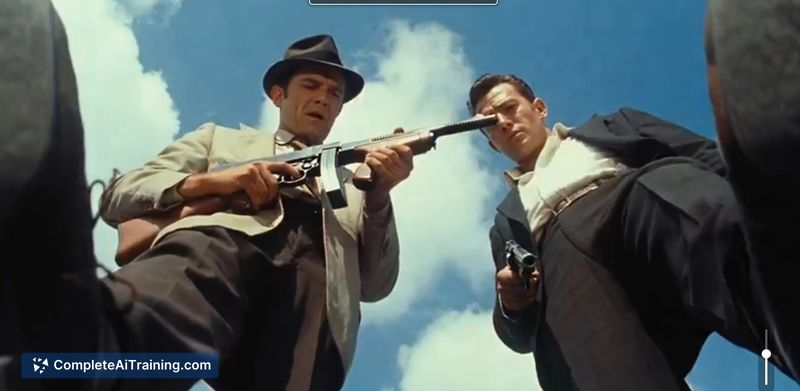
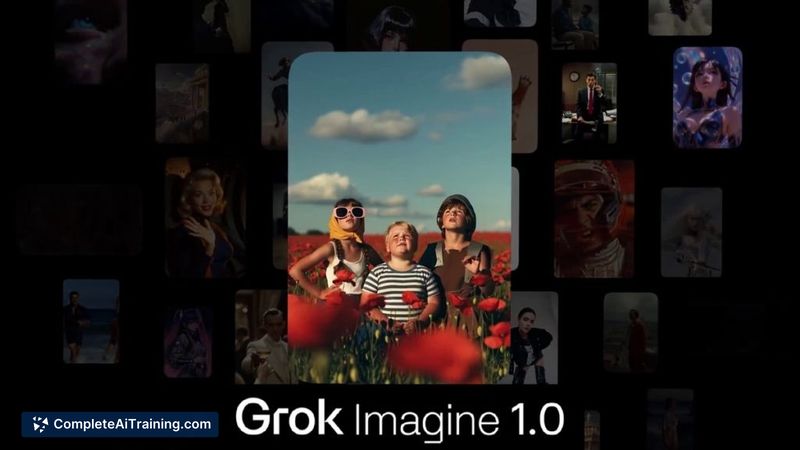
The release focuses on making brief video production accessible for rapid prototyping and creative experiments. Improvements over prior builds include better visual continuity, lower latency, and cost efficiency while supporting short 720p clips with enhanced audio.
Key Features
- Text-to-video and image-to-video generation for short cinematic clips (up to 10 seconds at 720p).
- Animation tools for characters and conversion of sketches into motion sequences.
- Scene and style controls (daylight, fog, winter, sunset) plus object add/remove and restyling of existing footage.
- Advanced motion and visual continuity to create smoother transitions and consistent movement.
- Unified API enabling end-to-end creation and editing workflows from text, images, or uploaded video.
Pricing and Value
The current launch is offered for free, which makes it attractive for experimentation, storyboarding, and small-scale creative tests. For users evaluating value, the tool delivers a lot of capability at no cost during launch; however, the 10-second and 720p limits mean teams planning production work should consider whether higher-resolution or longer-format outputs will be required and budget accordingly if paid tiers become available later.
Pros
- Simple entry point for turning ideas, sketches, or images into short videos without complex setup.
- Unified API is useful for developers wanting automated, end-to-end workflows or integration into pipelines.
- Noticeable improvements in motion continuity and audio quality compared with earlier versions.
- Good latency and cost efficiency for quick iterations and concept validation.
Cons
- Output length capped at 10 seconds and resolution at 720p, limiting use for longer or higher-resolution projects.
- Some prompts or abstract concepts may produce inconsistent results and require iterative refinement.
- Advanced editing controls and fine-grained scene management may still be limited compared with traditional video tools.
Overall, Grok Imagine 1.0 is well suited for creative teams, marketers, and developers who need rapid visual prototypes, short storyboards, or proof-of-concept clips. It's especially useful for experimentation and early-stage idea exploration, while larger productions should assess resolution and duration needs before committing.
Jobs Grok Imagine 1.0 suits
We checked Grok Imagine 1.0 against 500+ jobs; these get the most out of it.
Alternatives to Grok Imagine 1.0
Other tools that do the same main job. Our AI compared Grok Imagine 1.0 with similar tools and kept the ones you could use instead.