AI tool
Iris Studio
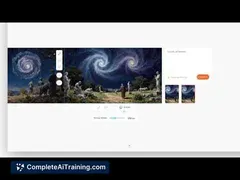
Iris Studio is a desktop app (Mac/Windows) that combines AI generation, moodboards, timeline editing and local asset management-auto-saved on your machine for a seamless, single-app creative workflow.
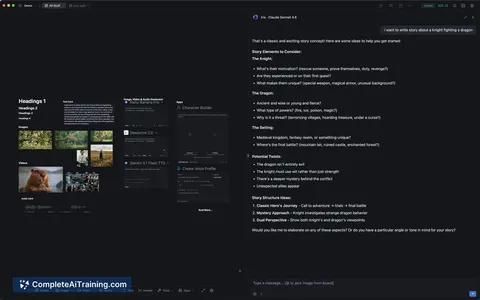
About Iris Studio
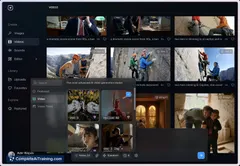
Iris Studio is a desktop application for Mac and Windows that combines AI-assisted generation, moodboarding, asset management, and timeline-based video editing in a single interface. It focuses on keeping files local with automatic saves so creators can work without constantly switching between apps.
Review
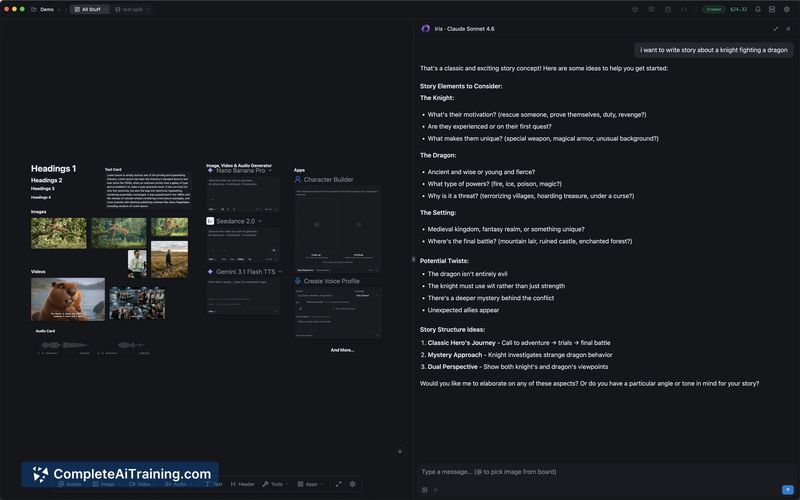
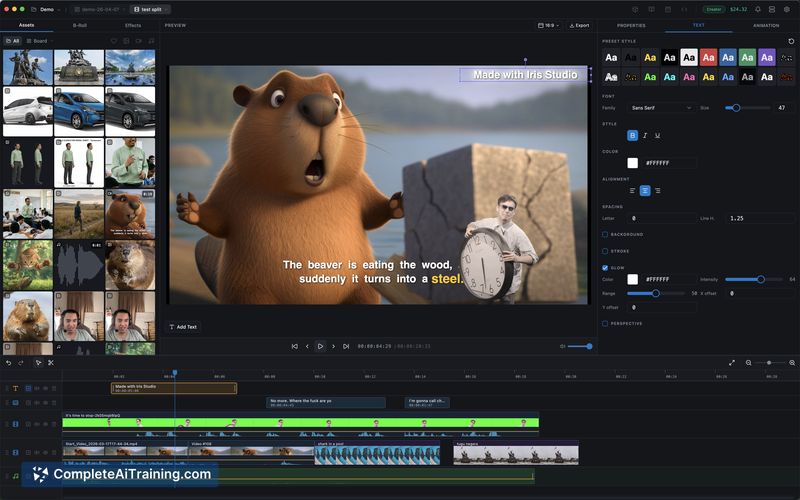
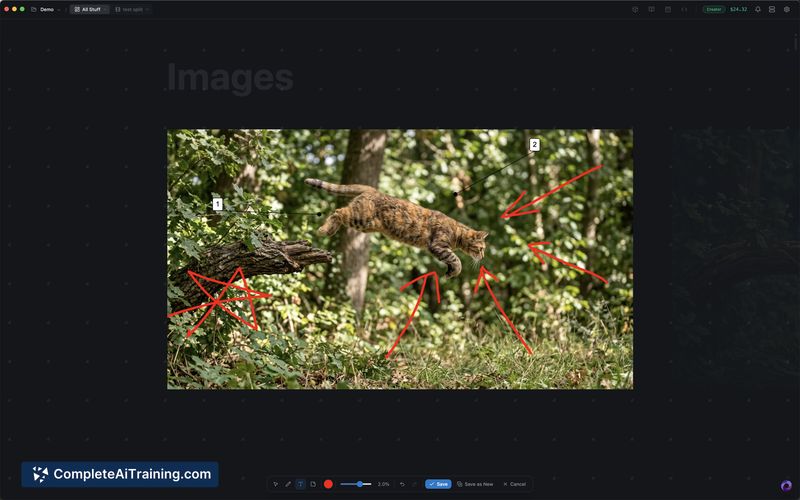
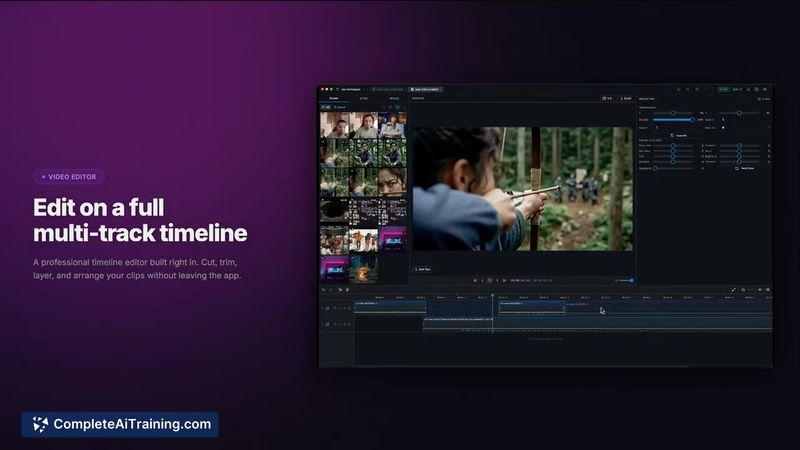
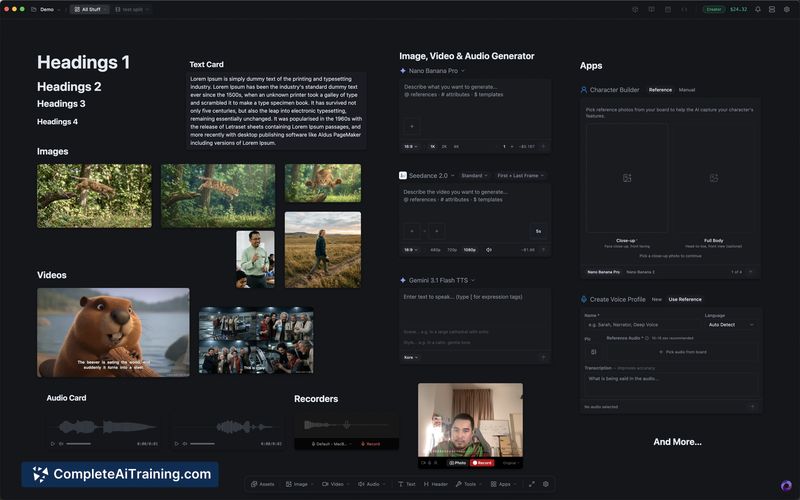
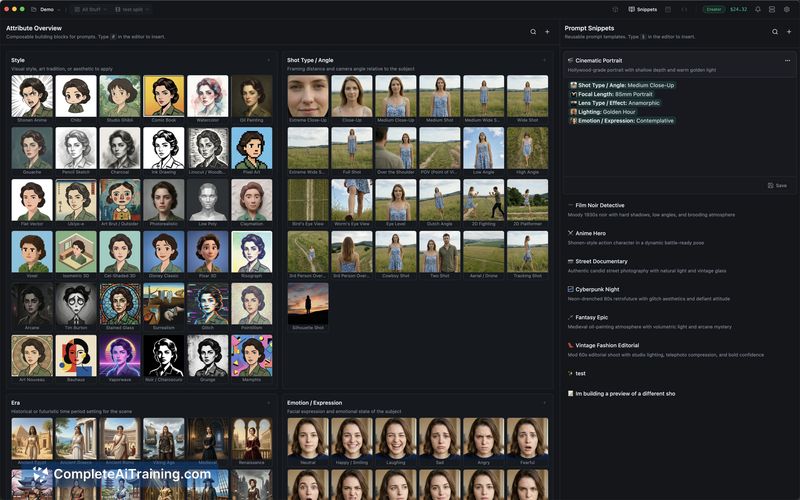
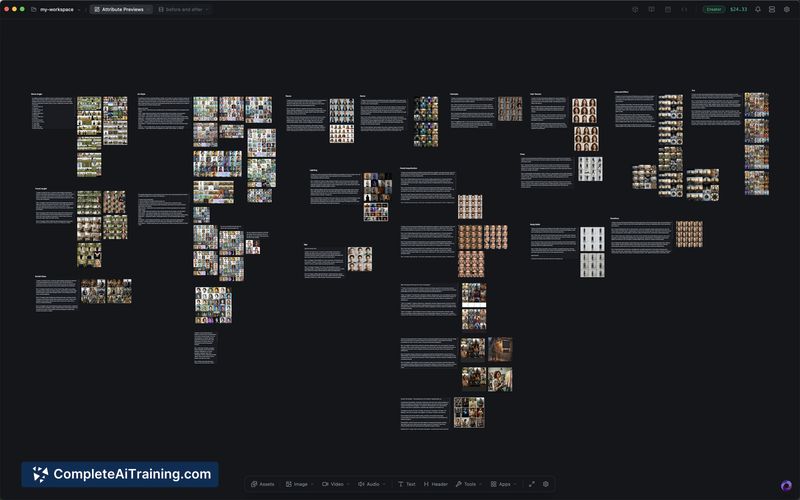
Iris Studio aims to consolidate multiple stages of video creation into one desktop workflow, reducing friction between idea generation and editing. The app is newly launched and shows promise for creators who prefer a local-first, file-organized approach rather than juggling several online services.
Key Features
- AI-assisted generation integrated directly into the app for producing video and creative assets.
- Moodboards for collecting and exploring visual ideas before committing to edits.
- Asset management with local autosave so generated content stays on your machine and is easy to find.
- Full timeline editor that lets you arrange, trim, and refine clips without leaving the desktop app.
- Roadmap items include support for running models locally, reducing dependence on external services.
Pricing and Value
The product page indicates free options are available, with paid tiers likely offering advanced features or higher usage limits. The main value proposition is consolidation: by replacing several separate subscriptions and tools with one desktop app, users can save time and simplify file management. For creators who prioritize keeping assets local and minimizing cloud uploads, the app can offer cost and workflow efficiencies compared with a fragmented toolset.
Pros
- Integrated workflow reduces the need to jump between multiple applications.
- Local-first asset handling with automatic saves keeps files organized on your machine.
- Desktop app offers responsive performance for editing tasks on Mac and Windows.
- Built-in moodboards help with rapid ideation and creative iteration.
- Clear roadmap toward local model support, which could lower long-term costs and improve privacy.
Cons
- Early-stage product: some advanced editing and collaboration features are still missing or limited.
- Limited integrations with external cloud services or third-party apps compared with established ecosystems.
- No native Linux desktop client at launch, which excludes some users.
Overall, Iris Studio is a good fit for individual video creators and small teams that want a single desktop environment for ideation, generation, and editing while keeping assets local. It's less suitable right now for groups that depend on deep cloud-based collaboration or specific third-party integrations, though the roadmap suggests those gaps may narrow over time.
Jobs Iris Studio suits
We checked Iris Studio against 500+ jobs; these get the most out of it.
Alternatives to Iris Studio
Other tools that do the same main job. Our AI compared Iris Studio with similar tools and kept the ones you could use instead.