AI tool
Kogvio
Kogvio is an AI tool that lets users highlight text on webpages and PDFs to ask questions and simplify concepts. It helps students and researchers read documents without leaving the page to copy and paste text into a chatbot.
About Kogvio
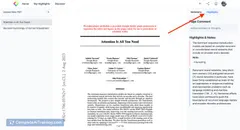
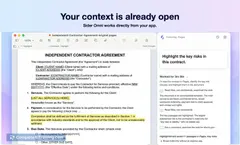
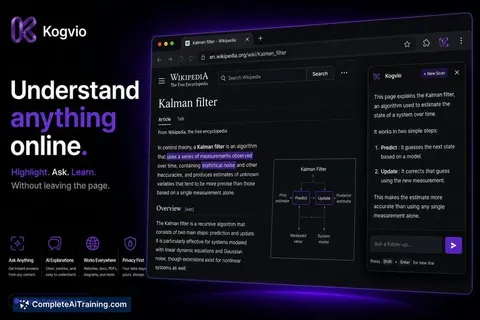
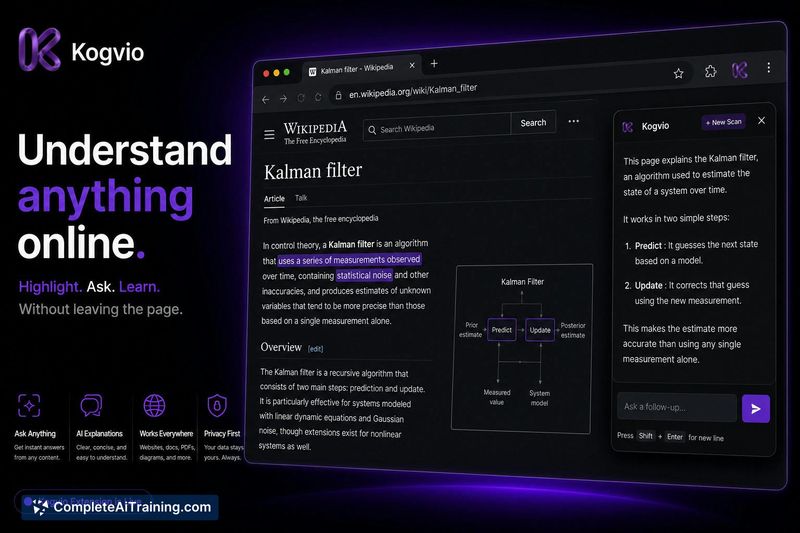
Kogvio is a Chrome extension that lets you highlight text on any webpage or PDF and ask questions without leaving the page. It captures a visual crop of your selection and sends it to a vision model, which can also interpret diagrams and charts directly from the pixels. Scans are saved to a private, encrypted Vault for later review.
Review
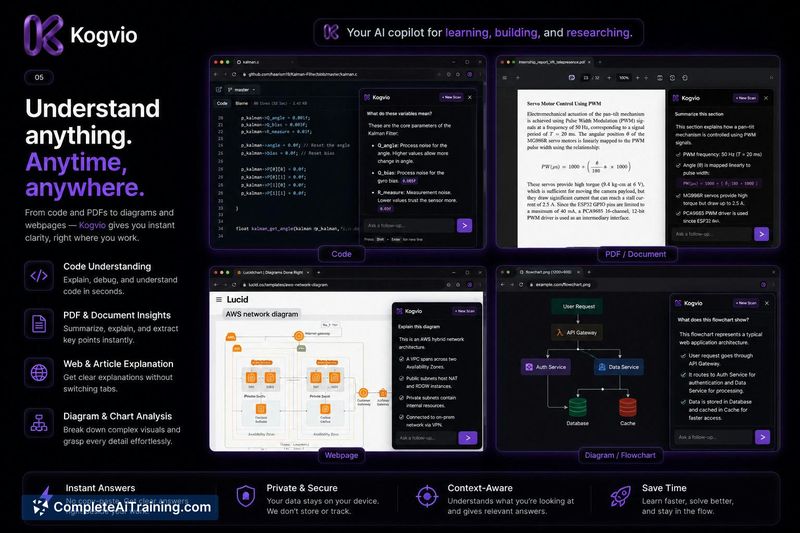
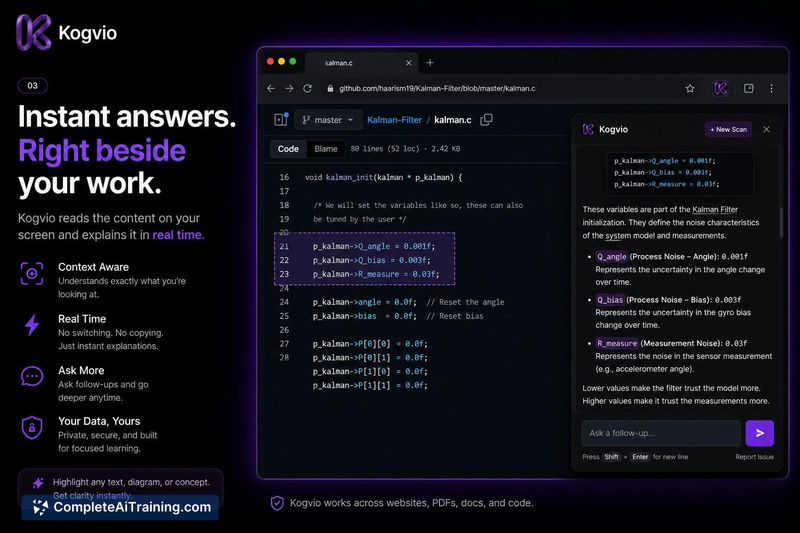
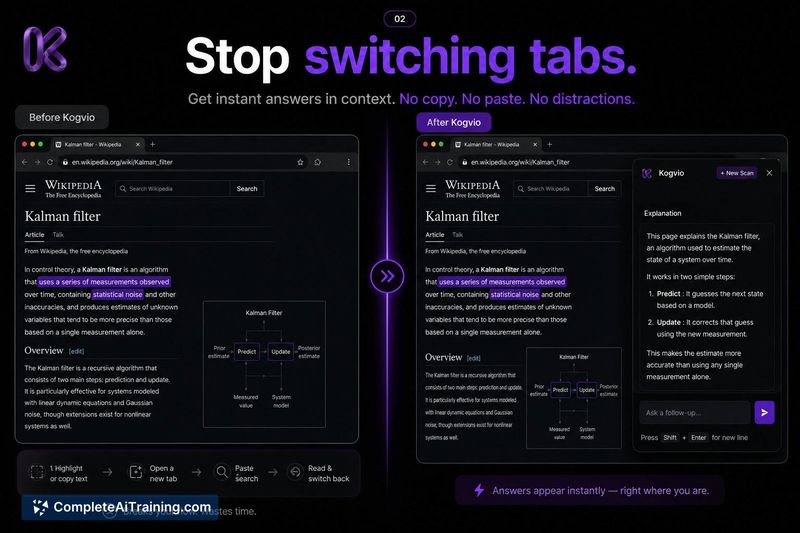
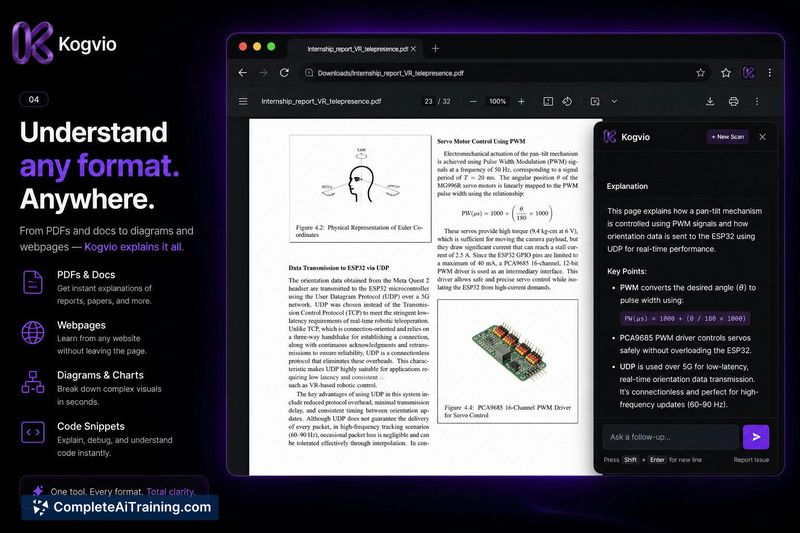
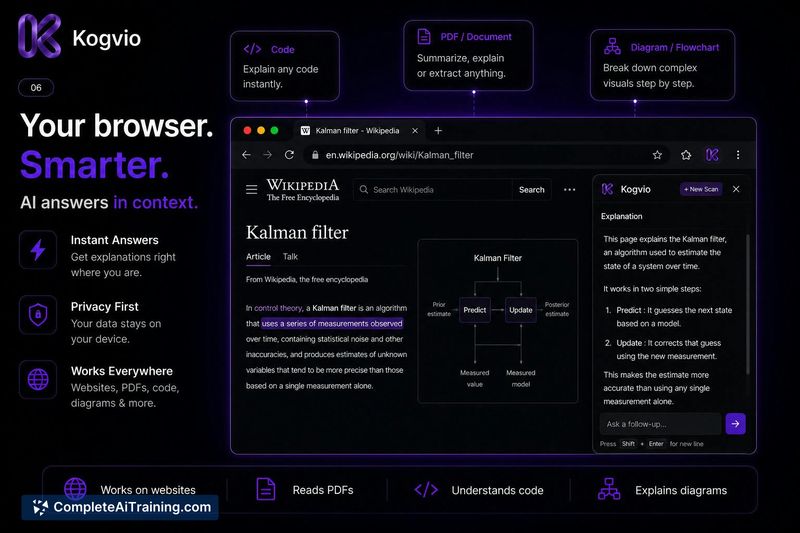
The core idea behind Kogvio is to remove the copy-paste loop that breaks focus when reading online. Instead of switching to a separate AI chat, you highlight a passage or diagram and type a question in an overlay panel on the same page. The tool processes only the exact area you select, using a vision model for images and diagrams rather than scraping nearby text from the page's code.
Key Features
- Highlight any text or area on a webpage or PDF and ask context-aware questions.
- Generate mnemonics or simplify complex concepts from the selected content.
- Analyze technical diagrams with a pure vision model that reads the image pixels, not just surrounding text.
- All scans automatically save to a private, encrypted Vault accessible via the web dashboard.
- Permanently delete any scan or chat history from the dashboard at any time.
Pricing and Value
Kogvio offers free access at launch. Paid tiers are not yet detailed; the maker notes that an international payment gateway is in final approval. Users can start using the core functionality without paying while that process completes.
Pros
- Eliminates the need to copy text, open another app, and paste, keeping focus on the reading material.
- Vision model handles diagrams independently of captions or DOM text, analyzing the actual image.
- Scans are stored in a searchable Vault, so you can revisit past explanations and ask follow-up questions later.
- Processing is stateless per request, and no user data is used to train the underlying models.
Cons
- Not well suited for users who need the full document as context-only the exact highlighted crop is analyzed, which may limit understanding of dense research papers.
- No direct integration with note-taking apps like Obsidian; scans live only in Kogvio's Vault, not in external tools.
- The encryption model for the Vault lacks full transparency (zero-knowledge architecture is not confirmed), which could be a concern for highly sensitive documents.
Kogvio fits workflows where maintaining reading focus is important and queries are about specific passages or diagrams. It is less appropriate for tasks that require analysis of whole documents at once. Users who need to keep notes in external apps may find the vault-only storage limiting.
Jobs Kogvio suits
We checked Kogvio against 500+ jobs; these get the most out of it.
Alternatives to Kogvio
Other tools that do the same main job. Our AI compared Kogvio with similar tools and kept the ones you could use instead.