AI tool
LTX Desktop
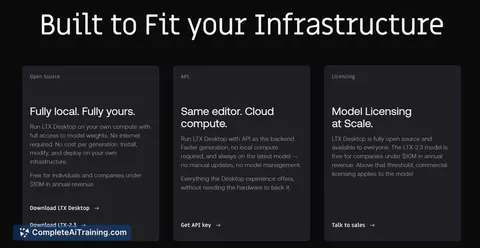
LTX Desktop is a free, open-source local video editor built on the LTX-2.3 engine, optimized for NVIDIA GPUs. Edit and render on-device with no cloud dependency or per-generation fees-keep your data local and workflows private.
About LTX Desktop
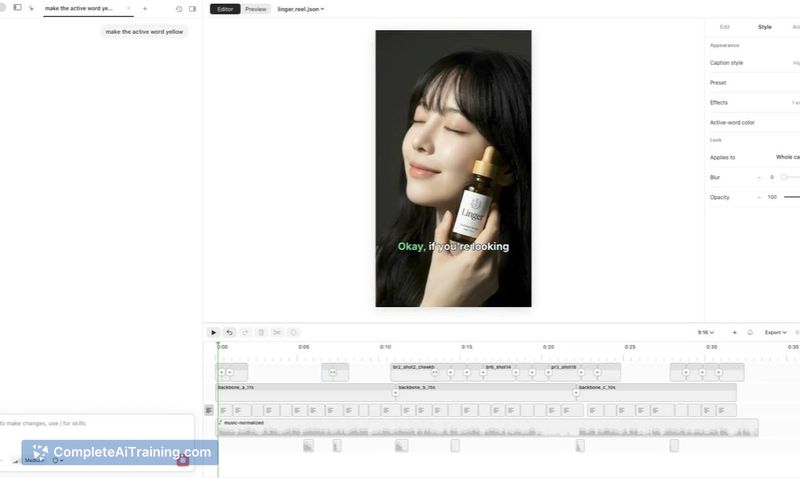
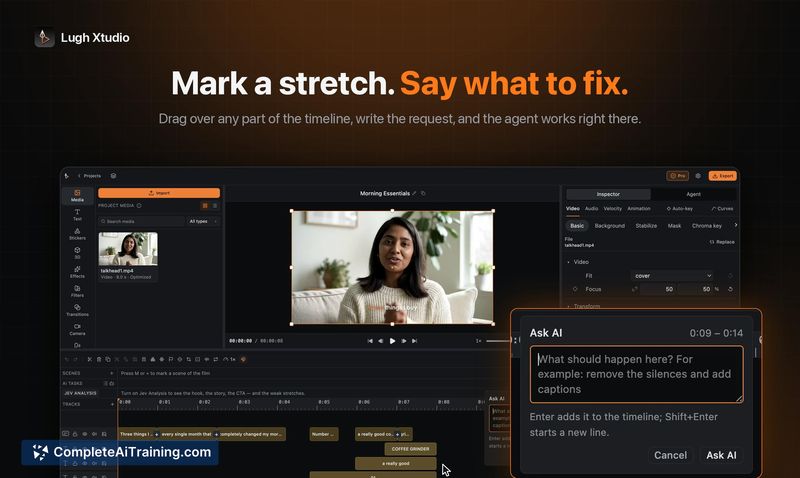
LTX Desktop is a local, open-source video editor that combines a full non-linear editing interface with on-device AI generation. It runs on the LTX-2.3 engine, is optimized for compatible GPUs, and is distributed free of charge.
Review
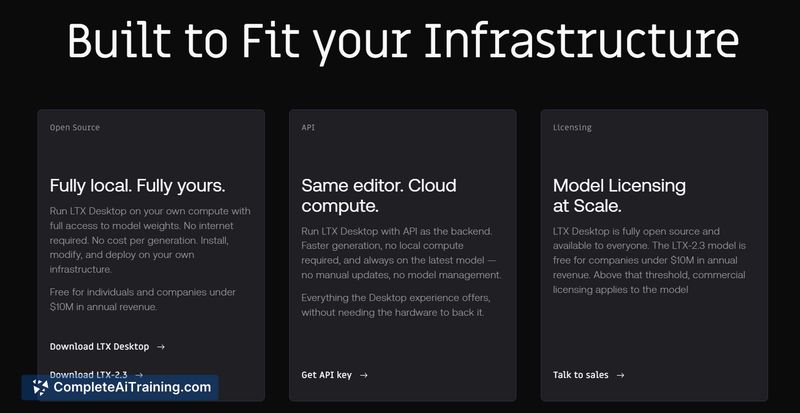
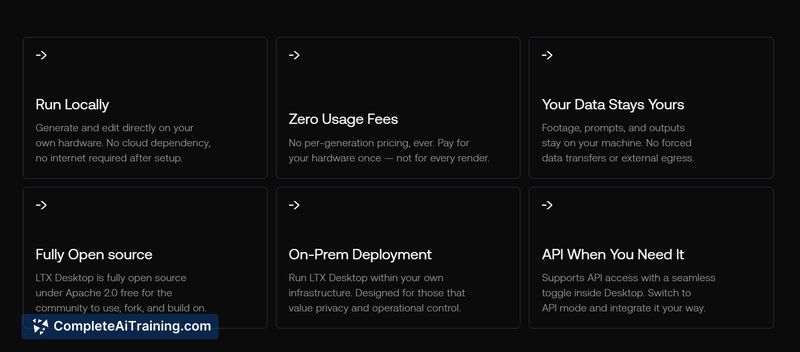


The tool presents a compact package for creators and developers who want AI-assisted video editing without mandatory cloud dependencies. Early impressions are positive for privacy-conscious users and those with adequate GPU resources, though hardware requirements and interface polish are important considerations.
Key Features
- On-device AI generation integrated into a full non-linear video editor.
- Open-source codebase with a free distribution model.
- Optimized for NVIDIA GPUs and compatible hardware for accelerated processing.
- Powered by the LTX-2.3 engine and intended to run locally without per-generation billing.
- Emphasis on keeping data on the user's machine rather than relying on cloud services.
Pricing and Value
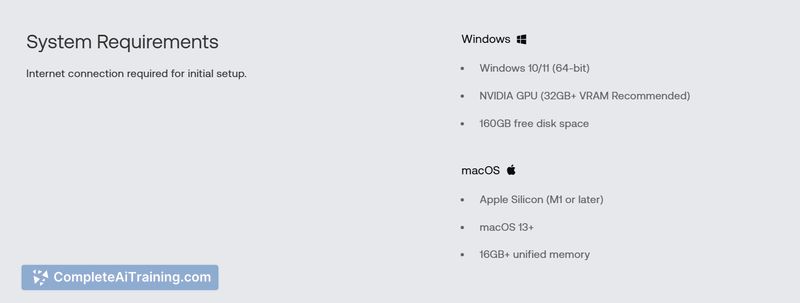
The application is free and open-source, with no per-generation pricing reported, which makes it attractive for experimentation and ongoing use without recurring AI fees. The main costs to consider are hardware: capable GPUs with sufficient VRAM are often required to get good performance, so users may need to factor in upgrade or acquisition expenses to realize the full value.
Pros
- Local processing keeps media and prompts on your device, supporting privacy and offline workflows.
- Free, open-source distribution lowers the barrier to entry for creators and developers.
- Combines a standard NLE with AI generation, reducing the need to stitch multiple tools together.
- No per-generation charges makes experimentation affordable for power users.
- GPU optimization can deliver faster runs on supported hardware.
Cons
- High GPU and VRAM requirements reported, which can limit usefulness on sub-32GB GPUs.
- As a recent launch, the interface and feature set may feel unfinished for production workflows.
- Some community questions about "local" usage vs. API keys suggest documentation and clarity could be improved.
Ideal users are creators and developers who have access to capable GPUs and who prioritize local, cost-predictable AI tooling for video work. Those with limited VRAM or a need for a highly polished commercial editor may want to wait for further optimizations and clearer guidance on hardware compatibility.
Jobs LTX Desktop suits
We checked LTX Desktop against 500+ jobs; these get the most out of it.
Alternatives to LTX Desktop
Other tools that do the same main job. Our AI compared LTX Desktop with similar tools and kept the ones you could use instead.