AI tool
LUCI Desktop
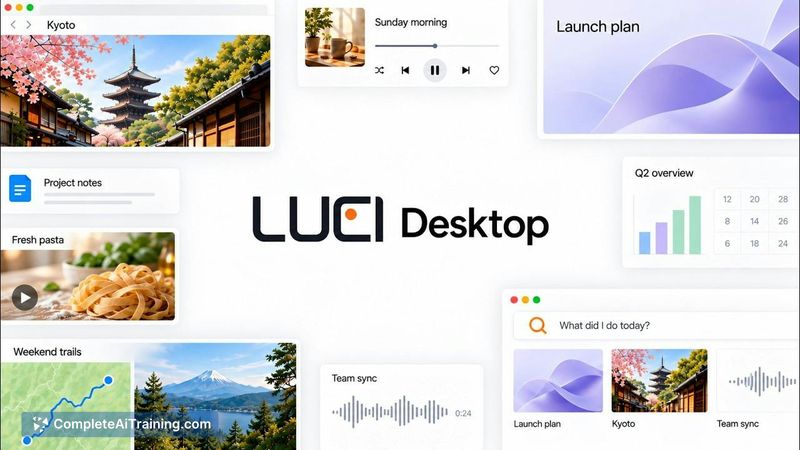
LUCI Desktop records your on-screen activity and stores it locally, making your past work, meetings, and files searchable for AI agents. It is for knowledge workers who need their agents to recall context without repeated explanations or per-app i...
About LUCI Desktop
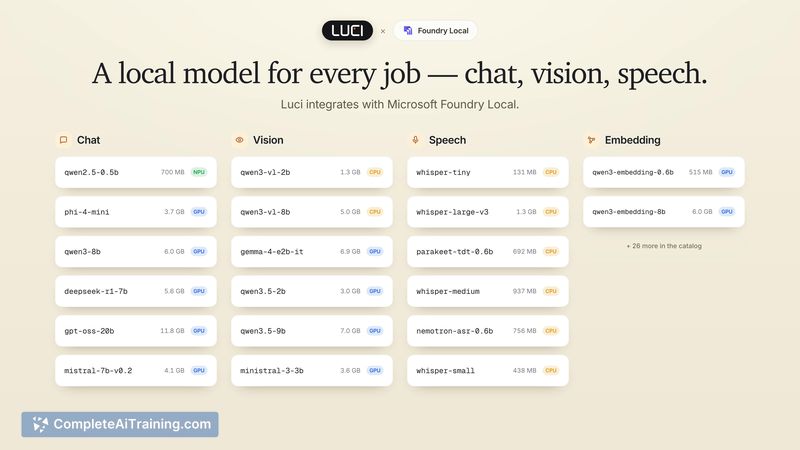
LUCI Desktop is a screen recording and transcription tool that captures your screen history and meeting audio, storing everything locally on your machine. It makes that captured context searchable by AI agents-such as Claude Code, Cursor, and Codex-so they can retrieve details from a page you viewed or a conversation you had without needing per-app integrations. The tool runs on-device transcription and daily summaries through Microsoft Foundry Local, and it's available as a free download for Mac (Apple Silicon, M1 and later) and Windows.
Review
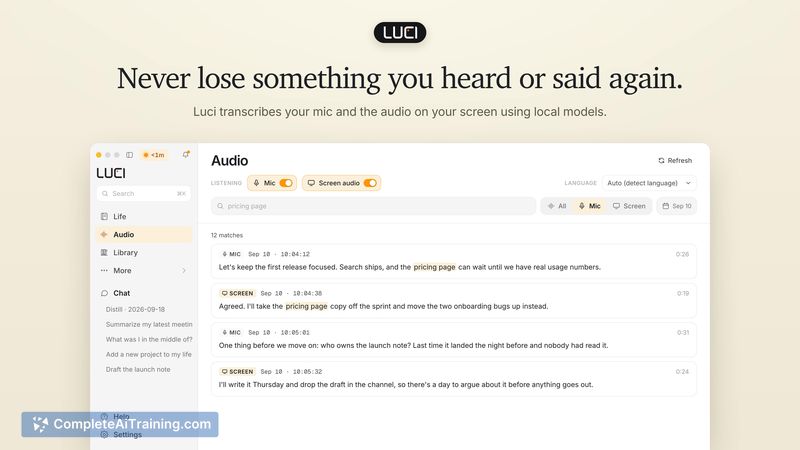
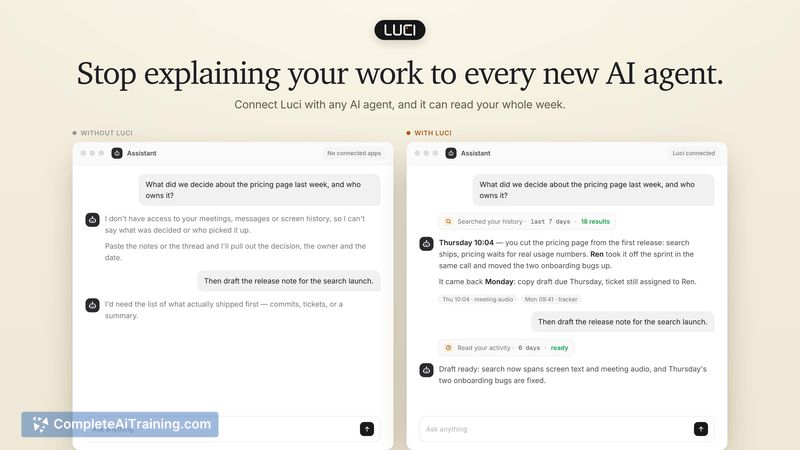

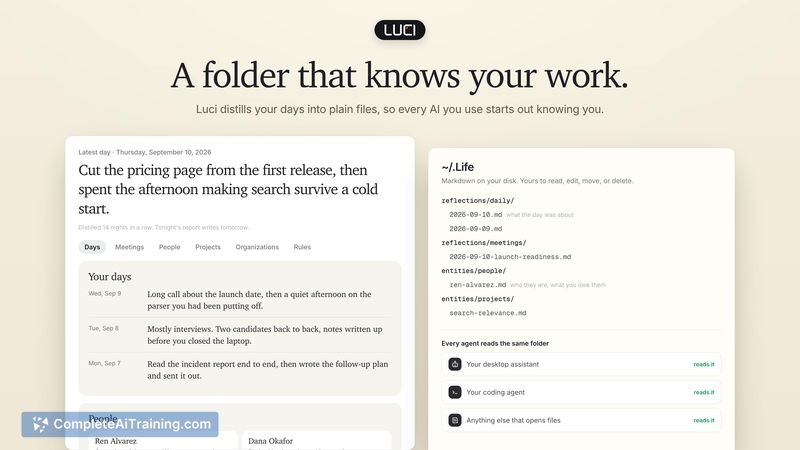
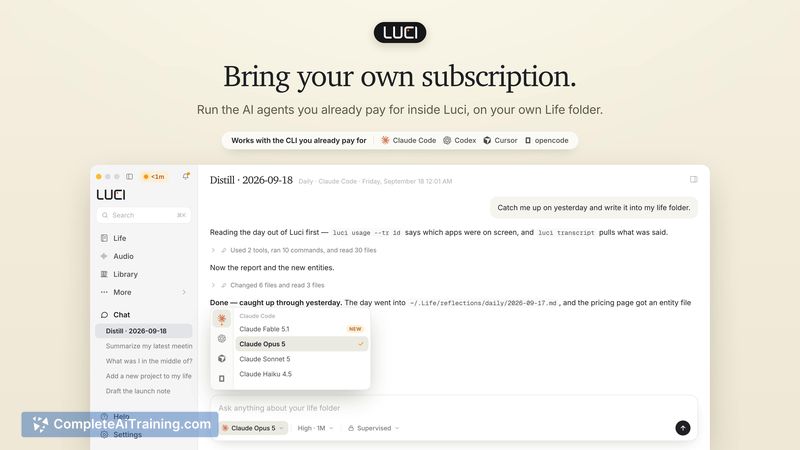
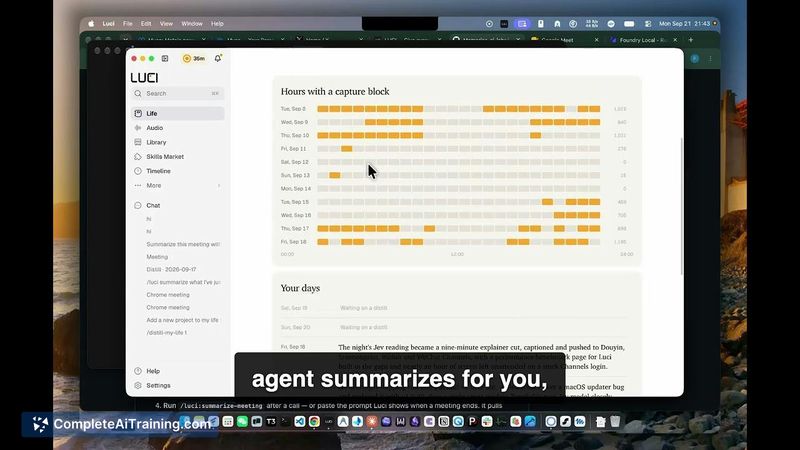
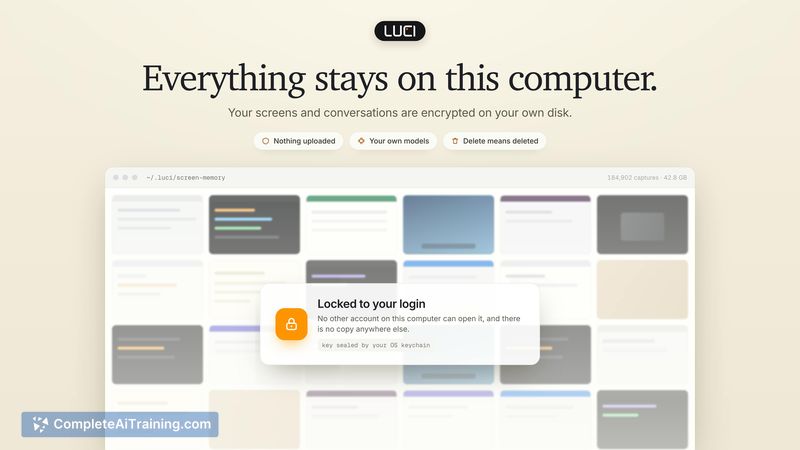
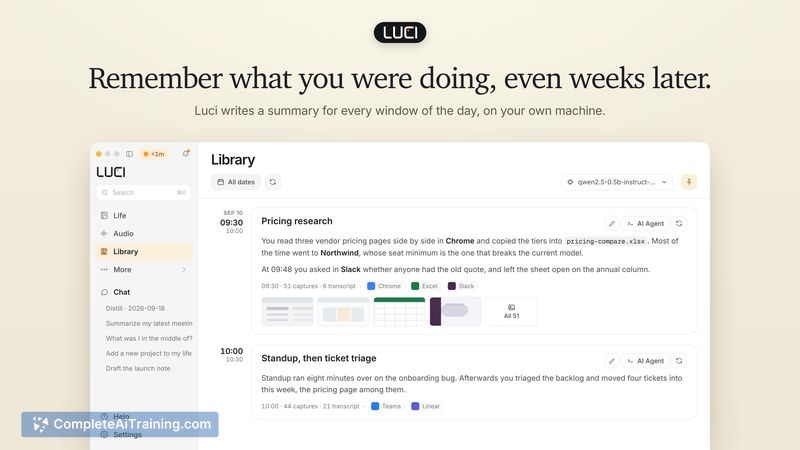
LUCI Desktop enters a space where screen memory tools already exist, but it takes a distinct approach by orienting the entire recorded history toward AI agent consumption. Rather than building a standalone search interface for humans, it exposes captured screens and transcripts through MCP and a CLI so your existing coding agents can pull in context from earlier in your day. The local-first architecture means nothing leaves your disk, though that same local processing introduces battery and storage trade-offs worth examining.
Key Features
- Continuous screen capture that records what appears on your display and saves it to local storage, with adjustable capture frequency and image quality settings.
- On-device audio transcription powered by Microsoft Foundry Local, which converts meeting speech to searchable text without sending audio to cloud servers.
- Agent-accessible history via MCP and a command-line interface, letting tools like Claude Code, Cursor, and Codex query your screen history and transcripts to answer context-specific questions.
- Automatic daily summaries generated from captured activity, built on top of the underlying screen and transcript records.
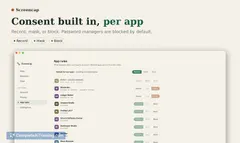
- Configurable retention rules-history can auto-delete after 7, 30, or 90 days, or remain indefinitely. Deletion removes files from your own disk with no server-side remnants.
Pricing and Value
LUCI Desktop is free for both Mac and Windows. The makers have not announced any paid tiers or future pricing changes, and the current download has no associated cost. Storage consumption depends on recording hours, capture settings, and meeting audio, though the team has not yet published measured GB-per-week figures. Users manage disk usage through capture quality adjustments and automatic deletion of older recordings.
Pros
- All screen data and transcripts stay on your local machine, with no cloud uploads for transcription or storage.
- AI agents can search your actual screen captures and verbatim transcripts, not just summaries, which helps when a detail didn't make it into a recap.
- Works across applications without setting up individual connectors for each tool you use.
- Privacy controls include the ability to exclude specific apps or websites from screen capture.
- Free to download with no subscription required at this stage.
Cons
- Intel-based Macs are not supported-the tool requires Apple Silicon (M1 or later), which excludes a portion of Mac users.
- Separate retention rules for meetings versus general screen activity don't exist yet, though the team has noted this for the roadmap.
- The tool is not well suited for users who need cloud-synced history across multiple devices or who work primarily on Intel Macs and older Windows machines with limited local storage.
LUCI Desktop fits best for developers and technical professionals who already use AI coding agents and want those agents to access their screen history without building manual integrations. It may also appeal to anyone juggling a high volume of calls, tabs, and documents who needs a record-first fallback when they forget to bookmark or take notes. Users who prioritize multi-device sync or who rely on Intel-based Macs will need to look elsewhere.
Jobs LUCI Desktop suits
We checked LUCI Desktop against 500+ jobs; these get the most out of it.
Alternatives to LUCI Desktop
Other tools that do the same main job. Our AI compared LUCI Desktop with similar tools and kept the ones you could use instead.