AI tool
Mutter AI Dictation
Mutter AI Dictation transcribes spoken words into documents and messages for professionals. It includes an on-device mode for private transcription and an Intent mode that drafts finished emails based on spoken context.
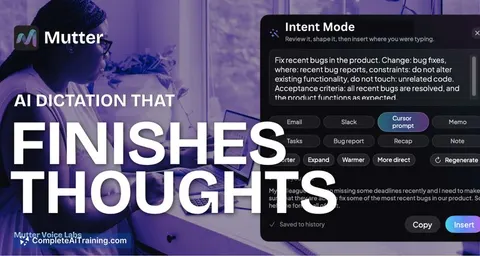
About Mutter AI Dictation
Mutter AI Dictation is a private dictation tool that runs on macOS. It converts spoken rough thoughts into finished writing directly in any text field, aiming for about 3x faster input than typing. A fully on-device mode keeps all audio and transcription local, while cloud mode enables additional language and processing capabilities.
Review
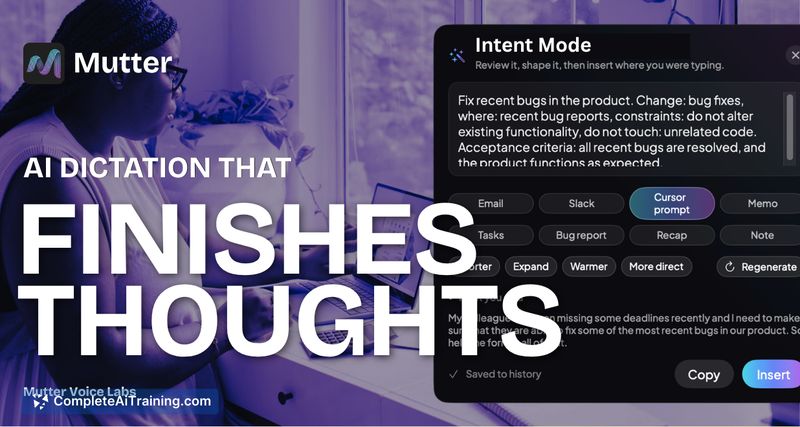
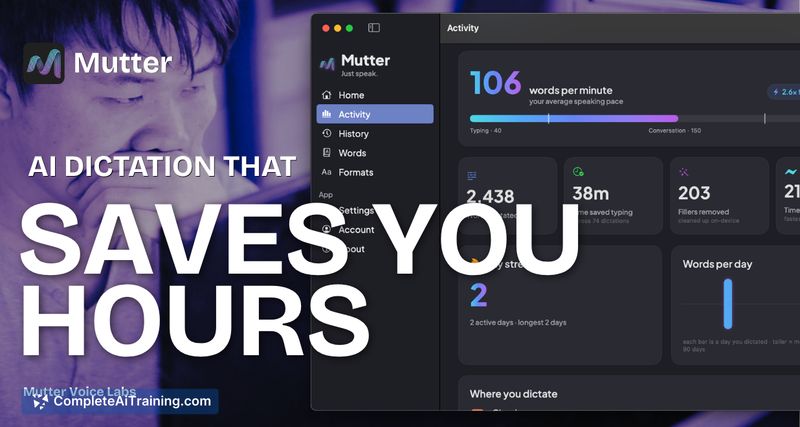
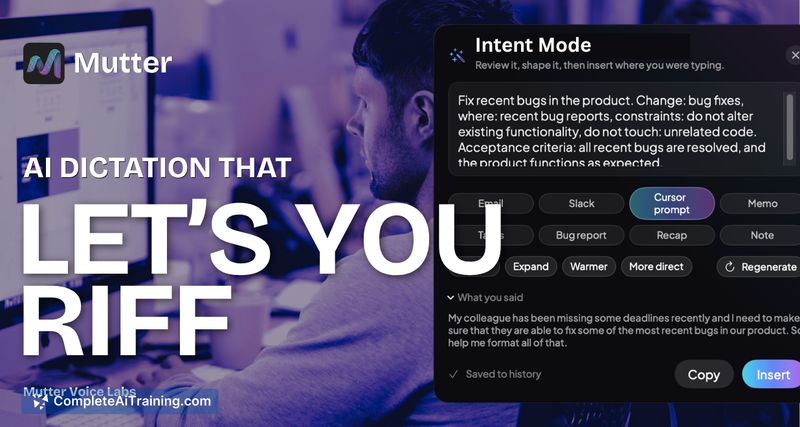
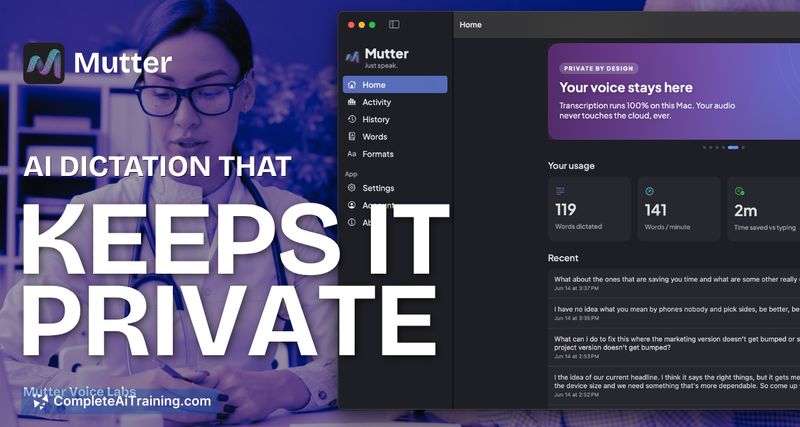
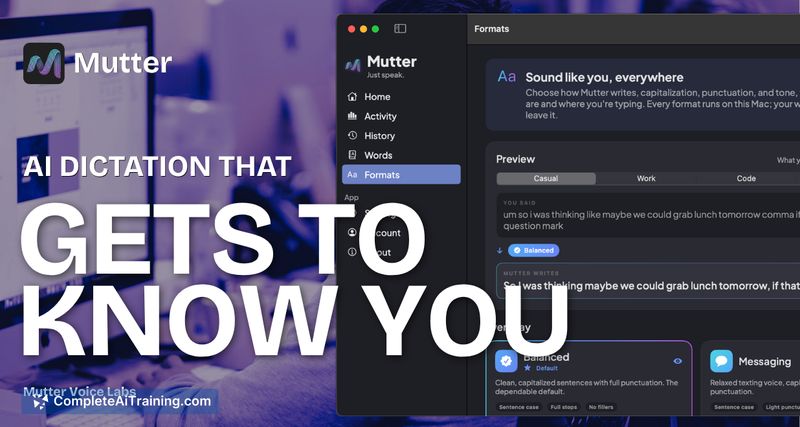
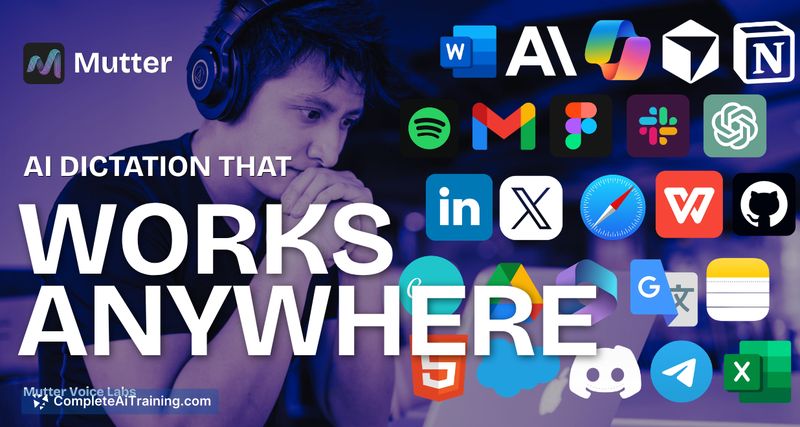
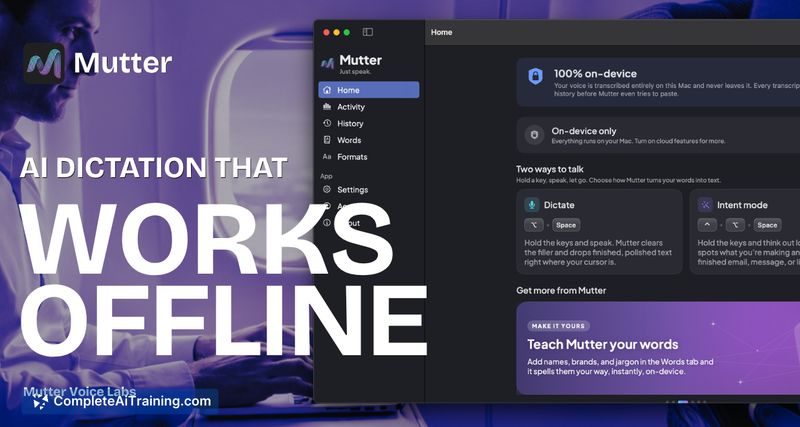
Mutter AI Dictation splits dictation into two distinct behaviors: a clean transcript mode and an intent mode that produces ready-to-send messages. The tool launched this week with a strong emphasis on privacy controls, letting users decide exactly when audio leaves the machine. Its approach focuses on finishing the thought rather than just transcribing words.
Key Features
- Dictate mode - transcribes speech into clean text without inference or second-guessing, suitable for notes and simple input.
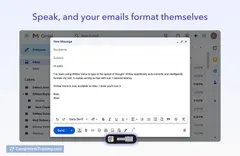
- Intent mode - reads the current context (such as the active application) and reshapes a rambling idea into a finished email, Slack message, task list, or memo.
- On-device mode - transcribes audio locally with no internet connection required; audio never leaves the Mac. Supports 25 languages for local transcription.
- Cloud mode - uses a more powerful language model for refined intent rewriting and auto-detects language across over 100 languages. Instant translation into dozens of languages is also available in this mode.
- Hotkey-driven access - separate keyboard shortcuts for Dictate and Intent modes let you switch instantly without leaving the active window.
Pricing and Value
Mutter AI Dictation is currently available with free options. The developer has not yet published details about any paid tiers or future pricing models.
Pros
- On-device mode prevents sensitive audio from being uploaded, and the app remains functional offline.
- Two distinct modes prevent the tool from overriding your intent when you want simple transcription.
- Intent mode can turn a rough vocal outline into a formatted message without manual editing.
- Cloud mode supports over 100 languages with automatic detection, plus instant translation.
- Privacy settings clearly indicate which features require cloud processing and which stay local.
Cons
- The tool is currently only available for macOS, with no Windows or mobile versions.
- Intent mode's more advanced rewriting relies on cloud processing, which reduces the privacy guarantee for those who need that feature.
- Not well suited for users who require a verbatim, unedited transcript, as even Dictate mode strips filler words and cleans up speech.
Mutter AI Dictation fits professionals who regularly dictate sensitive content and want a quick way to transform spoken thoughts into polished messages. It's a practical choice for Mac users who value local privacy but still need occasional cloud-powered language support. The tool will likely appeal most to those who write emails, Slack messages, and short documents by voice and find themselves manually reworking raw transcripts.
Jobs Mutter AI Dictation suits
Useful in almost any job. We checked Mutter AI Dictation against 500+ jobs; these get the most out of it.
Alternatives to Mutter AI Dictation
Other tools that do the same main job. Our AI compared Mutter AI Dictation with similar tools and kept the ones you could use instead.