AI tool
NovaVoice
NovaVoice is a desktop Voice OS: speak to write context-aware emails or formatted Markdown, query any screen with a hotkey, and run cross-app commands (e.g., draft a WhatsApp message). Faster, hands-free writing, answers, and actions.
About NovaVoice
NovaVoice is a desktop voice interface for macOS and Windows that combines dictation, an on-screen AI assistant, and voice-based app control. It aims to transcribe speech accurately, apply context-aware formatting, and let you perform common actions without leaving your current window.
Review
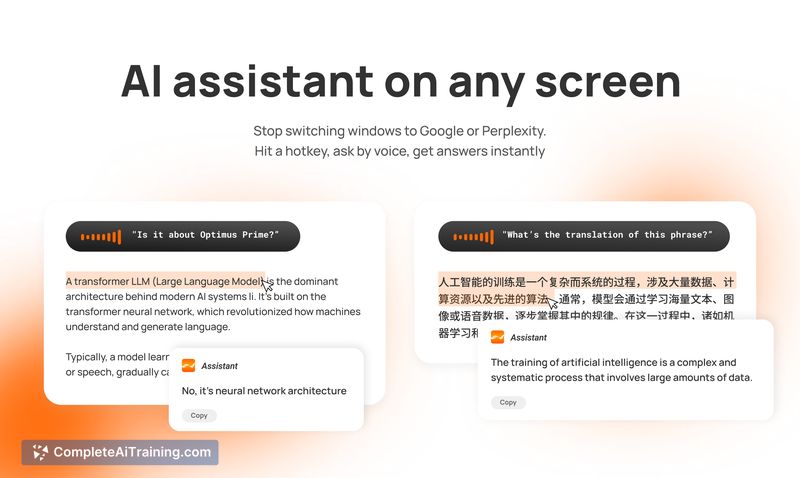

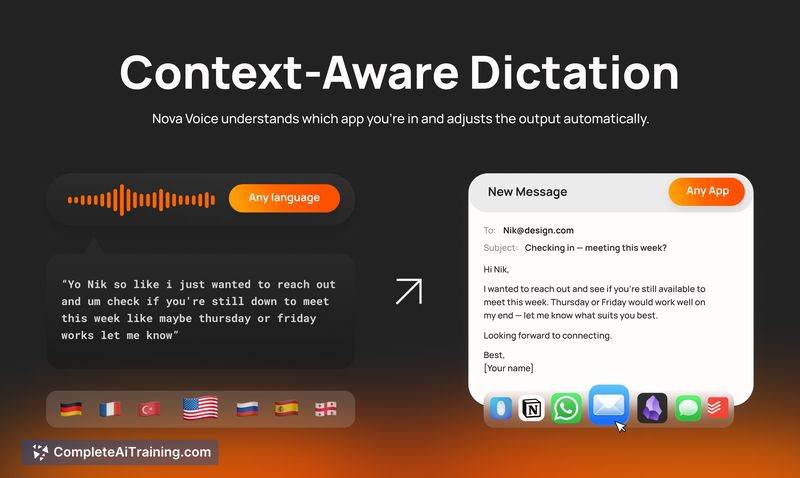
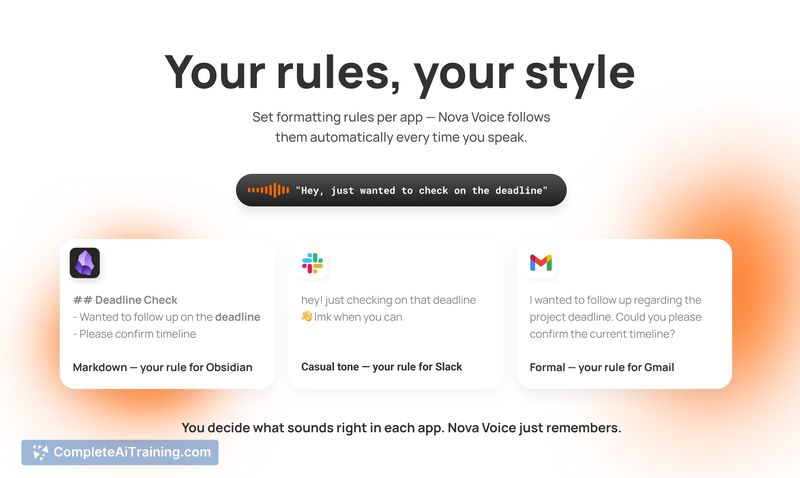
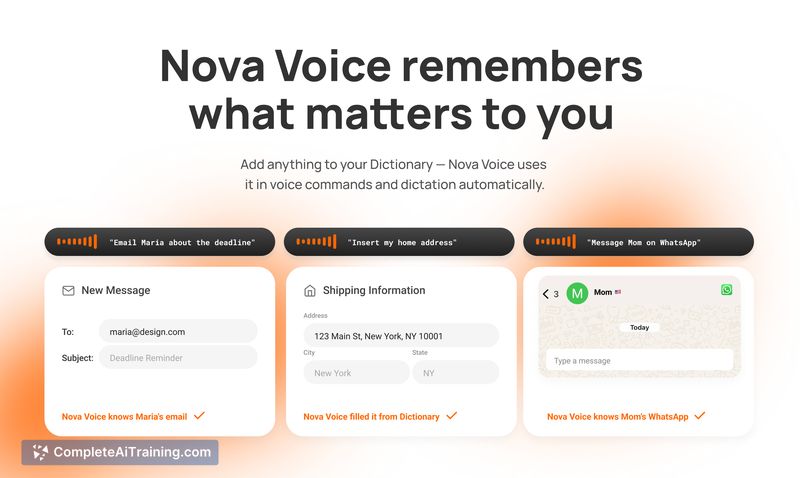
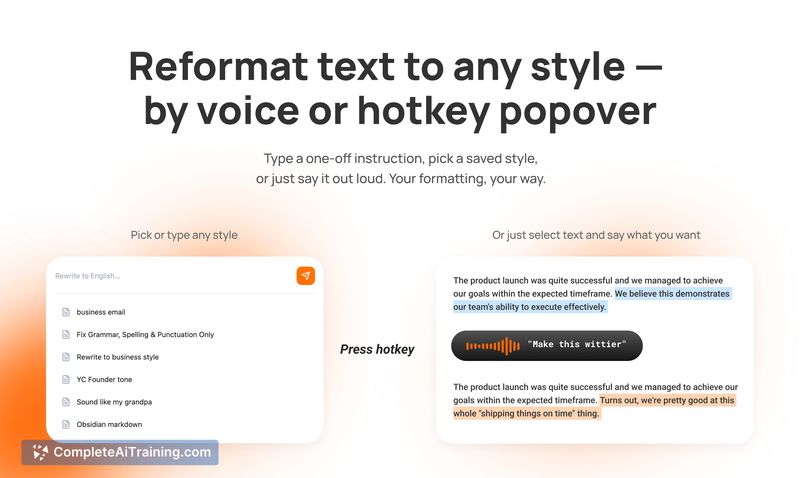
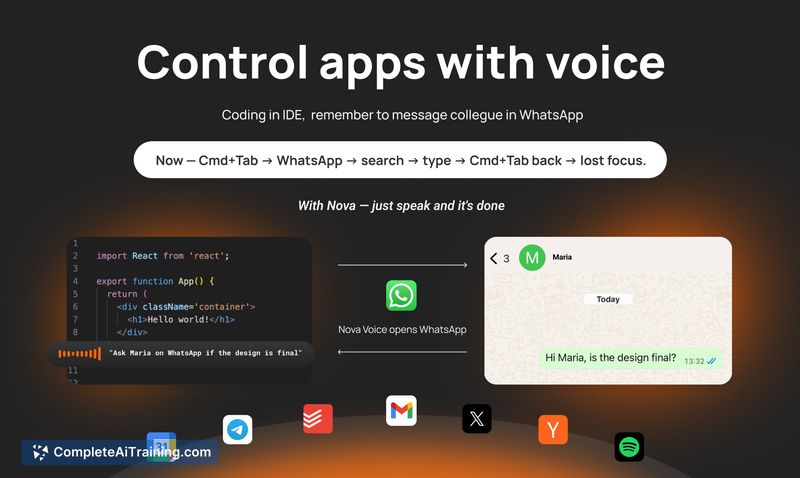
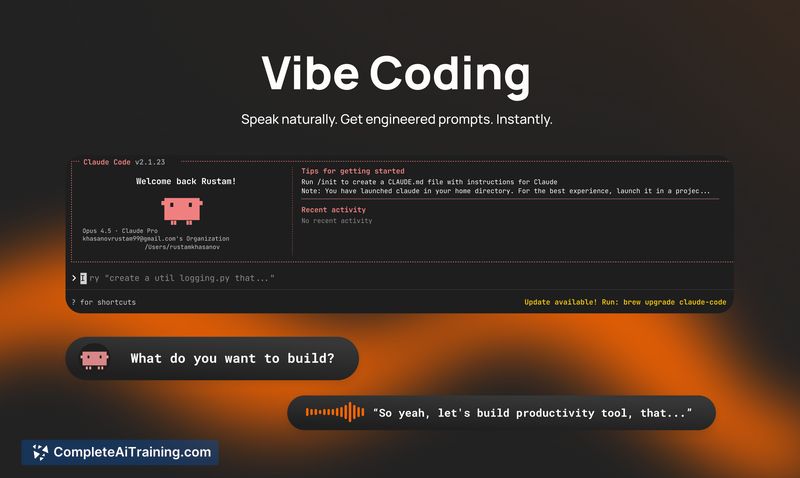
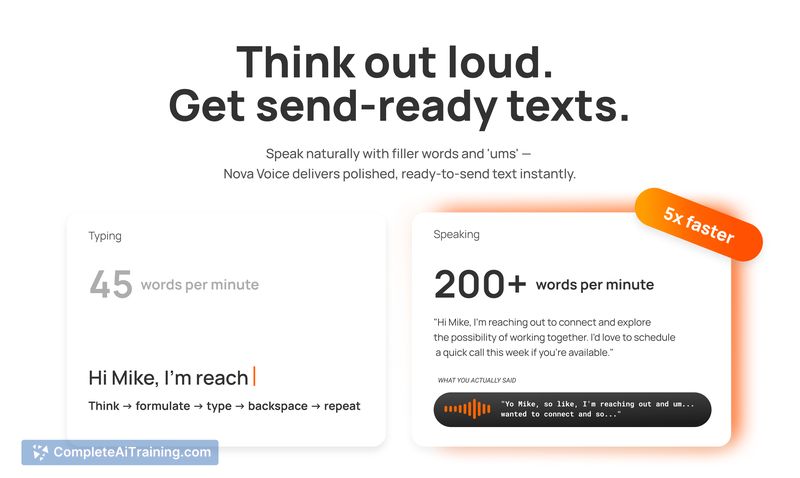
NovaVoice focuses on reducing friction between thinking and writing by making voice a first-class input on the desktop. It blends high-quality transcription with quick access to an assistant and a set of integrations that let you draft messages, reformat text, and trigger app actions by voice.
Key Features
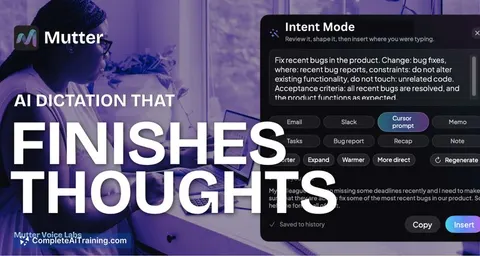
- Context-aware writing: formats output to match the app you're dictating into (email, Markdown, notes, etc.).
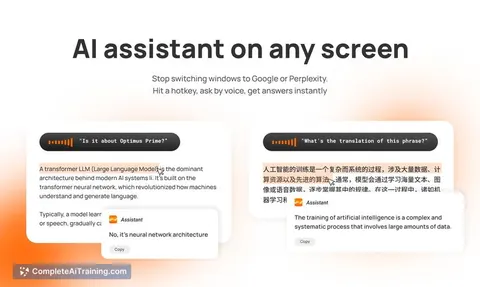
- Always-available AI assistant: activate with a hotkey to ask questions or request transformations without switching to a browser.
- Cross-app voice commands: open apps, draft messages, and insert contacts or addresses using voice prompts.
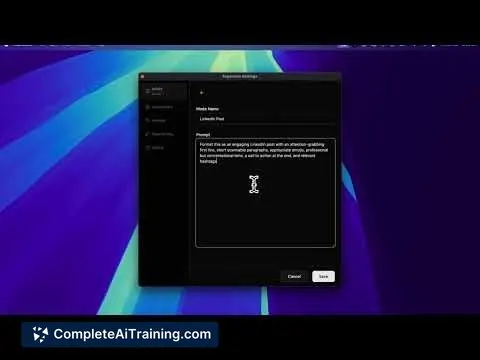
- Smart popover for reformatting: apply presets or custom instructions to selected text instantly.
- Custom dictionary and multilingual support: remembers shortcuts and handles mid-sentence language switches and proper names.
Pricing and Value
There is a free option available that provides core dictation and assistant features. The team indicates plans to expand integrations and add personalization features, which suggests a future paid tier for advanced capabilities. For anyone who types frequently or needs hands-free operation, the tool can save time and reduce window switching, while also offering practical benefits for people with limited mobility.
Pros
- Accurate transcription with good auto-punctuation in English and reasonable results in several other languages.
- Context-aware formatting that adapts output to different apps, reducing manual editing.
- Ability to draft messages and prepare actions across multiple apps without leaving the current workflow.
- Local-first approach to many pieces of data and clear controls around executing actions, which helps with privacy and safety.
- Free tier makes it easy to try before committing.
Cons
- Integrations are useful but currently limited; more app support is planned rather than fully available today.
- Some users report slower performance in certain scenarios and want faster transcription latency.
- Linux support and installation details are incomplete, so users on non-supported platforms may face hurdles.
Overall, NovaVoice is well suited for writers, knowledge workers, and anyone who benefits from hands-free input or faster text capture. Try the free option to evaluate transcription quality and the current integrations; it will be most valuable for people who frequently switch contexts between apps or need accessible input alternatives.
Jobs NovaVoice suits
Useful in almost any job. We checked NovaVoice against 500+ jobs; these get the most out of it.
Alternatives to NovaVoice
Other tools that do the same main job. Our AI compared NovaVoice with similar tools and kept the ones you could use instead.