AI tool
Oats
Oats is a free, open-source meeting note taker for Mac and Windows. It records, transcribes, and summarizes conversations locally on your device without a bot joining the call. It is for users who want private, offline meeting notes with no data l...
About Oats
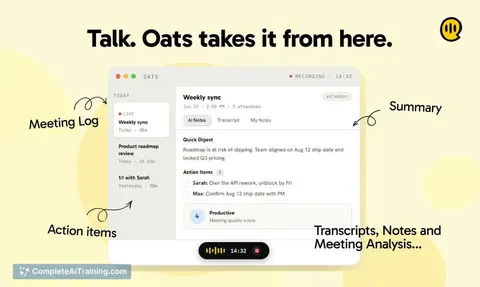
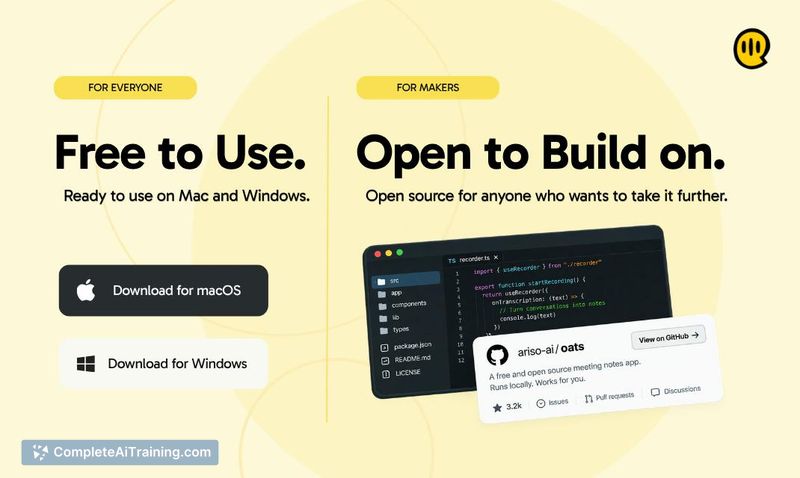
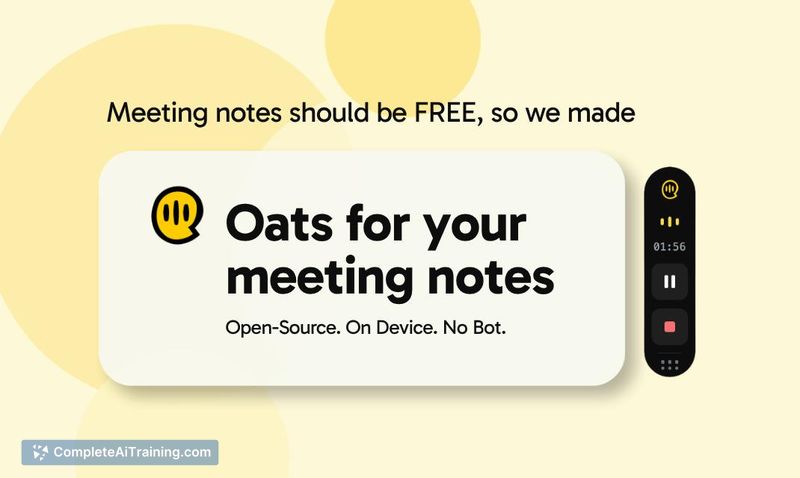
Oats is a free, open-source AI meeting note-taker for macOS and Windows. It records meetings without a bot joining the call, then transcribes and summarizes conversations on-device using local AI models. Recordings and data stay on the user's computer, and the source code is available for inspection or modification.
Review
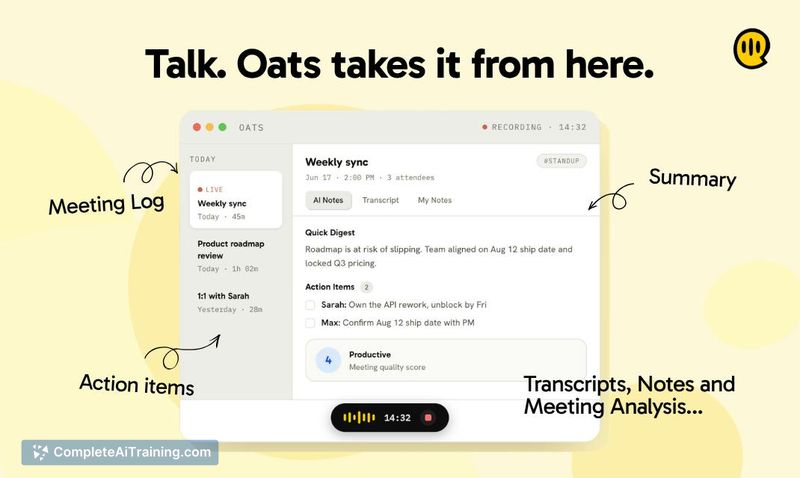
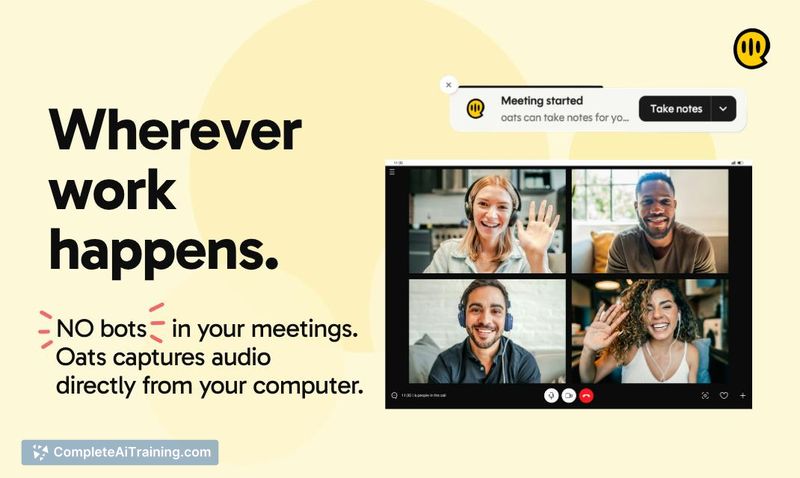
Oats approaches meeting notes from a privacy-first angle that most competing tools don't address. The tool runs entirely on your machine, capturing system audio directly rather than relying on a cloud-based bot. It's a new release with an active development roadmap, so the feature set is still taking shape.
Key Features
- Local recording without a meeting bot joining the call
- On-device transcription and summarization using local LLMs
- Open-source codebase that users can audit, modify, or build upon
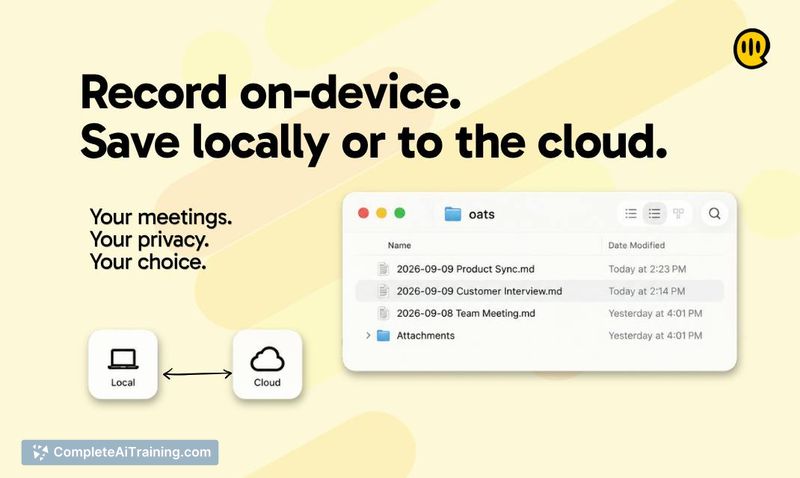
- Stores meeting notes as local Markdown files compatible with Obsidian
- Optional cloud backend via ariso.ai for enhanced transcription, multi-language support, speaker recognition, assessments, coaching, and auto-tracking follow-ups
Pricing and Value
Oats is completely free when running locally with on-device LLMs. No subscription is required for local use. The optional Ariso cloud backend adds more features, and the makers state they will not use meeting data to train models, even on the free plan. Specific cloud pricing details are not yet defined.
Pros
- No meeting bot required, so participants won't see an unfamiliar attendee on the call
- All recordings and transcripts remain on the local machine by default
- Open-source license lets teams customize the tool or verify its behavior
- Notes save as Markdown files, making them portable to Notion, Obsidian, or other tools
- Separate in-app space for manual note-taking alongside automated capture
Cons
- Screen recording is not yet available; the team has added it to the backlog
- Editing generated notes after a meeting isn't currently supported, though the makers indicate it can be added
- Not well suited for teams that require built-in collaboration features or deep integration with enterprise platforms right now
Oats fits users who prioritize data privacy and want a straightforward, locally-run meeting recorder without recurring costs. It's also a practical option for developers or technical teams who might contribute to the open-source project or adapt the codebase. Teams needing polished post-meeting editing, screen capture, or tight enterprise integrations may find the current version too early for their workflows.
Jobs Oats suits
Useful in almost any job. We checked Oats against 500+ jobs; these get the most out of it.
Alternatives to Oats
Other tools that do the same main job. Our AI compared Oats with similar tools and kept the ones you could use instead.