AI tool
Ocode Image to Code AI
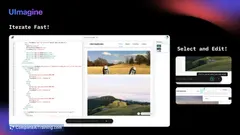
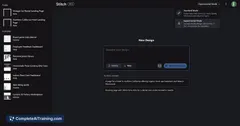
Ocode Image to Code AI transforms UI designs from images into editable code instantly. Chat with the bot to customize your design and share your polished UI with a single click, streamlining your development process.
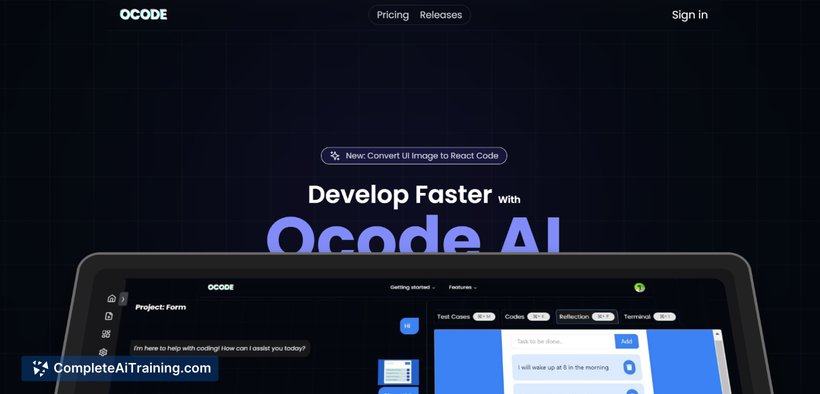
About Ocode Image to Code AI
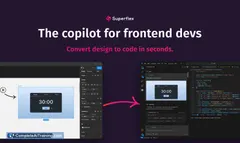
Ocode Image to Code AI is a tool that converts design images into clean, functional code automatically. It simplifies the process of turning visual concepts into front-end code, saving developers time and effort. The tool supports various design formats and offers output in multiple coding languages.
Review
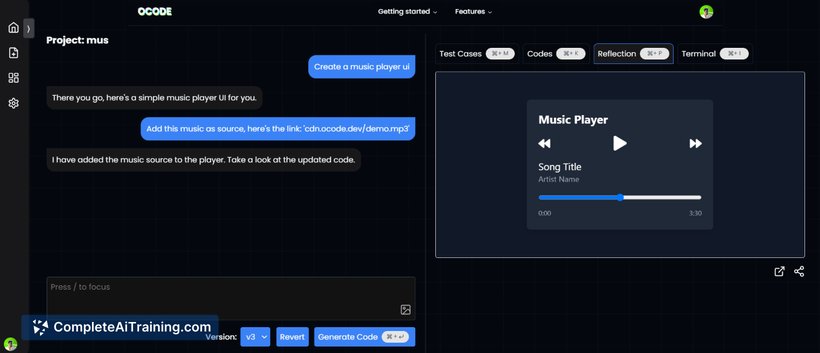
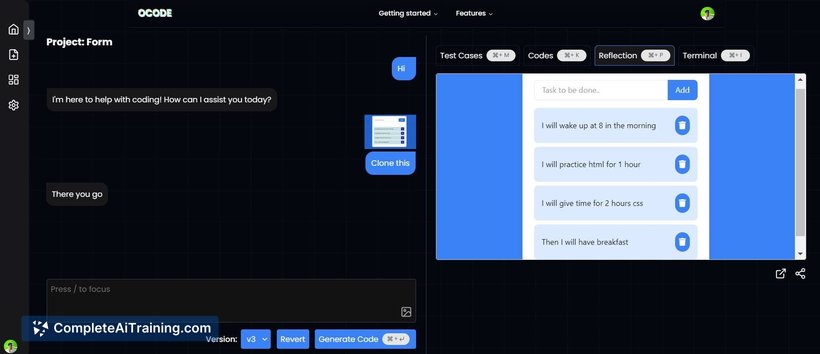
Ocode Image to Code AI offers a practical solution for developers and designers looking to streamline the conversion of images into code. By automating this process, it reduces manual coding tasks and accelerates project workflows. The interface is straightforward, making it accessible to users with varying levels of coding experience.
Key Features
- Automatic conversion of design images into HTML, CSS, and JavaScript code
- Support for multiple design input formats including PNG, JPG, and Sketch files
- Clean and well-structured code output that is easy to integrate and customize
- Responsive code generation to ensure compatibility across devices
- User-friendly interface with drag-and-drop functionality
Pricing and Value
The tool offers a tiered pricing model, including a free trial period for new users to test its capabilities. Paid plans vary based on the number of conversions and additional features such as priority processing and extended format support. Overall, the pricing is competitive for the target audience, especially for freelancers and small teams looking to reduce development time.
Pros
- Saves considerable time by automating code generation from images
- Produces clean, maintainable code that can be edited easily
- Supports a range of design file formats
- Responsive output ensures usability on various screen sizes
- Intuitive interface suitable for both beginners and experienced users
Cons
- Complex designs with intricate animations may not convert perfectly
- Some advanced customization options require manual adjustments post-conversion
- Limited backend code generation; focused mainly on front-end code
Ocode Image to Code AI is well-suited for developers, designers, and agencies aiming to speed up front-end development workflows. It works best for projects where quick conversion of static design files into responsive code is needed. Users looking for deep backend integration or highly complex UI interactions might need supplementary tools.
Jobs Ocode Image to Code AI suits
We checked Ocode Image to Code AI against 500+ jobs; these get the most out of it.
Alternatives to Ocode Image to Code AI
Other tools that do the same main job. Our AI compared Ocode Image to Code AI with similar tools and kept the ones you could use instead.