AI tool
Shotup AI
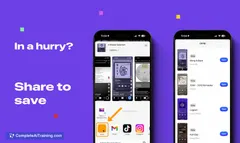
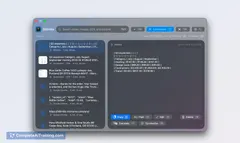
Shotup AI organizes and remembers your screenshots, understanding their context—posts, articles, shopping items—and lets you quickly retrieve any detail, saving time and hassle buried in your photo album.
About Shotup AI
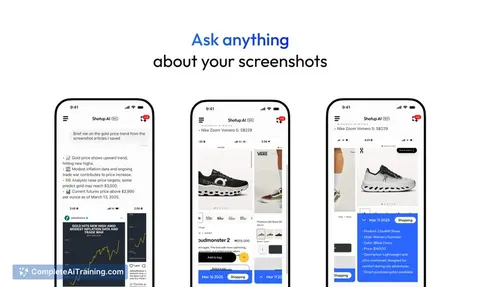
Shotup AI is an intelligent screenshot management tool designed to help users organize, search, and recall their vast collection of screenshots effortlessly. By leveraging AI, it understands the context of each image and enables users to interact with their screenshots as if they were a photographic memory.
Review
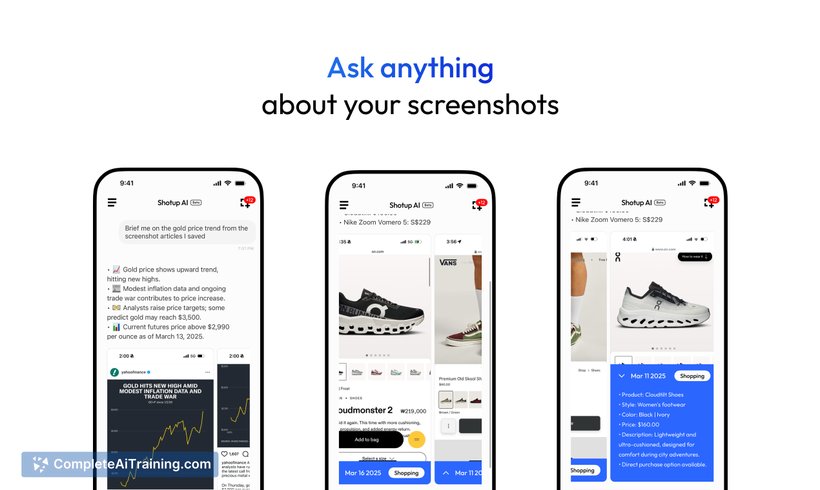
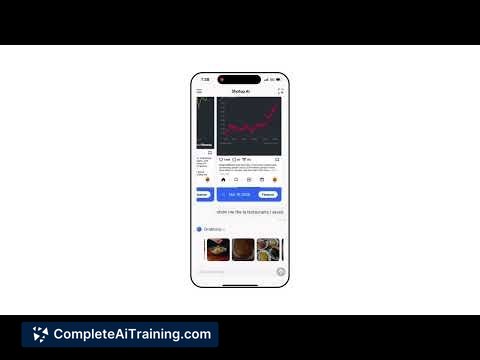
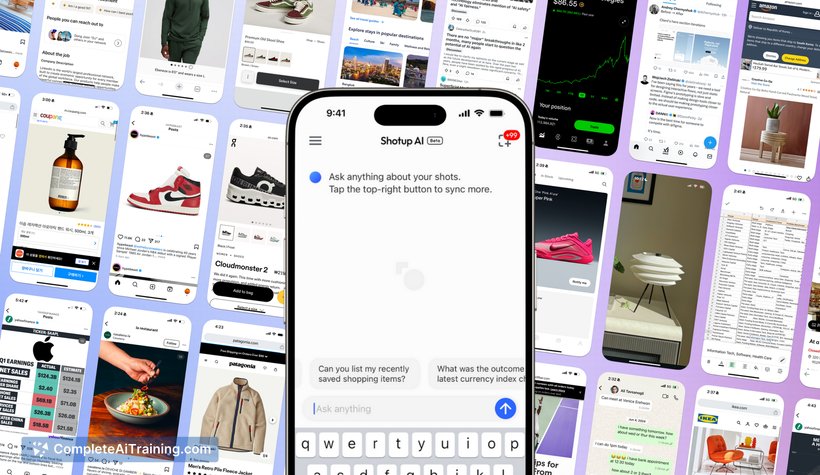
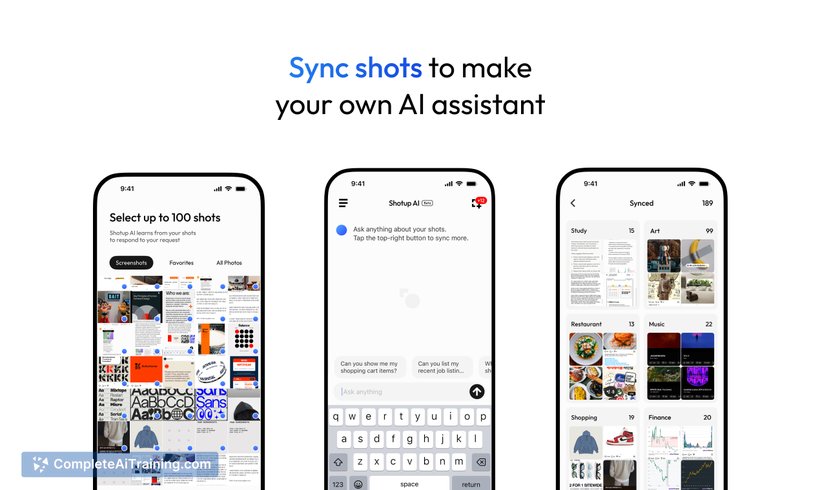
In today’s digital age, screenshots accumulate rapidly, often becoming overwhelming to manage and retrieve. Shotup AI addresses this challenge by providing a smart assistant that not only stores but also comprehends and categorizes your screenshots automatically. Its AI-powered chat search and contextual understanding make revisiting saved information both quick and intuitive.
Key Features
- AI-Powered Chat Search: Ask questions or search within your screenshots using natural language queries for fast retrieval.
- Automatic Screenshot Categorization: The tool analyzes and organizes screenshots by context, such as articles, shopping items, or design tips, without manual input.
- Key Information Extraction: Extracts relevant details from images to enhance searchability and usability.
- Cross-device Syncing and Backup: Seamlessly sync your screenshots across multiple devices, ensuring your data is always accessible and backed up.
- Lightweight and Fast User Interface: Designed to handle heavy screenshot users without compromising speed or usability.
Pricing and Value
Currently, Shotup AI offers free usage with a sync limit of up to 300 screenshots, which caters well to casual users. For power users with larger screenshot libraries, subscription plans are being prepared to unlock higher upload limits and additional features. This tiered pricing model aims to provide good value by scaling with user needs while maintaining a robust free tier suitable for everyday screenshot management.
Pros
- Intuitive AI-driven search that understands the context of screenshots
- Automatic categorization reduces manual organization effort
- Cross-device syncing ensures access and backup across platforms
- Lightweight interface optimized for users with large screenshot collections
- Free tier available with essential functionality for typical users
Cons
- Current sync limit of 300 screenshots may be restrictive for heavy users
- Tagging system for manual organization is not yet implemented but planned
- Subscription details and pricing are still pending, which may affect purchasing decisions
Shotup AI is ideal for anyone who frequently takes screenshots—whether professionals, researchers, or casual users—who need a reliable way to manage and recall visual information without sifting through cluttered photo albums. Its AI capabilities make it especially beneficial for users looking to save time and enhance productivity by turning screenshots into easily searchable knowledge.
Jobs Shotup AI suits
We checked Shotup AI against 500+ jobs; these get the most out of it.
Alternatives to Shotup AI
Other tools that do the same main job. Our AI compared Shotup AI with similar tools and kept the ones you could use instead.