AI tool
Thanor AI
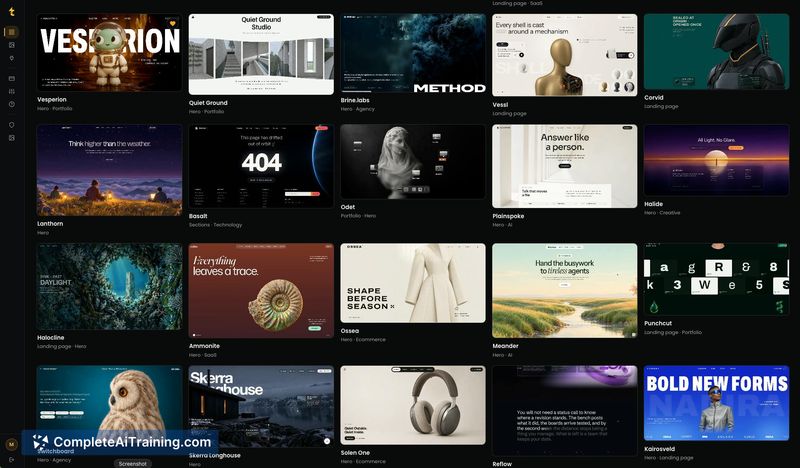
Thanor AI provides complete art direction-palette, typography, motion, and structure-for AI-generated websites. It is built for developers, designers, and agencies who want to replace generic AI output with deliberate, high-quality design.
About Thanor AI
Thanor AI is a design resource and prompt engineering tool that supplies art direction for AI-built websites. Instead of generating sites directly, it produces detailed briefs-covering palette, type scale, motion, and section-by-section structure-that users paste into tools like Claude, ChatGPT, Cursor, Lovable, or Bolt. The product also includes an MCP server that pulls prompts into a code editor, with a cloning tool and other features on the roadmap.
Review
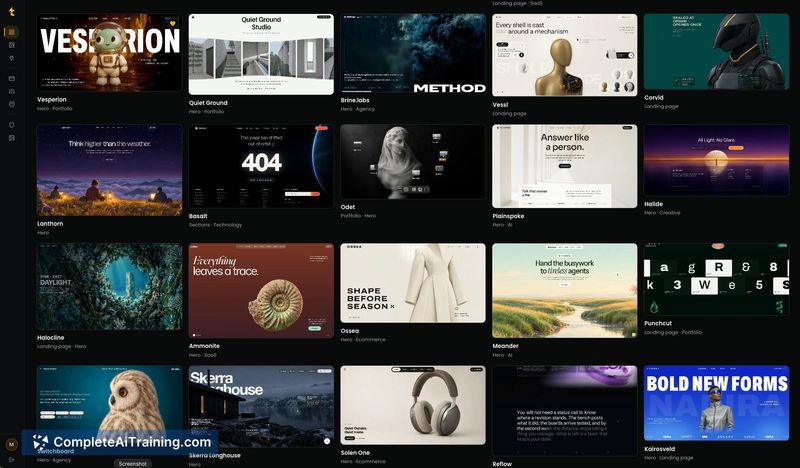
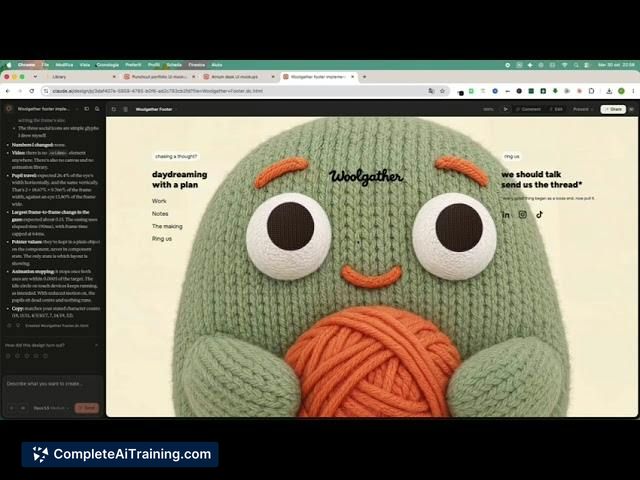
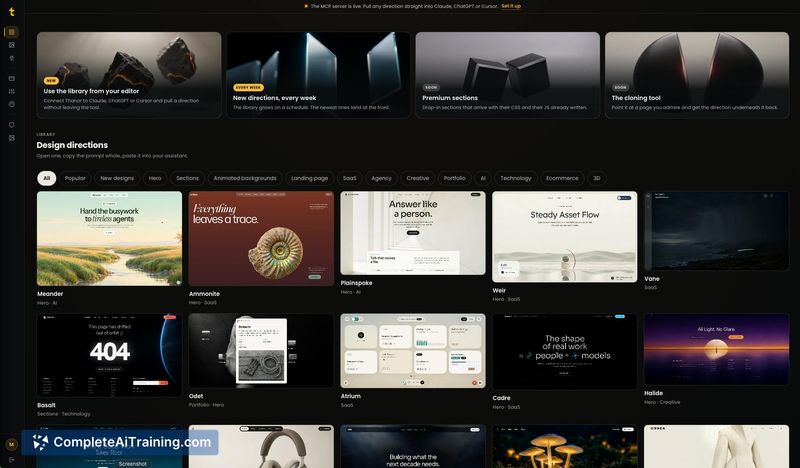
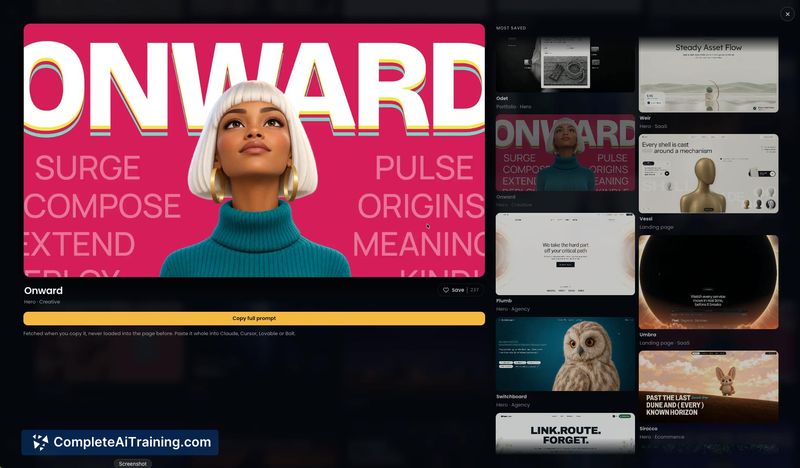
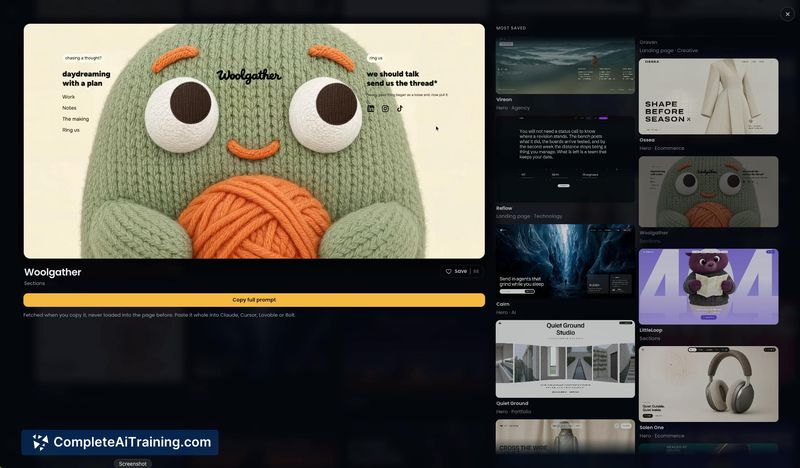
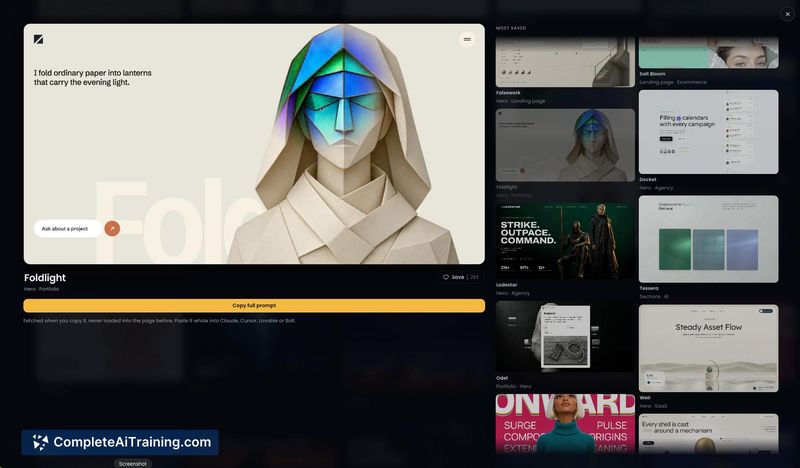
Thanor AI addresses a specific friction point in AI-assisted web development: the output tends to look generic when the input lacks concrete design decisions. The tool doesn't build websites. It writes the creative direction that guides other AI tools toward more deliberate visual results. The approach assumes the model's capability isn't the bottleneck-it's the quality of the instructions it receives.
Key Features
- Full art direction briefs that specify palette, type scale, motion behavior, and page structure section by section, formatted to paste directly into AI coding tools without trimming.
- An MCP server that pulls any prompt straight into a code editor, removing the copy-paste step between the brief and the development environment.
- Weekly releases of new prompts and UI components, expanding the library of starting points over time.
- A community component aimed at SaaS developers, founders, designers, agencies, and freelancers who build and sell sites.
Pricing and Value
Thanor AI requires payment, with a current launch promotion of 50% off all plans. The page does not list specific plan tiers, feature breakdowns, or exact pricing figures, so the cost structure beyond the discount remains undefined in the available reference material. Payment processing runs through Stripe for checkout, subscriptions, and discount codes.
Pros
- Shifts the work upstream: instead of iterating on AI output, users define the visual direction before generation begins.
- Works across multiple AI coding tools rather than locking into a single platform.
- Built by a solo maker who deleted his own website builder after concluding the output looked too generic-the product emerged from that direct experience.
- Roadmap includes a contributor programme where designers create directions and get paid, which could diversify the library's aesthetic range over time.
- MCP server integration reduces friction for users who want prompts available inside their editor without manual transfer.
Cons
- The tool is not well suited for someone who wants a finished website with minimal input-it produces design briefs, not deployed sites, and still requires using separate AI builders.
- Pricing details are thin; beyond the launch discount, plan specifics and long-term costs are not stated on the current page.
- Several announced features-the cloning tool, premium UI components as HTML/CSS/JS, the media library, and the full course-are not yet available, so the current scope is narrower than the vision describes.
Thanor AI fits practitioners who already use AI coding tools but recognize that vague prompts yield vague results. It's most relevant for developers, freelancers, and small teams who build client sites or SaaS pages and want more control over the visual outcome without learning to write design specs from scratch. Those looking for an end-to-end site generator or who prefer hands-off automation will find the tool's brief-first workflow adds a step rather than removing one.
Jobs Thanor AI suits
We checked Thanor AI against 500+ jobs; these get the most out of it.