AI tool
Wideframe
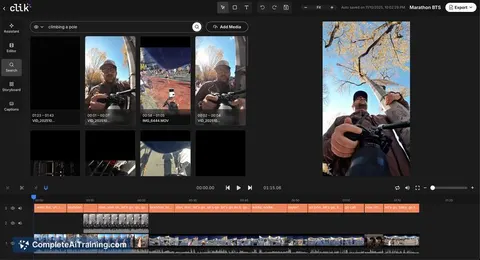
Wideframe is an AI coworker for video editors that automates searching, labeling, organizing, and sequencing footage so teams spend less time prepping and ship videos faster.
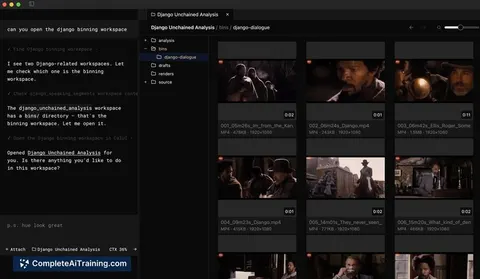
About Wideframe
Wideframe is an AI coworker for video editors that automates searching, labeling, organizing, and sequencing of footage. It focuses on reducing the time spent preparing clips so editors can spend more time on creative editing and delivery.
Review
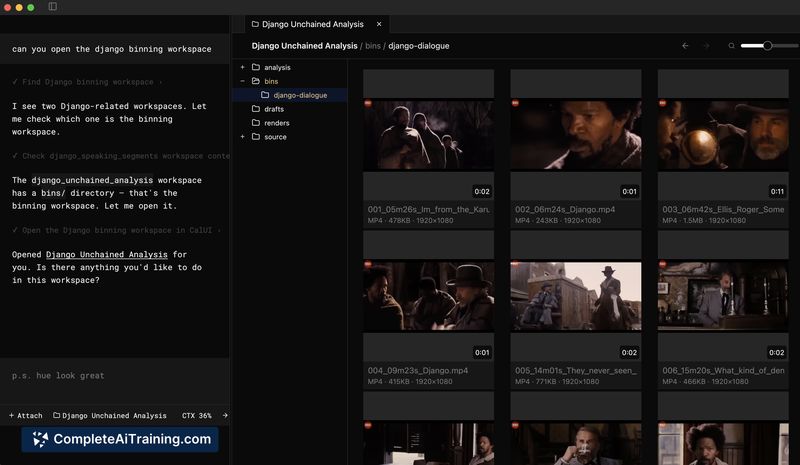
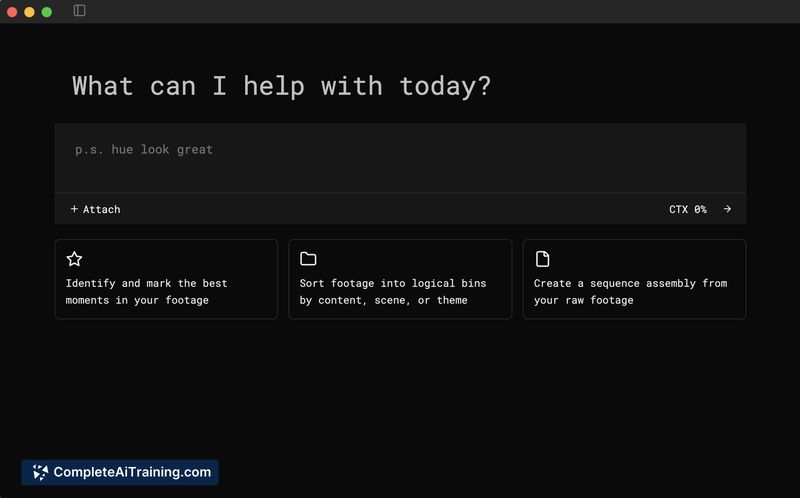

Wideframe addresses a common bottleneck in video production: footage prep. By applying AI-driven analysis and metadata to raw clips, the tool helps editors find useful takes faster and assemble initial sequences for review.
Key Features
- Automated searching and labeling of clips to surface relevant footage quickly
- Clip organization and suggested sequencing to accelerate timeline assembly
- AI-based scene and take detection with metadata extraction for faster filtering
- Agent-style tooling that coordinates search, video understanding, and sequencing tasks
- Options for a free trial and community resources to get started
Pricing and Value
The product page highlights free options and a 7-day free trial (visit try.wideframe.com), which lets prospective users evaluate the workflow impact before committing. Beyond the trial, the offering appears to follow a subscription model with tiering likely based on usage and team size; exact paid plan details should be checked on the official site. The main value proposition is time saved in footage preparation, which can meaningfully shorten project timelines for teams that handle large volumes of raw clips.
Pros
- Significantly reduces time spent on searching and organizing footage
- Produces structured metadata and suggested sequences that speed up first-pass edits
- Works well for a range of projects from short ads to longer documentary material
- Free trial and community support make it easy to experiment with the tool
Cons
- AI suggestions still require human review and creative judgment
- As a newer product, some workflows or integrations you rely on may be missing or evolving
- Uploading sensitive footage to cloud-based services raises privacy and security considerations for some teams
Wideframe is best suited for editors and creative teams who spend substantial time on footage prep-ad creatives, social teams, and agencies will likely see the biggest efficiency gains. For users who need strict offline workflows or full manual control over every decision, Wideframe is a helpful assistant but not a replacement for human oversight.
Jobs Wideframe suits
We checked Wideframe against 500+ jobs; these get the most out of it.
Alternatives to Wideframe
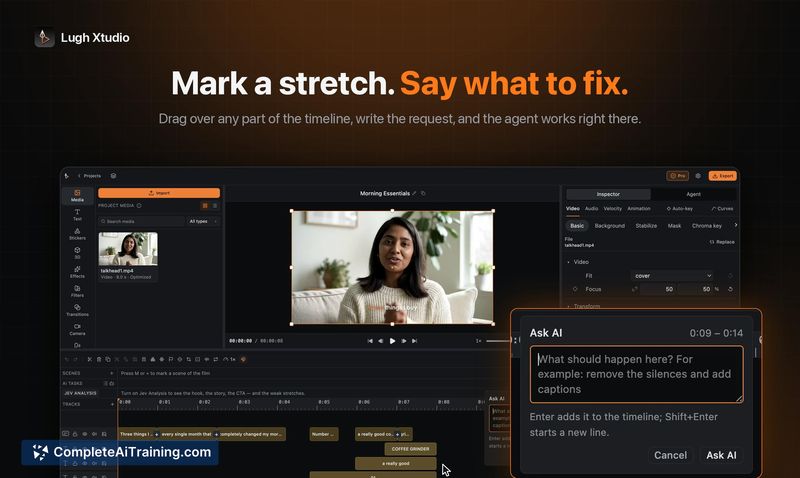
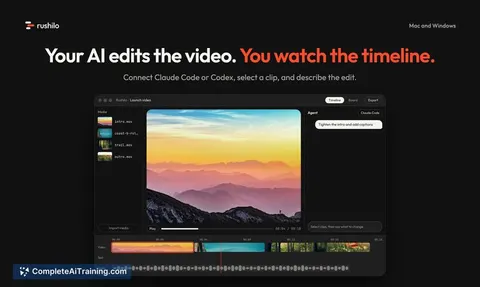
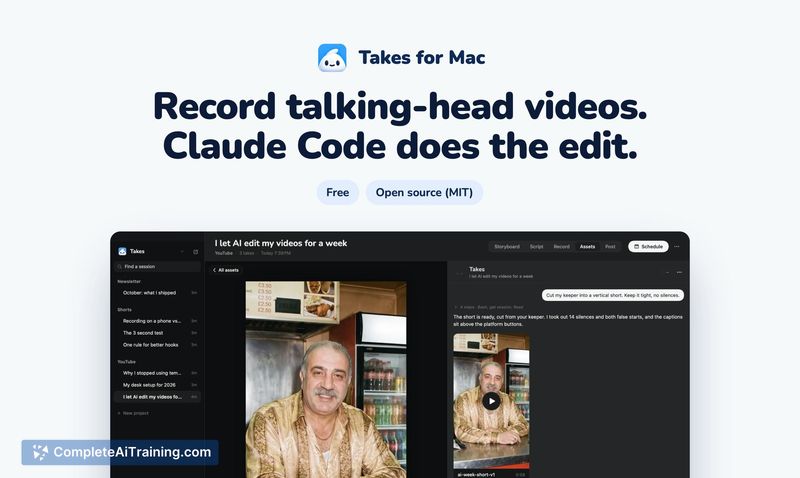
Other tools that do the same main job. Our AI compared Wideframe with similar tools and kept the ones you could use instead.