MCP server · Generative video
Manim MCP server
by abhiemj
Turn your AI into a helper that writes and renders Manim math animations on your own computer.

This is a small helper program that lets your AI write Manim animation code and actually run it on your computer, so you get a real video file back. Manim is the free tool people use to make those smooth math explainer videos. It is handy if you want animated diagrams or math visuals without learning to code them yourself.
What is an MCP server? The 30-second version
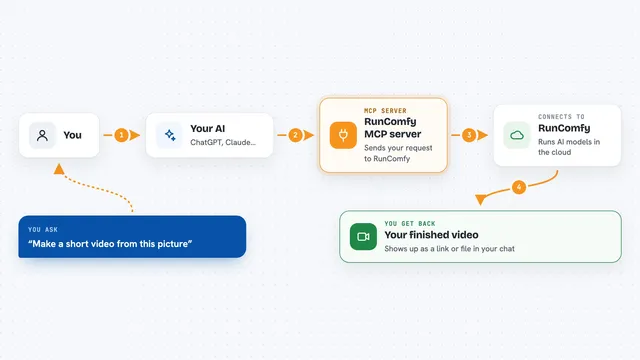
On its own, your AI can only chat with you. An MCP server is a small helper program that gives your AI a new skill or a connection to an app. This one connects your AI to Manim, the animation tool, running right on your own machine. So when you ask for an animation, the AI writes the code and this helper runs it for you.
What this MCP server does
You describe the animation you want in plain words. Your AI writes a Manim script based on your request. This helper takes that script and runs it on your computer. Manim draws each frame and stitches them into a video. The finished video lands in a media folder you can open, and the helper can also clean up leftover temporary files when you are done.
 Click to zoom
What you can do with it
- Generate short math or diagram animations from a written description
- Save the rendered video into a media folder on your computer
- Run Manim scripts your AI writes for you
- Clean up temporary files after a render finishes
- Adjust where Manim lives on your machine through a setting
Try asking your AI
- “Make a short animation showing a circle turning into a square”
- “Animate the Pythagorean theorem with labeled sides”
- “Create a simple animation of a sine wave drawing itself”
- “Render a quick video explaining how fractions add together”
What it gives back to you
You get a rendered video file saved in a media folder on your computer, plus a short note in the chat telling you where it is. If something goes wrong, you get the error message so you can ask your AI to fix the script and try again. You can then open the video with any normal video player.
Before you start
What you need
- Python 3.8 or newer installed on your computer
- The Manim Community version installed (pip install manim)
- The MCP package installed (pip install mcp)
- The Claude desktop app, with a small config file edited to point at this server
Good to know
This runs code on your own computer, so only use it with scripts you trust and be aware it will create video files and temporary files on your disk.
Install it with your AI
Add Manim MCP server to your AI, no technical skills needed
You don't install anything by hand. You copy one prompt, paste it into an AI that can work on your computer, and it checks, installs and connects the server for you, asking you when it needs something.
Sign in to get the install prompt
Members get a ready-made prompt that lets the Claude desktop app check Manim MCP server, install it and connect it for them, step by step. You don't need any technical skills: you copy, paste and answer a few questions. Your connected AI can also find and install any of the 4,361 MCP servers here for you.
Who it's for
Teachers, students, and anyone who wants quick math or diagram animations without learning Manim or Python first.