MCP server · Generative art
Pixel Surgeon MCP server
by j-east
Let your AI make pictures and short videos, fix messy text inside images, and remove backgrounds just by asking.

This is a small helper program called Pixel Surgeon. It plugs into your AI assistant and lets the AI actually create and edit picture files instead of only talking about them. It is handy if you sometimes need a quick illustration, diagram, product mock-up or clip and would rather describe it than fight with design software.
What is an MCP server? The 30-second version
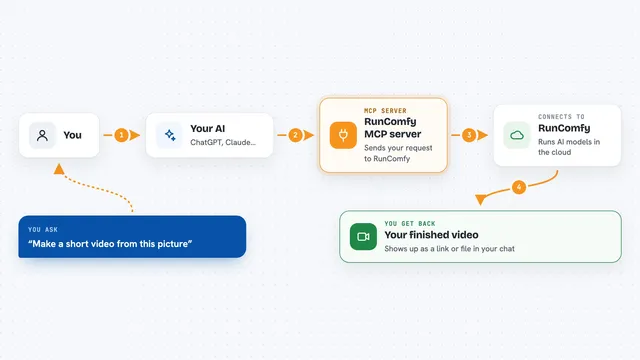
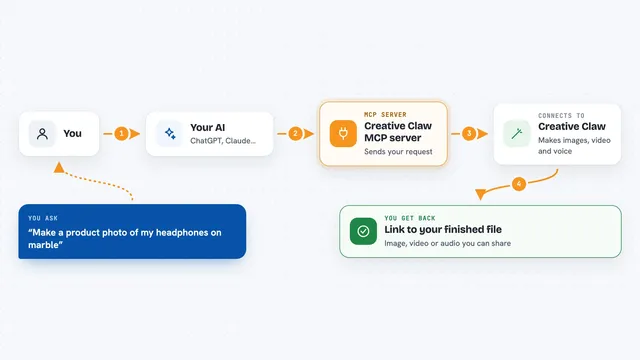
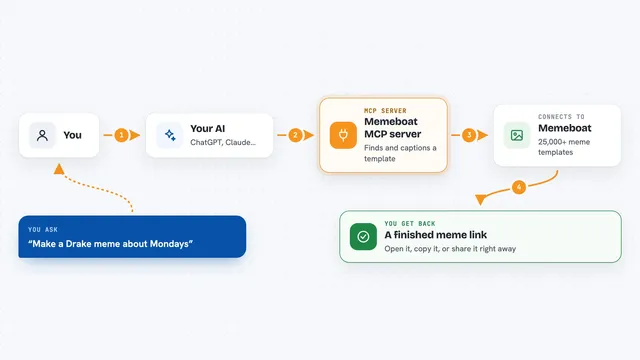
On its own, your AI can only chat, because it cannot reach out to real services. An MCP server is a little bridge program running behind the scenes that hands your AI a brand-new skill. Here, that bridge connects your AI to several image-making engines such as Google's Gemini, OpenAI's GPT Image 2 and xAI's Grok Imagine. So when you say "draw me something", the message travels across the bridge and comes back as an actual file.
What this MCP server does
When you type a request like "make me a poster" , your AI sends those words plus some settings to this helper. The helper picks one of the image engines based on what you asked for, waits for the engine to finish painting the pixels, and saves the finished picture onto your computer. For edits, it takes your original file, passes along your instruction together with the right piece of the picture, gets the redrawn version back and puts everything together again neatly. Then your AI tells you where the file landed and often pops open a simple viewing window so you can see it big. Video works much the same way, except the helper also asks for sound alongside each moving scene.
 Click to zoom
What you can do with it
- Generate single images from a written description
- Batch-generate several variations at once
- Edit an existing picture by describing the change
- Repair garbled text areas in an image grid by grid
- Fix one particular spot and keep the rest untouched
- Make short clips with sound from a text idea
- Remove the background leaving transparent space
Try asking your AI
- “Draw me a cozy reading corner with rain outside the window, wide format.”
- “Take my logo.png and put it centered on a dark navy slide-sized canvas.”
- “That headline came out misspelled, please redo just the top strip.”
- “Turn this still shot into a five second looping animation.”
What it gives back to you
Mostly you get a normal-sounding answer saying the job worked, followed by the path to the saved file so you know where it lives. Behind the scenes a downsized copy may appear straight in the conversation so you can glance at it quickly. Batch runs give you numbered variants side by side, letting you compare and choose. Edits return the updated file next to the old one, keeping originals safe.
Before you start
What you need
- At least one API key among Google, OpenAI or xAI (an API key is basically a long password the company issues after sign-up, usually paid separately)
- Node.js installed on your machine since the helper starts through npx
- Internet access during generation because the work happens remotely
Good to know
Generating costs real money against your linked cloud balances whenever premium tiers engage past included allowances, therefore monitor spending closely yourself.
Install it with your AI
Add Pixel Surgeon MCP server to your AI, no technical skills needed
You don't install anything by hand. You copy one prompt, paste it into an AI that can work on your computer, and it checks, installs and connects the server for you, asking you when it needs something.
Sign in to get the install prompt
Members get a ready-made prompt that lets the Claude desktop app check Pixel Surgeon MCP server, install it and connect it for them, step by step. You don't need any technical skills: you copy, paste and answer a few questions. Your connected AI can also find and install any of the 4,361 MCP servers here for you.
Who it's for
Office folks, marketers, teachers and solo creators who want decent visuals fast without learning graphic programs.