MCP server · Generative art
PiAPI MCP server
by apinetwork
Let your AI make images, videos, music and 3D models through PiAPI, right from the chat.
This is a helper that connects your AI assistant to PiAPI, a service that creates media for you. You type what you want, and the AI sends the request off and brings back the result. It is handy if you need pictures, short videos, music or simple 3D models but do not want to learn a design tool.
What is an MCP server? The 30-second version
On its own, your AI can only chat and write text. An MCP server is a small helper program that gives your AI a new skill or a connection to another service. This one connects your AI to PiAPI, a place that generates images, videos, music and 3D models. Once it is set up, your AI can send your request to PiAPI and show you what comes back.
What this MCP server does
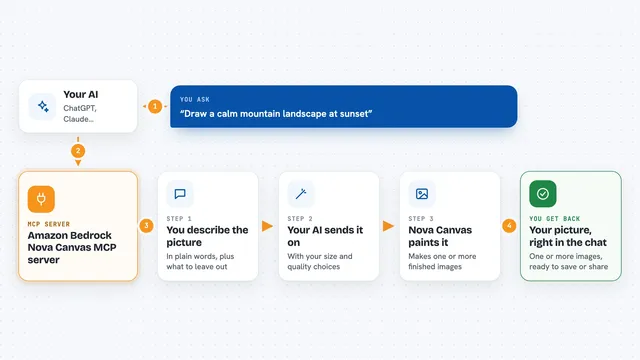
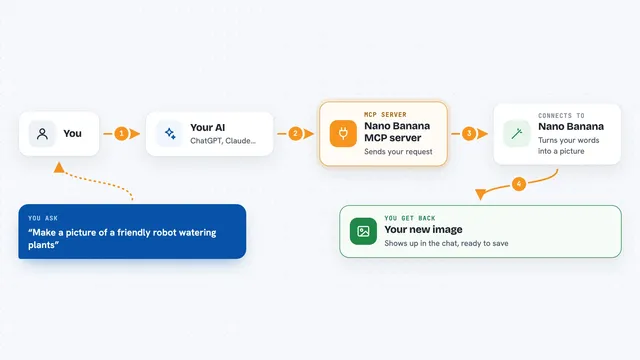
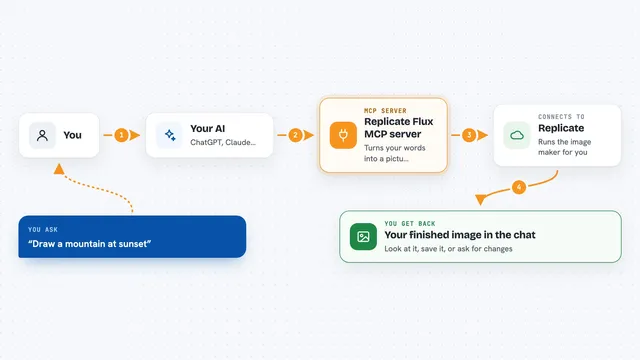
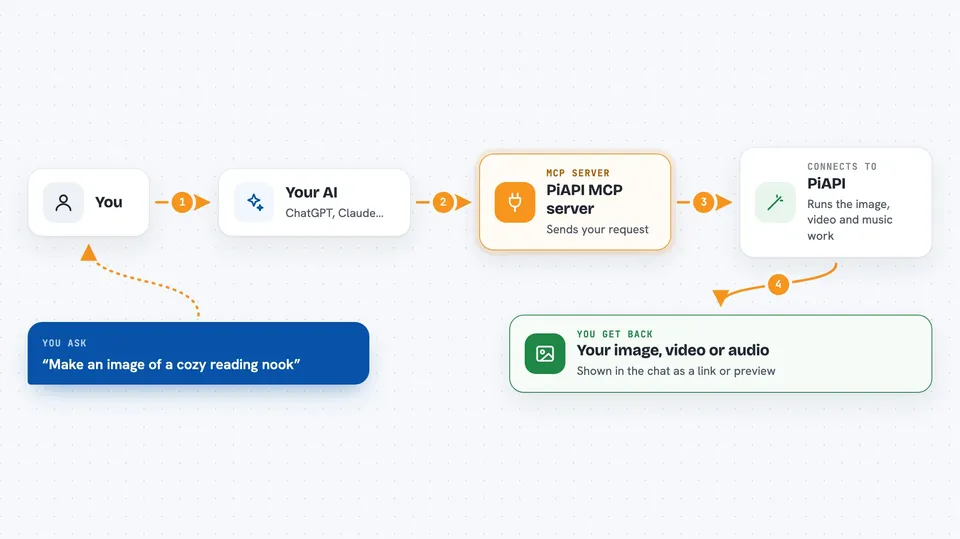
You ask your AI for something like an image or a short video. The AI passes your request to this helper program. The helper sends it to PiAPI, which runs the actual generation work. When it is done, the helper brings the result back into your chat so you can see it or download it. Some jobs, like video, can take a while and may time out before they finish.
 Click to zoom
What you can do with it
- Generate an image from a text description
- Create a short video from a text or image prompt
- Make music from a video clip
- Turn a picture into a simple 3D model
- Create a voice-over with text to speech
- Generate images with models like Flux and Midjourney
- Make videos with models like Kling, Luma and Hunyuan
Try asking your AI
- “Make an image of a cozy reading nook with warm light”
- “Create a short video of ocean waves at sunset”
- “Turn this photo into a 3D model”
- “Generate a calm piano track for a product video”
What it gives back to you
You get back whatever you asked for: an image, a video file, an audio clip or a 3D model file. The chat usually shows a link or a preview you can open. Sometimes you also get a short note about the job, like its status or an error if something went wrong.
Before you start
What you need
- A PiAPI account and API key (a kind of password for apps; you get one free at piapi.ai)
- Node.js 16 or newer installed on your computer
- The Claude desktop app or another app that supports MCP servers
Good to know
Generating media usually costs money on your PiAPI account, and long jobs like video may time out before they finish.
Install it with your AI
Add PiAPI MCP server to your AI, no technical skills needed
You don't install anything by hand. You copy one prompt, paste it into an AI that can work on your computer, and it checks, installs and connects the server for you, asking you when it needs something.
Sign in to get the install prompt
Members get a ready-made prompt that lets the Claude desktop app check PiAPI MCP server, install it and connect it for them, step by step. You don't need any technical skills: you copy, paste and answer a few questions. Your connected AI can also find and install any of the 4,361 MCP servers here for you.
Who it's for
People who need quick images, videos, music or 3D models for work or side projects but are not designers or video editors.