MCP server · Generative art
Hugging Face Spaces MCP server
by evalstate
Lets your AI generate images, chat, read images, and make audio using free Hugging Face Spaces.
This is a small helper that connects your AI assistant to Hugging Face Spaces. Spaces are free online demos where people share open-source AI models, like image makers or voice tools. If you have ever wanted your AI to actually create a picture or listen to a sound file for you, this is a way to do it.
What is an MCP server? The 30-second version
On its own, your AI can only chat with you. An MCP server is a small helper program that gives your AI a new skill or a connection to another service. This one connects your AI to Hugging Face Spaces, so when you ask for a picture or a transcript, your AI can reach out to those online tools and bring the result back to you. You do not need to understand how it works inside. You just ask, and it does the errand.
What this MCP server does
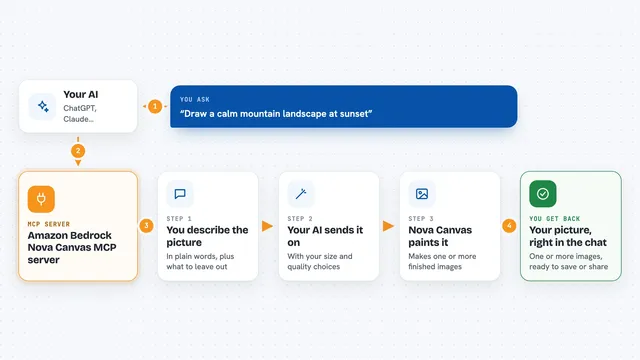
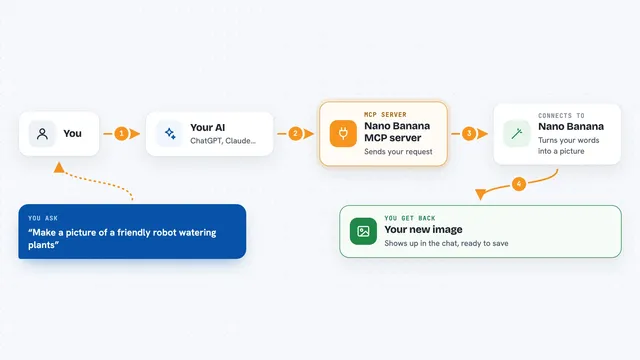
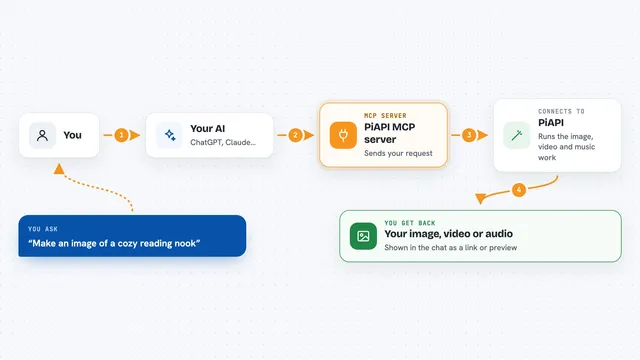
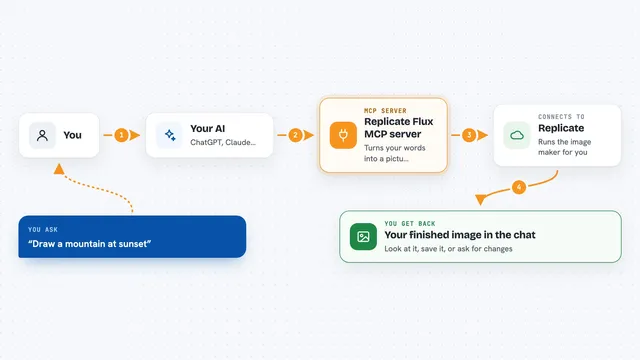
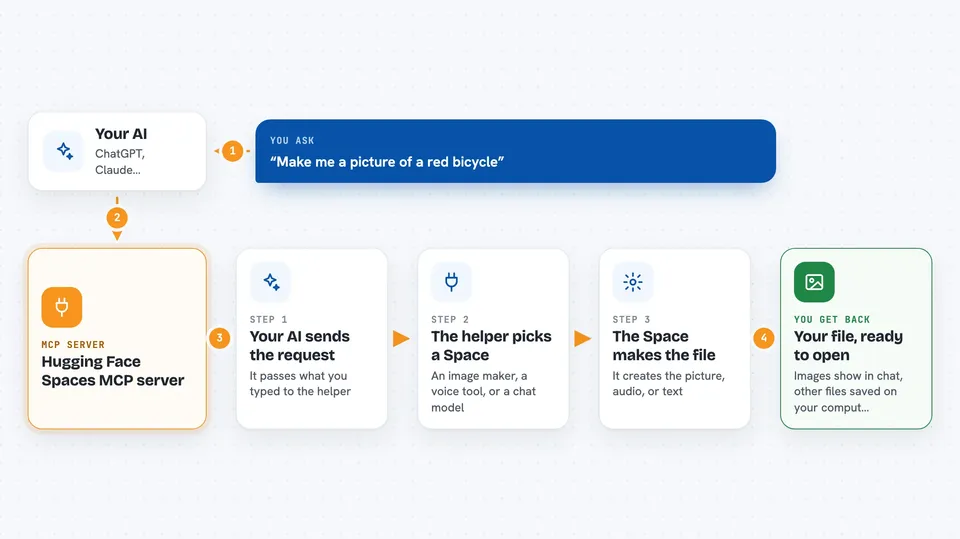
You type a request in your AI chat, like asking for an image or a voice clip. Your AI passes that request to this helper program. The helper then talks to the Hugging Face Space you picked, such as an image generator or a speech tool. The Space does the work and sends the result back. The helper saves the file to a folder on your computer and tells your AI where it is, so you can open it or ask follow-up questions about it.
 Click to zoom
What you can do with it
- Generate images from a text description
- Describe what is in a photo or screenshot
- Turn written text into spoken audio
- Transcribe an audio file into text
- Edit or restyle an image you already have
- Chat with an open-source language model
- Create music or sound effects from a description
Try asking your AI
- “Make me a picture of a red bicycle leaning against a brick wall”
- “Use paligemma to tell me what is in test_photo.jpg”
- “Turn this paragraph into a spoken audio file with styletts2”
- “Transcribe the file meeting_notes.mp3 and give me the text”
What it gives back to you
You get answers and files back in your chat. Images usually appear right in the conversation, so your AI can look at them too. Other files, like audio or text, are saved into a folder on your computer, and your AI tells you the file name and where it went. Sometimes you also get short text results, like a description of a picture or a transcript.
Before you start
What you need
- The Claude desktop app, version 0.78 or newer
- Node.js installed on your computer (a free download from nodejs.org)
- A folder on your computer to save generated files, like images and audio
- Optional: a Hugging Face token if you want to use private Spaces (a kind of password you can get free from your Hugging Face account)
Good to know
Heavy jobs on free Spaces can time out or hit daily usage limits, and files are saved to a folder on your computer, so pick a folder you are happy to have written to.
Install it with your AI
Add Hugging Face Spaces MCP server to your AI, no technical skills needed
You don't install anything by hand. You copy one prompt, paste it into an AI that can work on your computer, and it checks, installs and connects the server for you, asking you when it needs something.
Sign in to get the install prompt
Members get a ready-made prompt that lets the Claude desktop app check Hugging Face Spaces MCP server, install it and connect it for them, step by step. You don't need any technical skills: you copy, paste and answer a few questions. Your connected AI can also find and install any of the 4,361 MCP servers here for you.
Who it's for
Anyone who uses Claude or another AI assistant and wants it to make images, read pictures, or handle audio without learning any technical tools.