MCP server · Notes
Compound Memory MCP server
by chinwe
Give your AI a shared memory on your own computer, so it remembers facts and preferences between chats.
Compound Memory is a memory store that lives on your own computer as ordinary text files. It lets several AI assistants share the same notes, so things you told one of them are not forgotten by the next. It is handy if you use AI every day and are tired of repeating yourself.
What is an MCP server? The 30-second version
On its own, your AI can only chat. It forgets everything once the conversation ends. An MCP server is a small helper program that gives your AI a new skill or a connection to something. This one connects your AI to a shared memory folder on your computer, so it can save a note when you tell it something useful and look that note up again later.
What this MCP server does
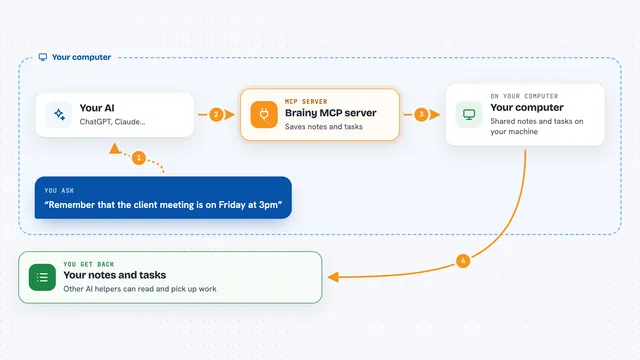
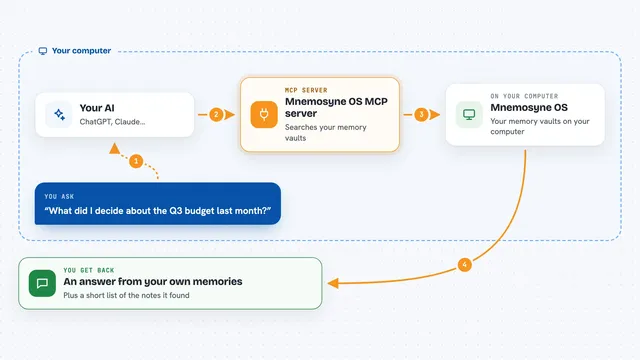
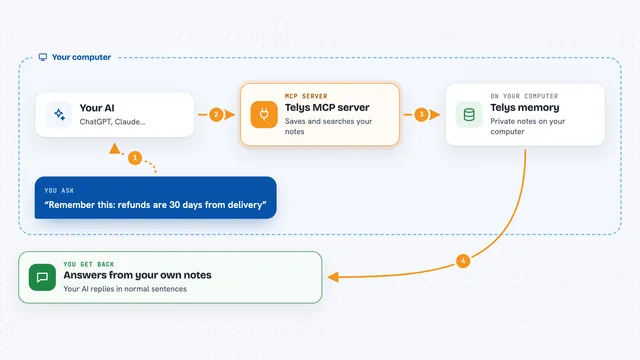
You tell your AI something worth keeping, like a preference or a rule for a project. The AI uses this helper to write it into a plain text file in a folder on your computer. Later, when you ask a question, the AI searches that folder and pulls back the notes that match. Each time a note proves useful, the AI marks it as more reliable, and notes that go unused slowly fade into an archive. If you use more than one AI assistant, they can all read and add to the same folder.
What you can do with it
- Save facts and preferences so your AI remembers them next time
- Search your saved notes by keyword when you ask a question
- Mark a note as helpful or wrong so the store gets more accurate
- Link related notes so they show up together
- Keep separate private notes for each AI assistant alongside shared ones
- Merge many small notes into fewer, clearer ones
- Keep an automatic version history of every change
Try asking your AI
- “Remember that I prefer short answers with tables.”
- “What do you already know about how we deploy this project?”
- “That note about the timeout was helpful, mark it as confirmed.”
- “Search your memory for anything about our weekly report format.”
What it gives back to you
You get back a short list of matching notes, each with its text and a confidence score, shown right in the chat. When the AI saves something, it confirms the note was written. When you give feedback, it shows the updated confidence and how many times the note has been used.
Before you start
What you need
- Python 3.11 or newer
- The uv tool installed (it runs the helper program for you)
- An MCP-capable AI app such as Claude Code or Cursor
- A name for your AI assistant, set as COMPOUND_MEMORY_AGENT_ID
Good to know
It writes files and keeps a version history on your computer, so treat the memory folder like any other work folder and back it up if the notes matter.
Install it with your AI
Add Compound Memory MCP server to your AI, no technical skills needed
You don't install anything by hand. You copy one prompt, paste it into an AI that can work on your computer, and it checks, installs and connects the server for you, asking you when it needs something.
Sign in to get the install prompt
Members get a ready-made prompt that lets the Claude desktop app check Compound Memory MCP server, install it and connect it for them, step by step. You don't need any technical skills: you copy, paste and answer a few questions. Your connected AI can also find and install any of the 4,611 MCP servers here for you.
Who it's for
People who use AI assistants every day for work and want them to stop forgetting preferences, project rules and past lessons.