MCP server · Developer tools
Buildable MCP server
by chunkydotdev
Let your AI see your Buildable project, pick the next task, and report progress as it works.

This is a small helper that connects your AI assistant to Buildable, a website where software projects are planned and tracked. Once it is set up, your AI can read your project plan, find the next task, and log what it has done. It is handy if you use Buildable to organise your work and want your AI to help you move through the task list.
What is an MCP server? The 30-second version
On its own, your AI can only chat. An MCP server is a small helper program that gives your AI a new skill or a connection to another service. This one connects your AI to Buildable, so it can look up your project and update tasks there when you ask. You do not need to understand how it works inside. You just tell your AI what you want, and it uses this helper behind the scenes.
What this MCP server does
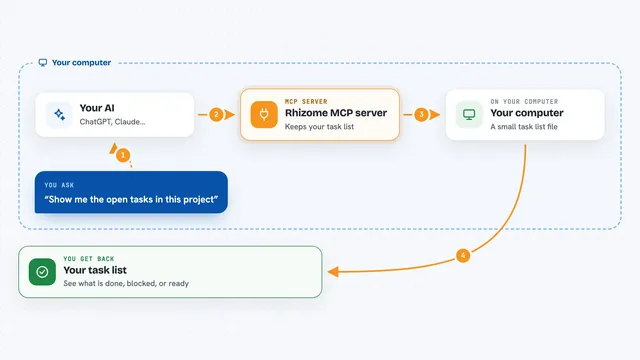
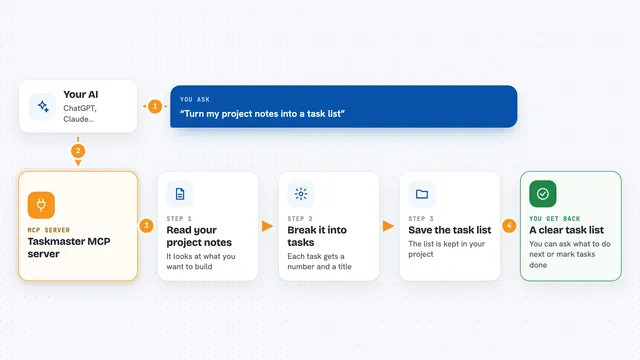
You ask your AI something like what should I work on next. Your AI uses this helper to talk to Buildable and pull back your project plan, your tasks, and recent activity. Then it can start a task, send progress updates as it goes, and mark the task complete with notes. If it gets stuck or needs a decision from you, it can open a discussion in Buildable so a person can reply. Everything shows up in your chat as normal answers, and in Buildable as updated task status.
 Click to zoom
What you can do with it
- See your whole project plan and current task list
- Find the next task to work on based on priority
- Start a task and note the approach it will take
- Send progress updates while working
- Mark a task complete with a summary of what was done
- Open a discussion in Buildable when it needs a human answer
- Check that the connection to Buildable is working
Try asking your AI
- “What should I work on next in my Buildable project?”
- “Start the authentication task and tell me your plan.”
- “Give me a progress update on the task you are working on.”
- “Mark this task complete and write up what you changed.”
- “I am not sure about the database choice. Open a discussion for me.”
What it gives back to you
You get plain answers in the chat: a summary of your project, the name of the next task, or a short progress note. When your AI starts or finishes a task, it tells you what it did and what is left. In Buildable itself, the task status and notes are updated so you can see the same picture on the website.
Before you start
What you need
- A Buildable account at bldbl.dev
- A Buildable API key from your project settings (a kind of password for apps; the site gives you one)
- Your Buildable project ID
- Node.js installed on your computer if you run it yourself
Good to know
It can change your Buildable tasks and post discussions, so check what your AI is about to do before you say yes.
Install it with your AI
Add Buildable MCP server to your AI, no technical skills needed
You don't install anything by hand. You copy one prompt, paste it into an AI that can work on your computer, and it checks, installs and connects the server for you, asking you when it needs something.
Sign in to get the install prompt
Members get a ready-made prompt that lets the Claude desktop app check Buildable MCP server, install it and connect it for them, step by step. You don't need any technical skills: you copy, paste and answer a few questions. Your connected AI can also find and install any of the 4,361 MCP servers here for you.
Who it's for
People who plan and track software work in Buildable and want their AI assistant to help pick up tasks and report progress.