MCP server · Research
VineVerse MCP server
Lets your AI search the Bible, look up people, places, Hebrew words, and family trees.

VineVerse is a Bible study helper that your AI can talk to. It holds the whole Bible plus thousands of people, places, topics, and Hebrew words, all connected together. It is handy if you study the Bible, prepare a sermon or lesson, or just like looking things up while you read.
What is an MCP server? The 30-second version
On its own, your AI can only chat with you from what it already knows. An MCP server is a small helper program that gives your AI a new skill or a connection to an app or service. This one connects your AI to VineVerse, a Bible knowledge base. Once it is connected, you can ask your AI about Bible verses, people, or places, and it will go look them up for you.
What this MCP server does
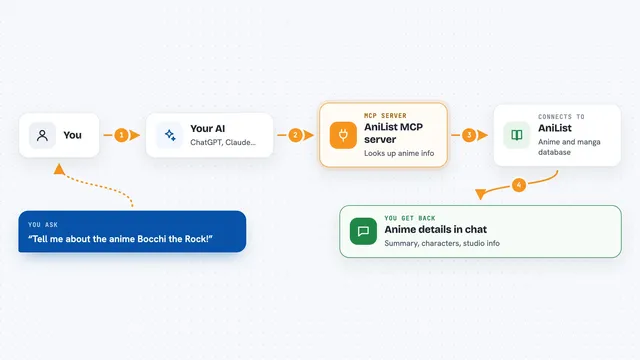
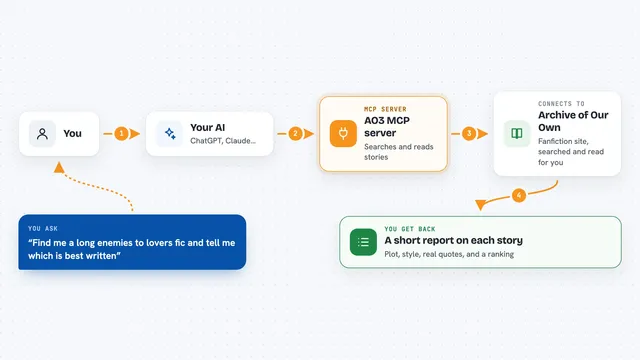
You ask your AI a question about the Bible, like what a verse says or who someone's parents were. Your AI passes that question to this helper. The helper talks to the VineVerse service, which holds the Bible text and all the connected information. VineVerse sends back the answer, and your AI shows it to you in the chat, in plain words.
 Click to zoom
What you can do with it
- Search all 31,102 Bible verses for a word or phrase
- Look up a verse, a range of verses, or a whole chapter
- See the Hebrew, Aramaic, or Greek behind an English verse, word by word
- Find cross references for a verse or chapter
- Look up a person, place, or topic and see what is connected to it
- See someone's parents, children, siblings, and spouses
- Find biblical places near another place, with distances in kilometers
Try asking your AI
- “What does John 3:16 say?”
- “Show me the Hebrew word behind 'beginning' in Genesis 1:1.”
- “Who were Moses' parents and siblings?”
- “Find Bible verses about forgiveness.”
What it gives back to you
You get back answers in the chat: verse text, lists of people or places, family relationships, cross references, or word-by-word Hebrew and Greek. If you ask for a chapter, you get the whole chapter. If you ask about connections, you get a list of related items with a short note on how each one is linked.
Before you start
What you need
- The Claude desktop app or another AI app that can add MCP servers
- Node.js 20 or newer if you use the npx install method
Install it with your AI
Add VineVerse MCP server to your AI, no technical skills needed
You don't install anything by hand. You copy one prompt, paste it into an AI that can work on your computer, and it checks, installs and connects the server for you, asking you when it needs something.
Sign in to get the install prompt
Members get a ready-made prompt that lets the Claude desktop app check VineVerse MCP server, install it and connect it for them, step by step. You don't need any technical skills: you copy, paste and answer a few questions. Your connected AI can also find and install any of the 4,361 MCP servers here for you.
Who it's for
Bible students, pastors, teachers, and anyone who studies Scripture and wants quick, connected answers.