MCP server · Productivity
AgentMD MCP server
by djrobson5
Turn PDFs, Word files, web pages and links into clean Markdown your AI can read.
AgentMD is a helper that takes messy documents and turns them into tidy Markdown text. Your AI reads Markdown much better than a PDF or a web page full of ads and menus. It is handy if you often ask your AI to summarise reports, contracts or articles.
What is an MCP server? The 30-second version
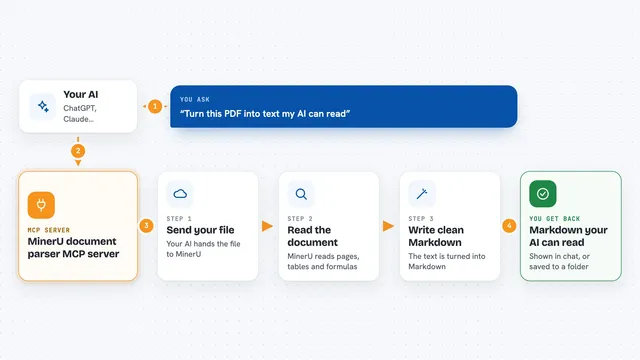
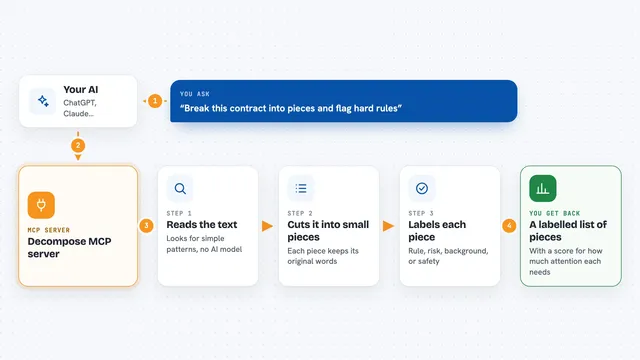
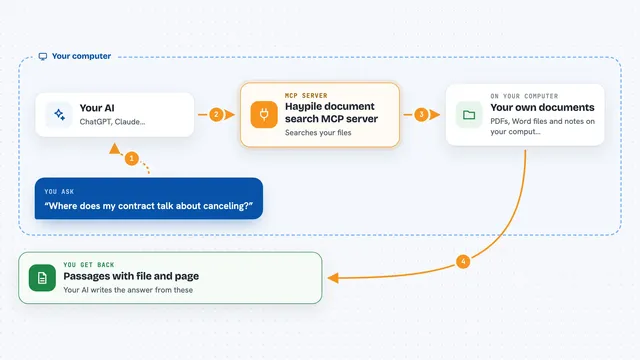
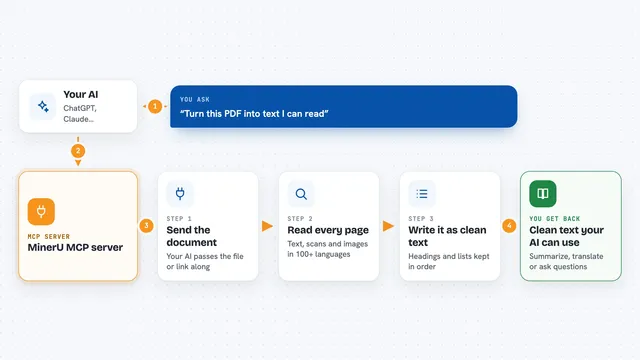
On its own, your AI can only chat with you. An MCP server is a small helper program that gives your AI a new skill or a connection to another service. This one connects your AI to AgentMD, a document conversion service. So when you ask your AI to read a PDF or a web page, it can send the file to AgentMD and get clean text back.
What this MCP server does
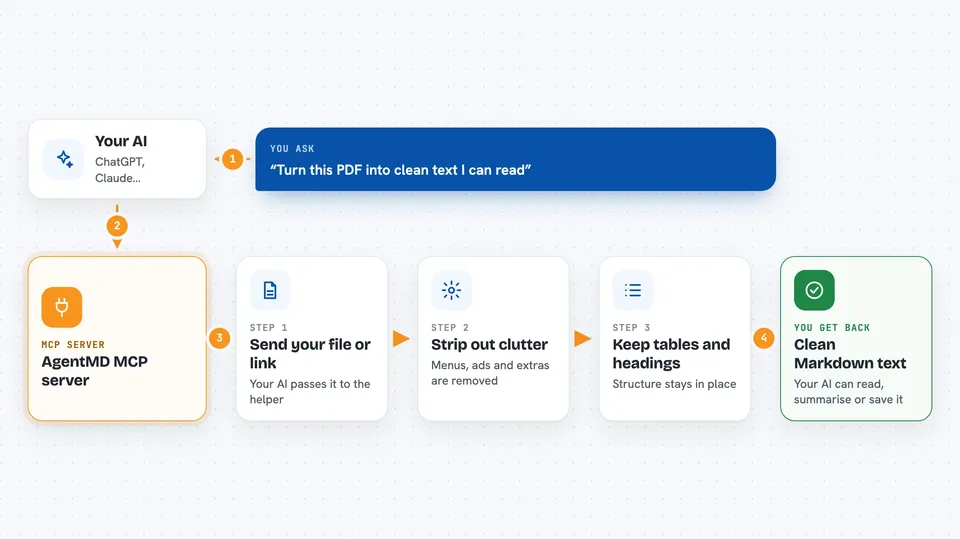
You ask your AI to read a document, a link or a file on your computer. Your AI passes that to this helper. The helper sends it to the AgentMD service, which strips out menus, ads and other clutter and keeps tables and headings in place. The service sends back clean Markdown text. Your AI then reads that text and answers your question or writes a summary for you.
 Click to zoom
What you can do with it
- Convert a web page into clean Markdown text
- Turn a PDF into readable text your AI can summarise
- Convert a Word document and keep its tables and headings
- Read a file saved on your own computer by giving its path
- Send a document you already have as raw data
- Get a short warning if a PDF is scanned and has no readable text
Try asking your AI
- “Read this PDF and give me a one-page summary: /Users/me/Documents/report.pdf”
- “Convert this page to Markdown and list the main points: https://example.com/article”
- “Open my Word file contract.docx and tell me the payment terms”
- “Turn this HTML page into Markdown and keep the tables”
What it gives back to you
You get Markdown text back in the chat, with the document title at the top and any warnings noted. If the document has tables, they come back as proper Markdown tables. Your AI can then summarise it, answer questions about it, or save it wherever you like. If a PDF is scanned and has no text layer, you get a warning instead of content.
Before you start
What you need
- A free AgentMD API key (50 conversions, no card needed)
- Node.js 18 or newer if you install it with npx
- Docker if you prefer to run it in a container
- An MCP client like Claude Desktop or Claude Code
Good to know
It sends your document or link to the AgentMD service, so do not use it with private or confidential files unless you are allowed to share them. After the first 50 free conversions it costs $0.002 per conversion.
Install it with your AI
Add AgentMD MCP server to your AI, no technical skills needed
You don't install anything by hand. You copy one prompt, paste it into an AI that can work on your computer, and it checks, installs and connects the server for you, asking you when it needs something.
Sign in to get the install prompt
Members get a ready-made prompt that lets the Claude desktop app check AgentMD MCP server, install it and connect it for them, step by step. You don't need any technical skills: you copy, paste and answer a few questions. Your connected AI can also find and install any of the 4,361 MCP servers here for you.
Who it's for
Anyone who regularly asks an AI to read PDFs, Word files or web pages, such as analysts, researchers, assistants and office workers.