MCP server · Analytics
Statistik Austria MCP server
by DV155
Let your AI search Austria's open statistics portal and read datasets with German labels.
This is a small helper program that connects your AI assistant to Statistik Austria's free open data portal. That portal holds around 540 official Austrian datasets, but they are published as raw files with coded values that are hard to read on their own. This server is handy if you need Austrian numbers for a report, a slide, or a quick answer, without downloading and cleaning files yourself.
What is an MCP server? The 30-second version
On its own, your AI can only chat with you. An MCP server is a small helper program that gives your AI a new skill or a connection to an outside service. This one connects your AI to Statistik Austria's open data portal, so the AI can search the catalog, look at a dataset's structure, and pull the actual numbers for you when you ask. You do not need to understand how it works inside; you just ask a question in plain words.
What this MCP server does
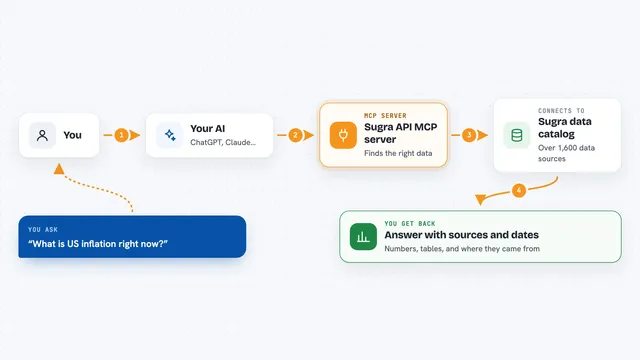
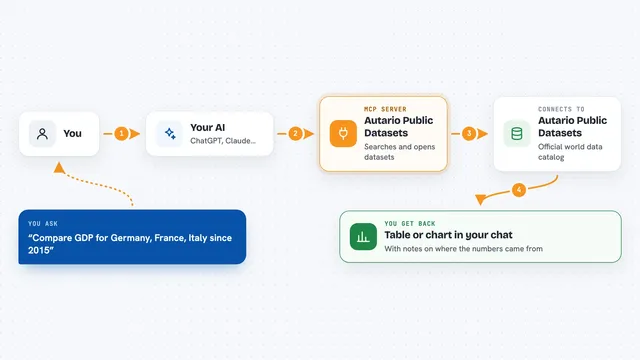
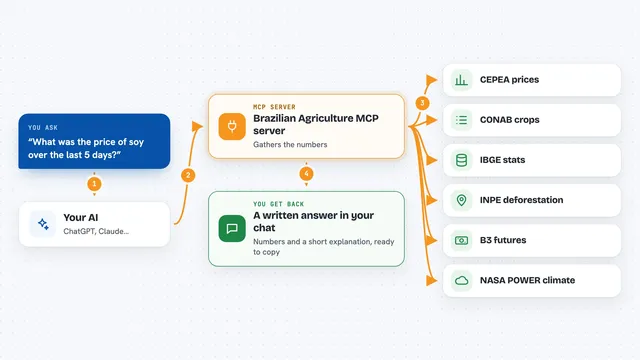
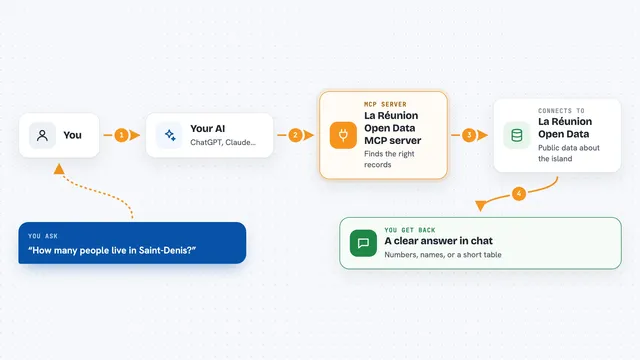
You ask your AI something about Austrian statistics, for example population or tourism numbers. The AI uses this helper to search the portal's catalog by keyword and find matching datasets. Then it reads the dataset's structure, and if you want the numbers, it fetches the data. The helper replaces the cryptic codes in the files with readable German labels and marks rows that are totals, so the AI does not count a total as if it were a normal row. You get the answer back in the chat, already in plain language.
What you can do with it
- Search Austria's open data catalog by keyword
- Look up what dimensions and measures a dataset contains
- Fetch the actual data rows with codes turned into German labels
- Filter a large dataset down to just the values you care about
- Page through big tables without losing rows along the way
- See which rows are totals, so sums stay correct
What it gives back to you
You get answers in the chat, not files to open. The AI can show you a list of matching datasets with their IDs and titles, a short description of a dataset's structure, or a table of actual values with German labels next to the original codes. Every data response also tells you how many rows exist in total and where to continue if there are more, so nothing is dropped quietly.
Before you start
What you need
- The uv tool installed on your computer (it fetches the right Python version for you)
- Git installed
- The Claude desktop app or Claude Code (or another MCP client)
Good to know
The catalog is read from the portal's web page, so search can stop working if Statistik Austria changes that page, and some datasets are published in formats this server cannot read.
Install it with your AI
Add Statistik Austria MCP server to your AI, no technical skills needed
You don't install anything by hand. You copy one prompt, paste it into an AI that can work on your computer, and it checks, installs and connects the server for you, asking you when it needs something.
Sign in to get the install prompt
Members get a ready-made prompt that lets the Claude desktop app check Statistik Austria MCP server, install it and connect it for them, step by step. You don't need any technical skills: you copy, paste and answer a few questions. Your connected AI can also find and install any of the 4,960 MCP servers here for you.
Who it's for
Anyone who needs official Austrian statistics for work, such as analysts, journalists, students, and office staff writing reports about Austria.