MCP server · Analytics
INDEC Argentina MCP server
by MagcDEV
Ask your AI for Argentina's official numbers: inflation, wages, poverty, trade and population.
This is a helper that connects your AI assistant to Argentina's official statistics from INDEC. You can ask about inflation, wages, poverty, jobs, exports or population, and get answers based on the real published data. It is handy if you work with Argentine economic figures and want quick answers without hunting through reports.
What is an MCP server? The 30-second version
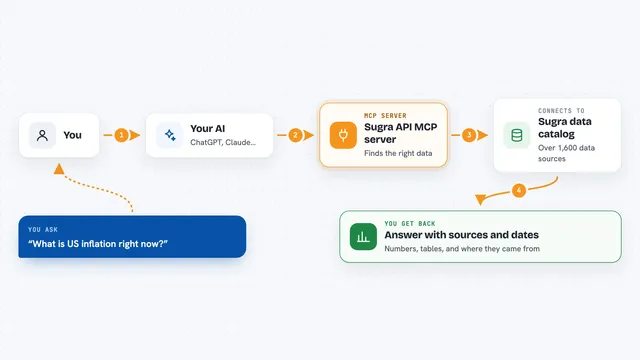
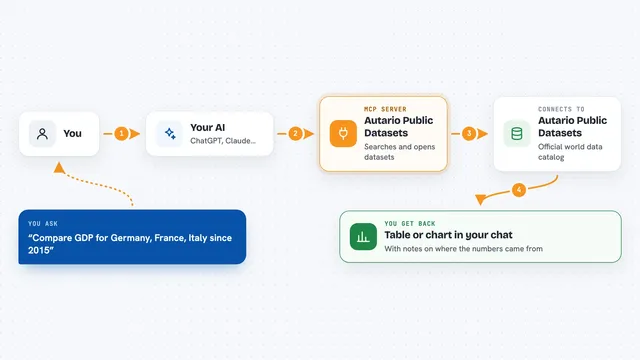
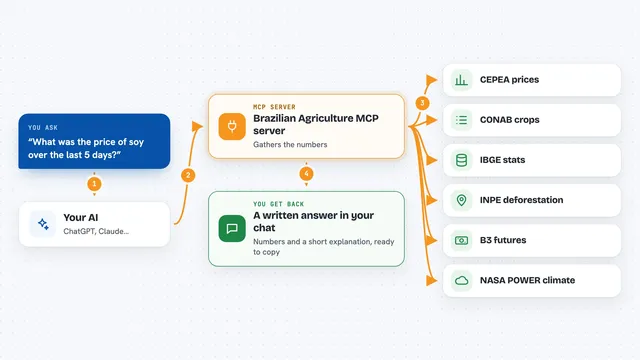
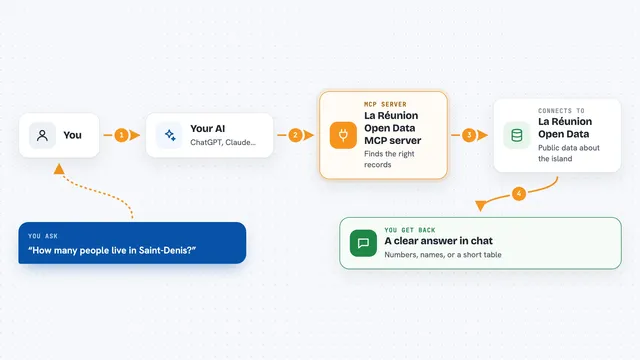
On its own, your AI can only chat with you using what it already learned. An MCP server is a small helper program that gives your AI a new skill or a connection to an outside source. This one connects your AI to INDEC, Argentina's official statistics office, so it can look up real numbers for you. You just ask in normal words, and the helper fetches the data behind the scenes.
What this MCP server does
You ask your AI something like how inflation went last month. The AI sends that request to this helper server. The server looks in its own daily copy of INDEC's data, finds the right table and rows, and sends the numbers back. Your AI then writes the answer in plain language, with the source and period noted. No signup or token needed, and it works from a hosted address or on your own computer.
What you can do with it
- Check monthly inflation, including the core index
- Compare wages against inflation over time
- Look up poverty and unemployment figures
- See how much a family needs for the basic food and total baskets
- Check exports and imports by country and product
- Find population numbers by province or department
- Run your own SQL queries across the 19 datasets
Try asking your AI
- “How much was inflation last month, and what about core inflation?”
- “Did wages beat inflation since January 2024?”
- “How much did we export to China in 2025 and what products?”
- “How many people live in Cordoba?”
What it gives back to you
You get a written answer in the chat, with the figures, the period they cover, and a note that the source is INDEC. It can also give you tables or lists, for example exports by country or population by department. If some data is confidential or provisional, it tells you so instead of hiding it. If the AI calculates something itself, like real wages, it should say that too.
Before you start
What you need
- An AI app that supports MCP connectors (Claude, ChatGPT with developer mode, Cursor or VS Code)
- Nothing else for the hosted version: no account, no token, no install
Good to know
The data comes from a daily copy, so it may lag the very latest INDEC release, and some trade rows are confidential and left out of totals.
Install it with your AI
Add INDEC Argentina MCP server to your AI, no technical skills needed
You don't install anything by hand. You copy one prompt, paste it into an AI that can work on your computer, and it checks, installs and connects the server for you, asking you when it needs something.
Sign in to get the install prompt
Members get a ready-made prompt that lets the Claude desktop app check INDEC Argentina MCP server, install it and connect it for them, step by step. You don't need any technical skills: you copy, paste and answer a few questions. Your connected AI can also find and install any of the 4,960 MCP servers here for you.
Who it's for
Anyone who needs quick, reliable answers about Argentina's economy, like journalists, analysts, students, researchers or public sector workers.